
Your next step
- Workflow
- Listing images
- Before generating
- Choose your output count and review the live credit quote in Studio.
Credits and generation time are not published for this editorial sample.
Open listing image workflowUpload one product image you have the right to use. Run the local checker, then use yito Studio to generate product-photo candidates and prepare a listing-image plan.
Gallery 01 · Generated on yito
Every clip in this room came out of yito’s own video routes with the same locked prompt: a matte black ceramic cup on a dark stone pedestal. Veo 3.1 Fast is live now. Kling 3.0 and Seedance 2.0 Mini are route examples while their public activation finishes.
Run provenance
Model outputs, not customer work. Availability and pixels can change between runs.
Listing images · Editorial samples
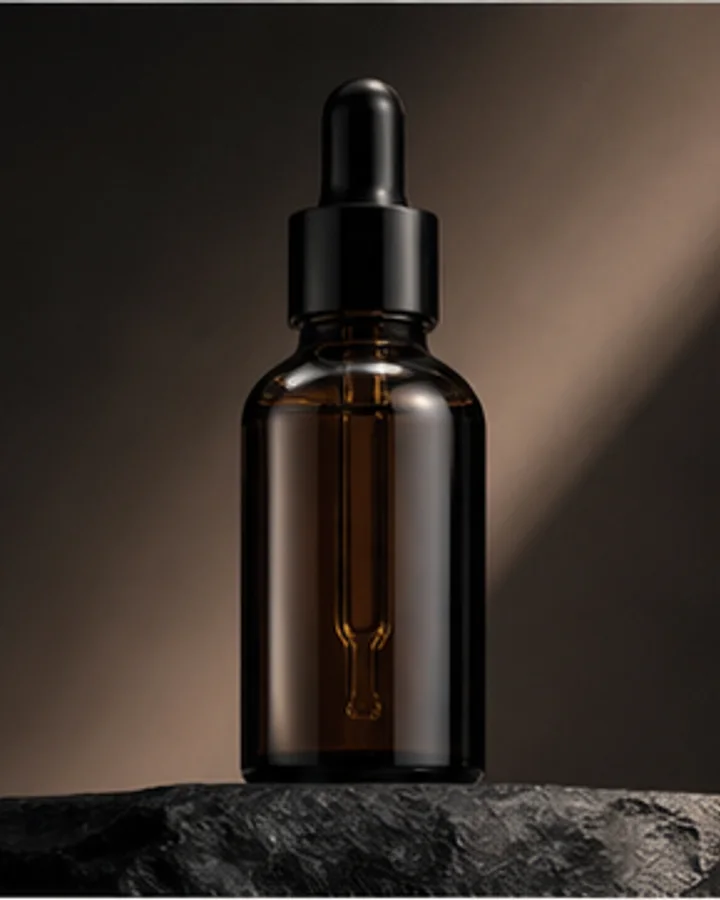
Compare the source with an editorial image set. Open the image workflow, upload your own authorized product photo and review each result before publishing.
Your next step
Credits and generation time are not published for this editorial sample.
Open listing image workflow
This editorial layout assembles existing images; it is not an automatic export or a production reliability benchmark. Check glass, reflections and in-hand details on your own product.
These samples are not customer work. Model availability and output quality can change. Review every result before publishing.
Inspect more editorial examples
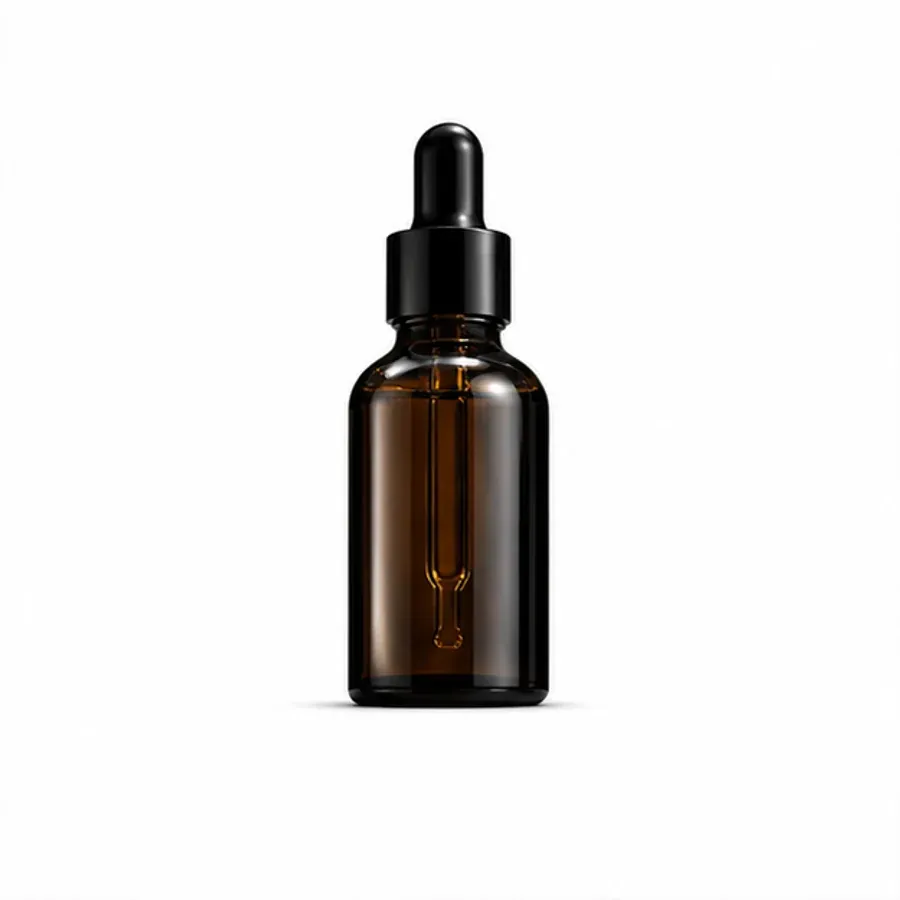
Beauty · dropper bottle
Controlled Yito editorial sample using an unbranded reference; not customer work.
View complete proof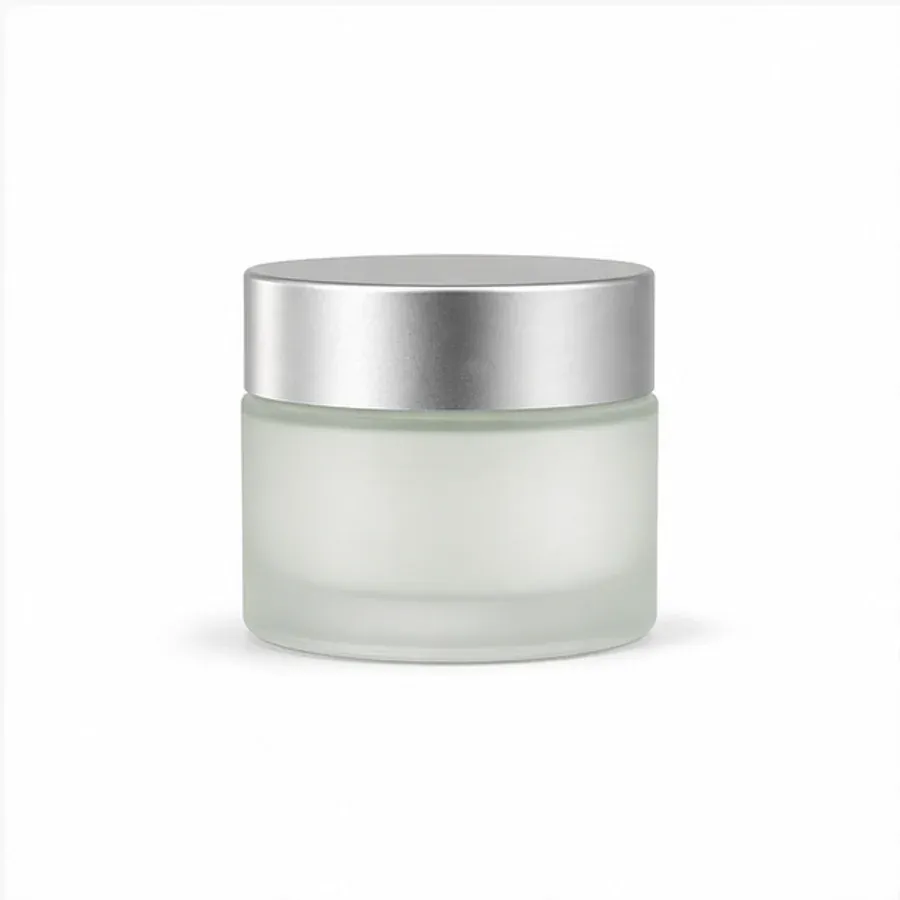
Beauty · cosmetic jar
Controlled Yito editorial sample using an unbranded reference; not customer work.
View complete proof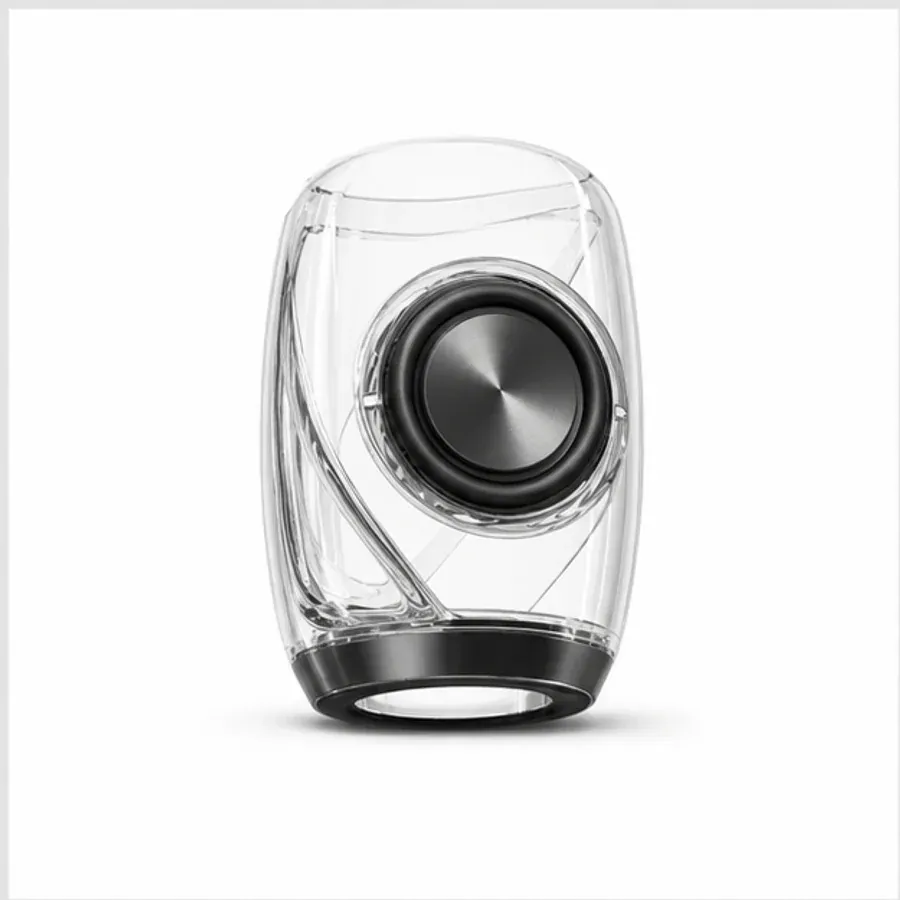
Electronics · desktop speaker
Controlled Yito editorial sample using an unbranded reference; not customer work.
View complete proofStart with one image you have the right to use. The local checker stays in the browser.
Every generation shows the live credit cost before you spend.
Create a catalog-ready product photo or a complete listing image set.
Share one artifact for approval without giving away prompts or billing data.
 Seedance 2.0 MiniNewFluid, cohesive multi-shot video outputs
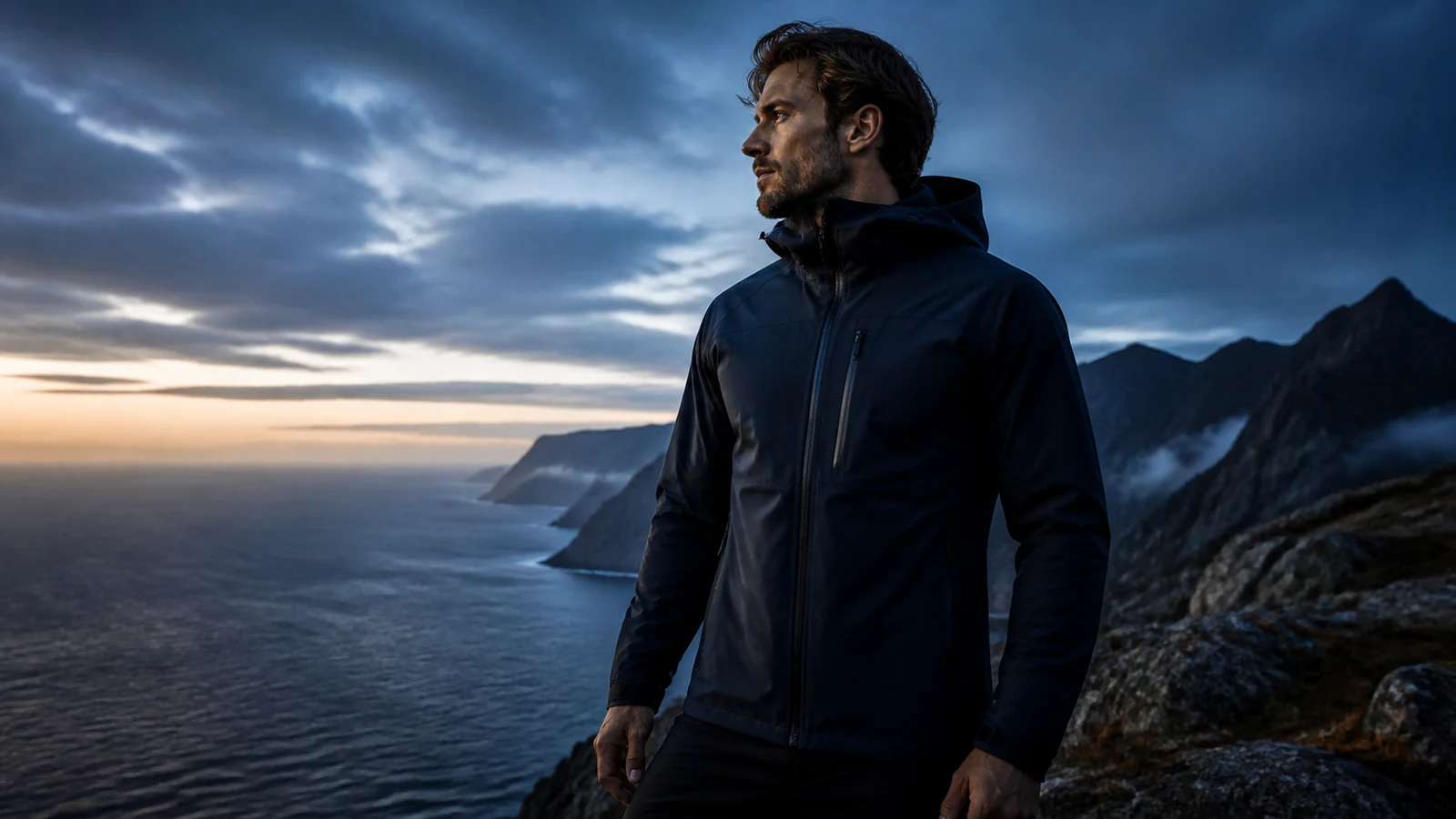 Kling 3.0CinematicMulti-shot cinematic storytelling
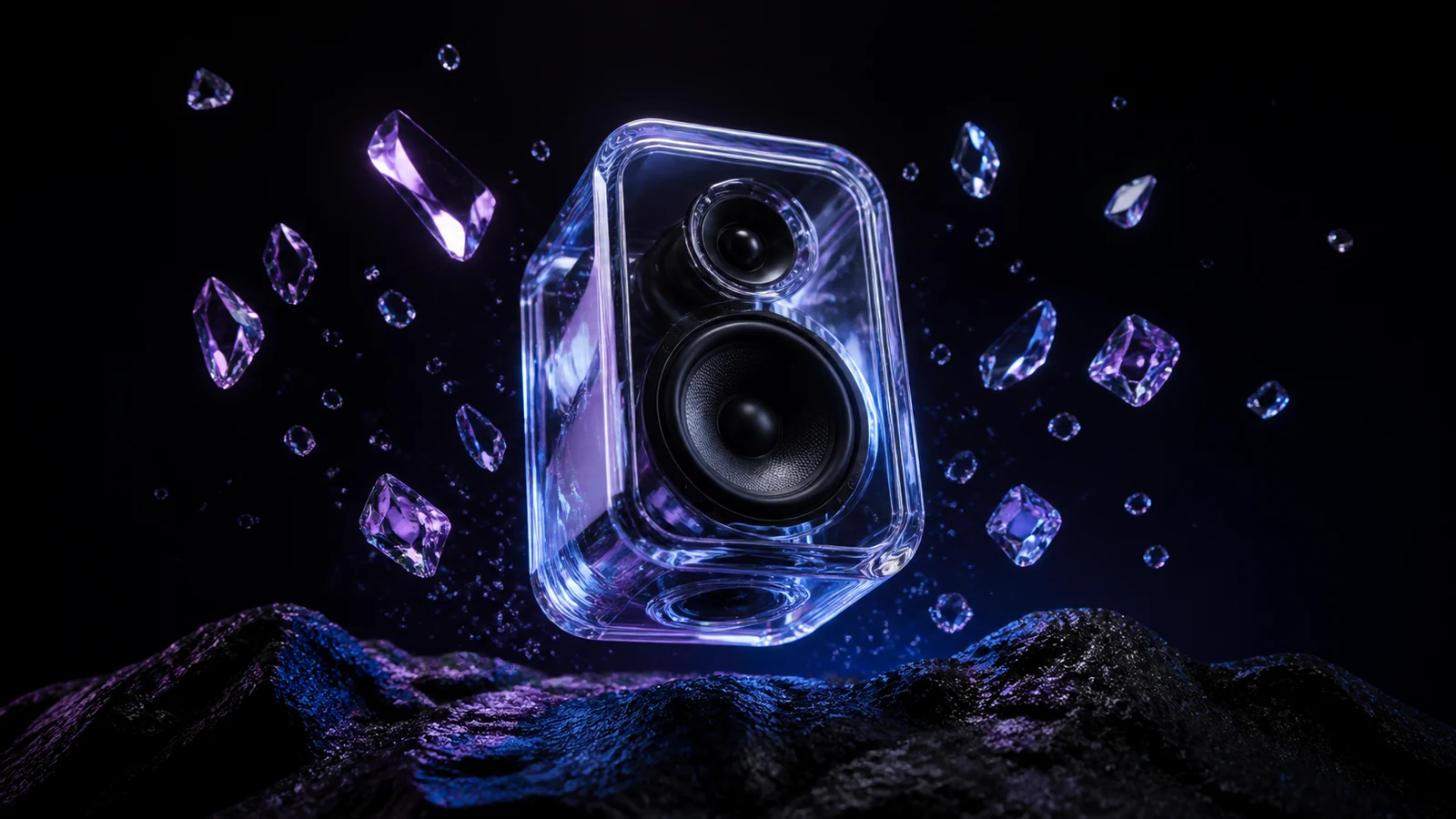 Veo 3.1With audioFrame control with native audio-ready generation
 Nano Banana 2NewFaster high-fidelity image generation
 Seedream 4.5 EditPrecise editsPrecise generation and instruction-led editing
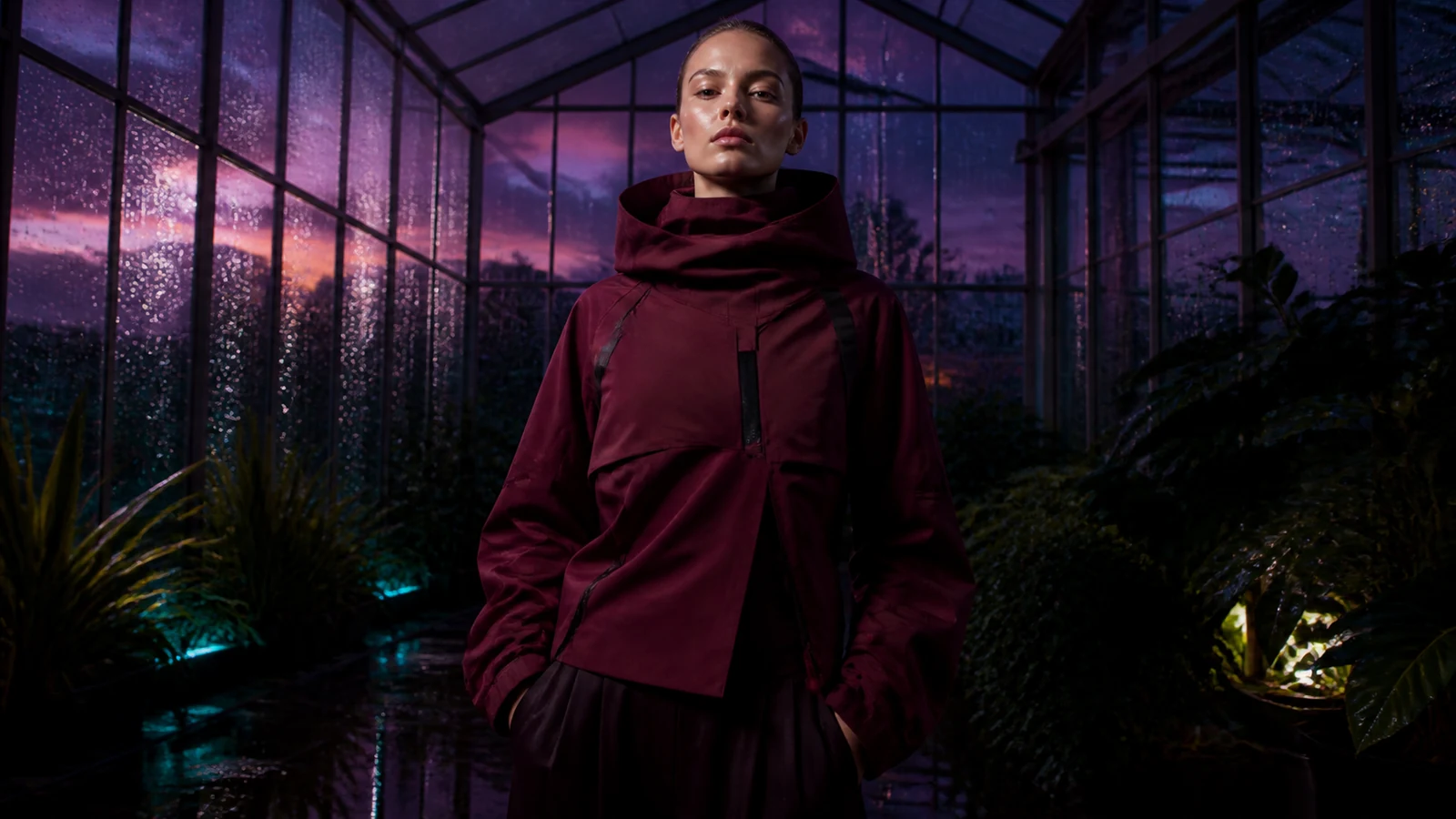 Vidu Q3 ProProPolished motion for image-led short clips
 Grok Imagine Video 1.5ExpressiveExpressive animation for social concepts
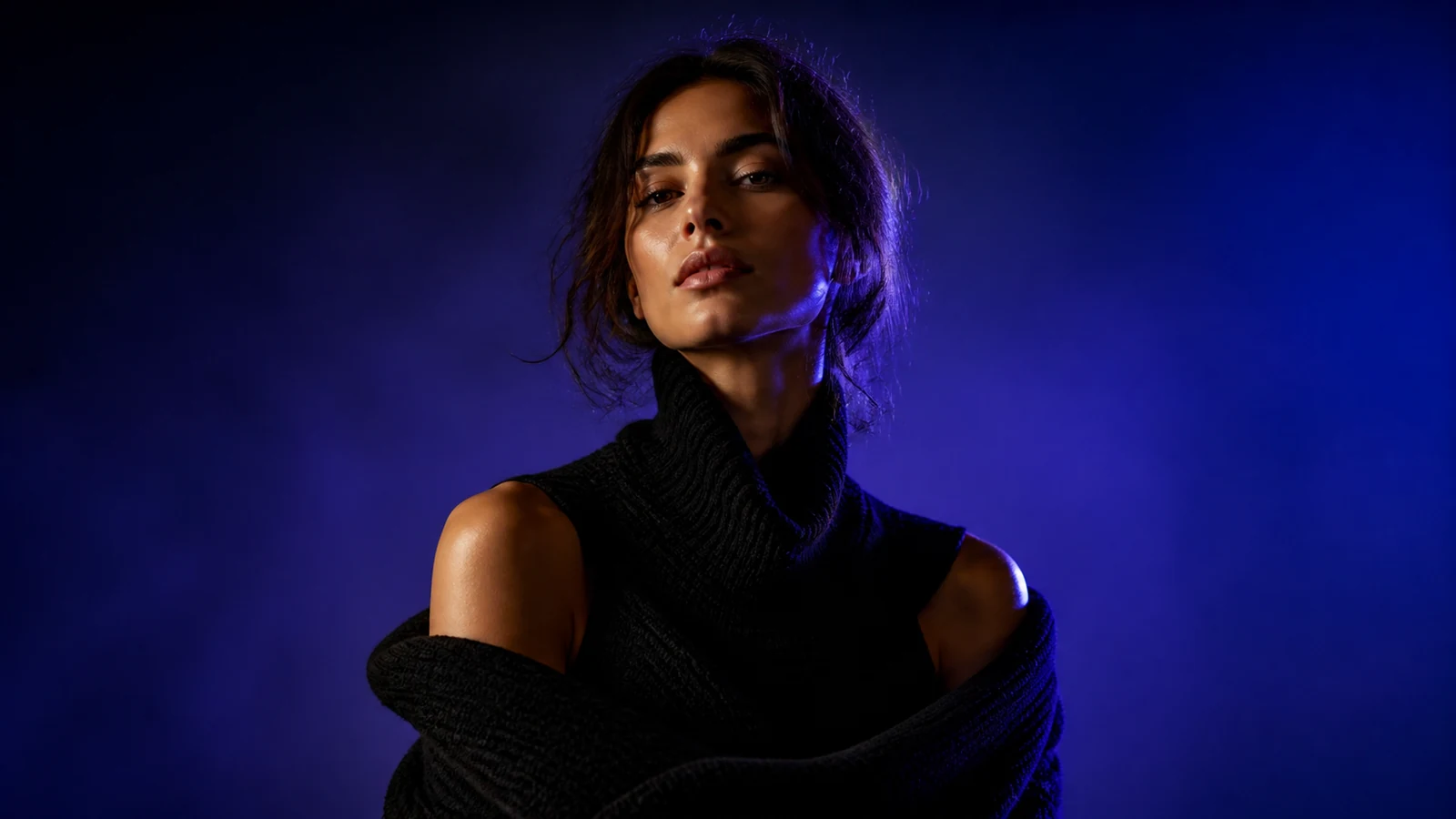 P-ImageFastFast, flexible image generationAI Video GeneratorText to Video AI
 Image to Video AIReference to VideoVideo to Video AI
 Photo to Video AvatarAI Video EditorMimic MotionFace Swap VideoAnimate a PictureVideo UpscalerMotion ControlRemove Object from VideoAI Video ExtenderAI Animation GeneratorAI Voice GeneratorLip Sync AIAI Pet Podcast GeneratorDenoise VideoVideo Background RemoverVideo to AnimeAI Hug GeneratorDrunk DanceEarth Zoom In