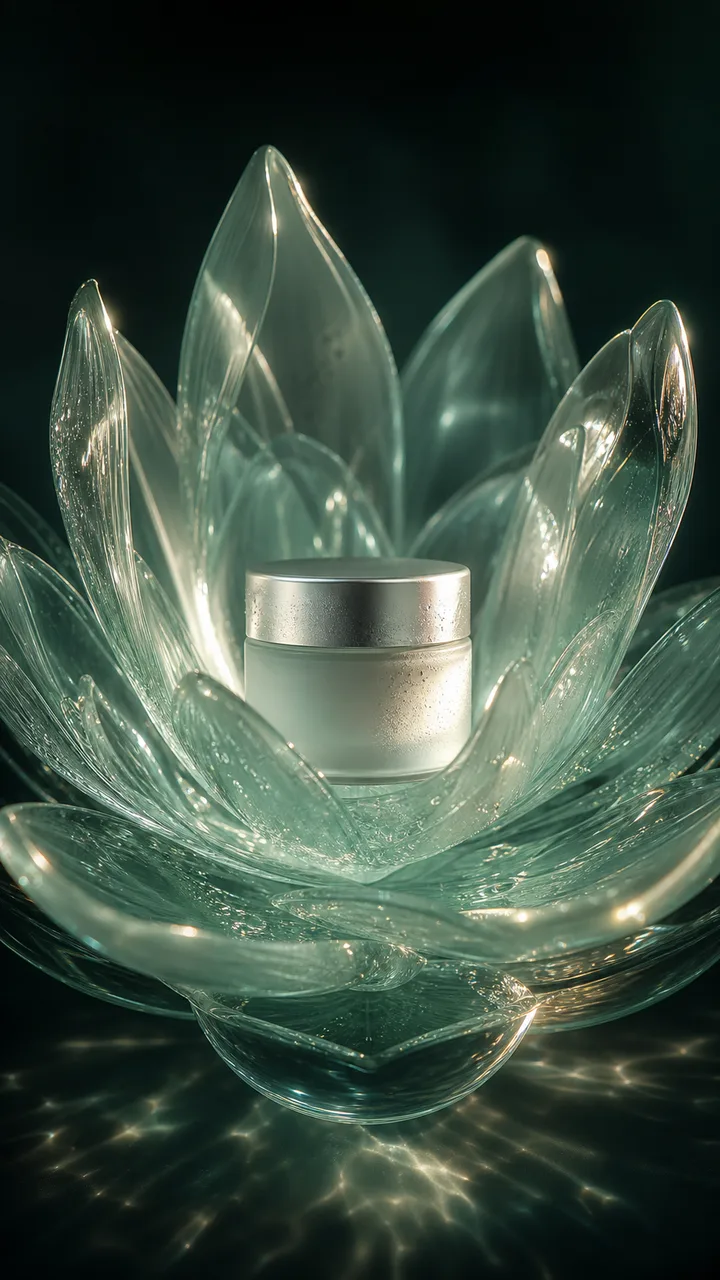
One sharp image with a single main subject, visible edges, and permission to use it. Use a clear source image when identity, product shape, or composition must stay recognizable. Text-only generation is available when the scene can be rebuilt freely.
Review before generating
Studio applies this motion direction to the prompt, then shows the selected model, source requirements, duration, aspect ratio, audio setting, and credit quote.
What to review
Check identity, object geometry, camera continuity, unwanted text, edge artifacts, and the opening and closing frames before publishing.
Motion direction
Grow a translucent product world from a single detail.
Duration
Start with 5s; confirm the selected model options in Studio.
Aspect ratio
9:16
Credit estimate
The binding quote appears before submit and varies by model, duration, and output.
After the first result
Export a review copy or continue from the result, make one focused correction, and generate again. Compare plans only after you know the route and quote fit your repeat workflow.