
How it works
Upload one photo. The model performs the requested edit and leaves everything else alone.
AI photo skill
A Christmas portrait works when the light does the storytelling: warm fireplace glow on one side, soft fairy-light bokeh behind and a little snow outside.
Upload a clear portrait with even lighting and a simple background.
The model places you in a warm Christmas scene with soft lights and snow.
Check the face and hands, then save the result for cards or social posts.
A Christmas portrait works when the light does the storytelling: warm fireplace glow on one side, soft fairy-light bokeh behind and a little snow outside. This skill rebuilds that scene around your own face instead of dropping you into a generic Santa set.
Your identity, expression, age and hairstyle are preserved, and the sweater colour stays neutral so the result works for cards, family posts and profile pictures. There are no logos, no costumes and no extra people.
Upload one photo. The model performs the requested edit and leaves everything else alone.
A sharp, front-facing photo with even light. One person or one pet, no collage.
Confirm the identity is unchanged, the edit matches the request and no extra people or text appear.
Use your own photo, or a photo of an adult who has agreed. For a child’s photo, a parent or guardian must consent.
Search demand builds through October and peaks in December. Generate and publish early so the page has time to index before the season.
No. The prompt uses a neutral knit sweater and keeps your own clothing colours. Costumes are a different look.
Yes, for personal cards and posts. For commercial printing, check the model terms and make sure you own the source photo.
This skill works from one portrait at a time. Generate each person separately, or use a group photo where everyone has agreed to appear.
Three more reviewed skills that work well next to this one.
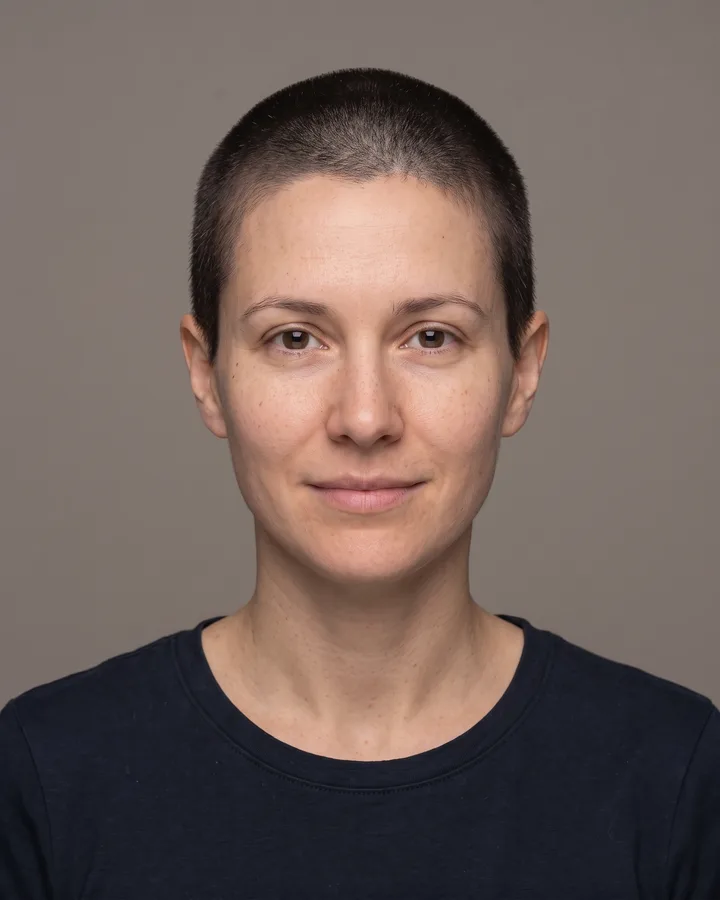
A buzz cut is the cheapest haircut to regret: one pass with the clippers and months of growing it back.
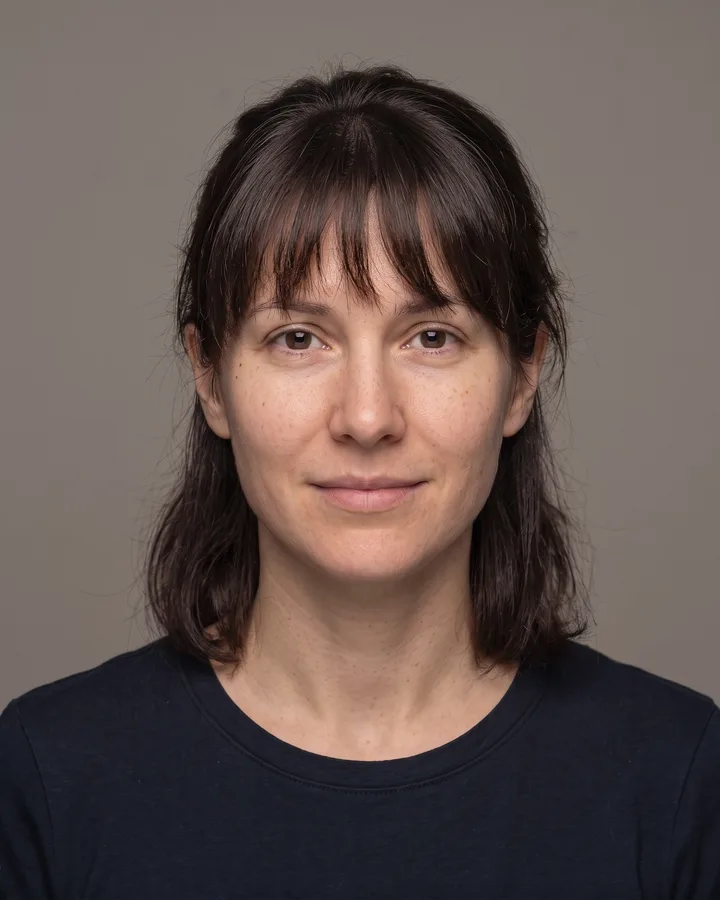
Bangs change the whole balance of a face: they shorten the forehead, frame the eyes and decide how much of your cheekbones stay visible.
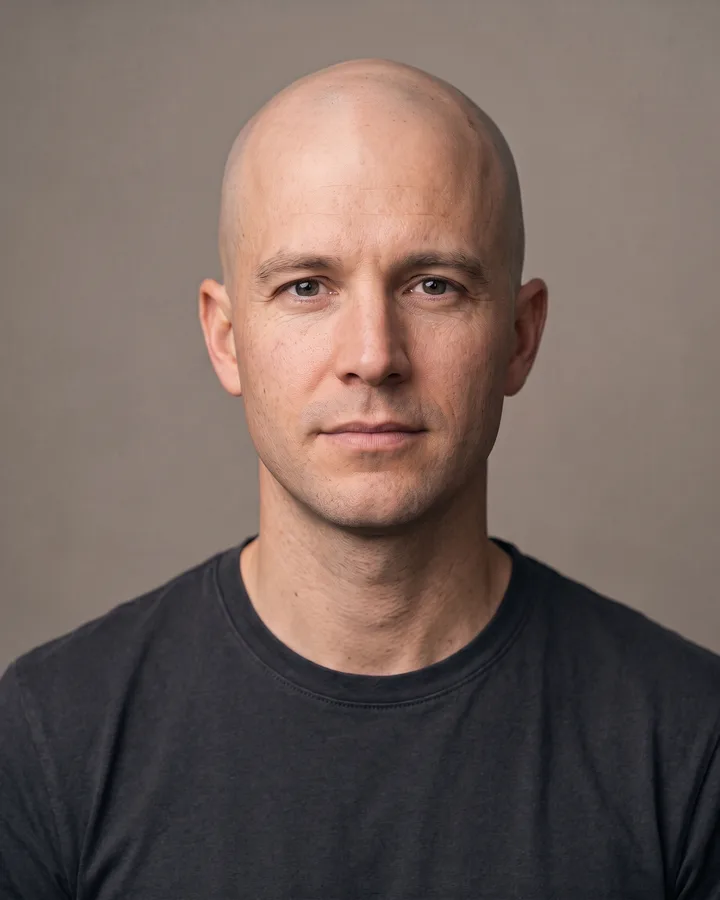
Hair loss is easier to face when you have already seen the result.
The credit quote is shown before you generate, and the edit keeps everything outside the request untouched.