
How it works
Upload one photo. The model performs the requested edit and leaves everything else alone.
AI photo skill
A dull sky is the most common reason a good landscape photo never gets posted.
Upload a landscape or street photo with a visible sky.
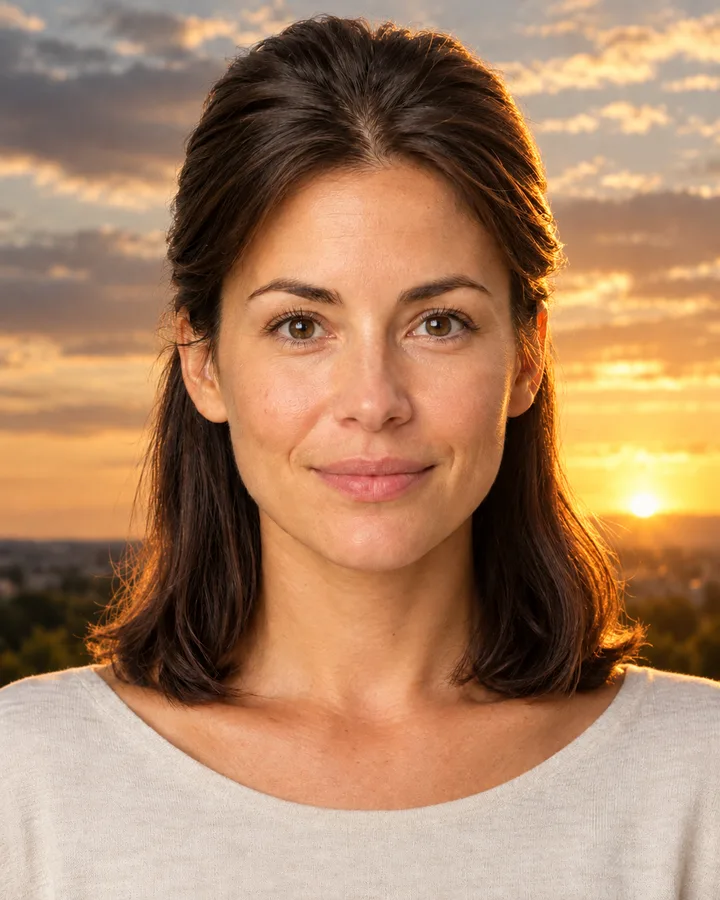
The model replaces the sky with a golden-hour version and matches the light direction.
Compare the result with the original and save the version you prefer.
A dull sky is the most common reason a good landscape photo never gets posted. This skill replaces only the sky, with a warm golden-hour version that keeps the horizon, buildings, trees and people exactly where they were.
The light direction is matched to the scene, so shadows and reflections still point the same way. Nothing is added to or removed from the ground, which is what separates a believable sky swap from a collage.
Upload one photo. The model performs the requested edit and leaves everything else alone.
A sharp, front-facing photo with even light. One person or one pet, no collage.
Confirm the identity is unchanged, the edit matches the request and no extra people or text appear.
Use a photo you own or have permission to edit, and do not present a sky-swapped image as documentary evidence of weather or an event.
Yes. Buildings, trees, people and the horizon line are preserved. The edit is limited to the sky and its light.
No. The ground and everything on it stay as they are. Only the sky is replaced.
A fixed golden-hour sky with warm low sun, layered clouds and a soft glow near the horizon. It suits most outdoor photos.
The new light direction and colour temperature are matched to the scene so shadows and reflections stay believable. Extreme backlit subjects may still need a second pass.
Three more reviewed skills that work well next to this one.
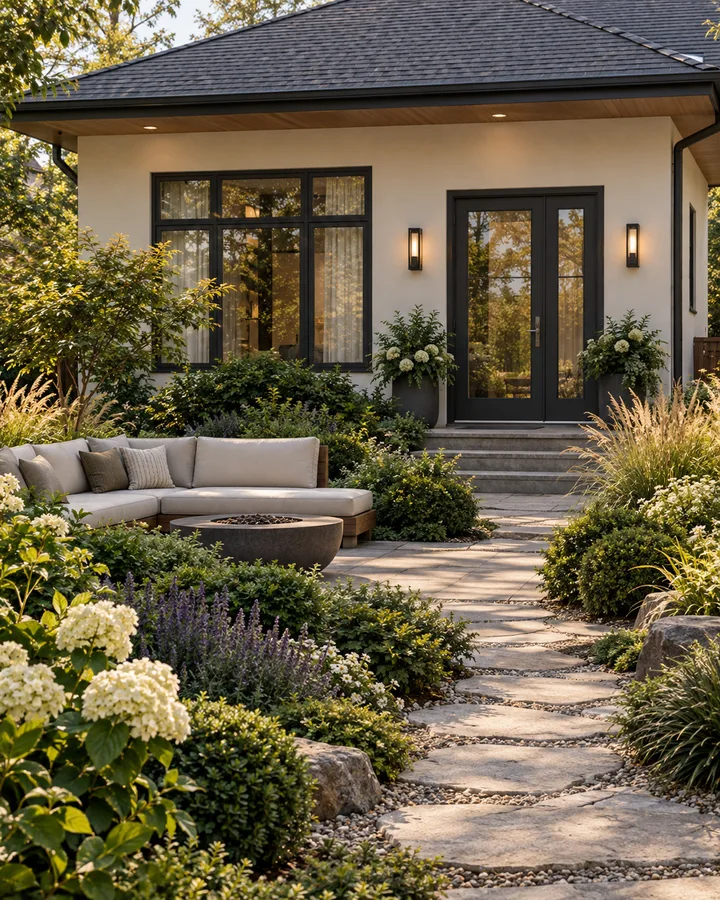
Landscaping quotes are hard to compare because every contractor imagines a different garden.
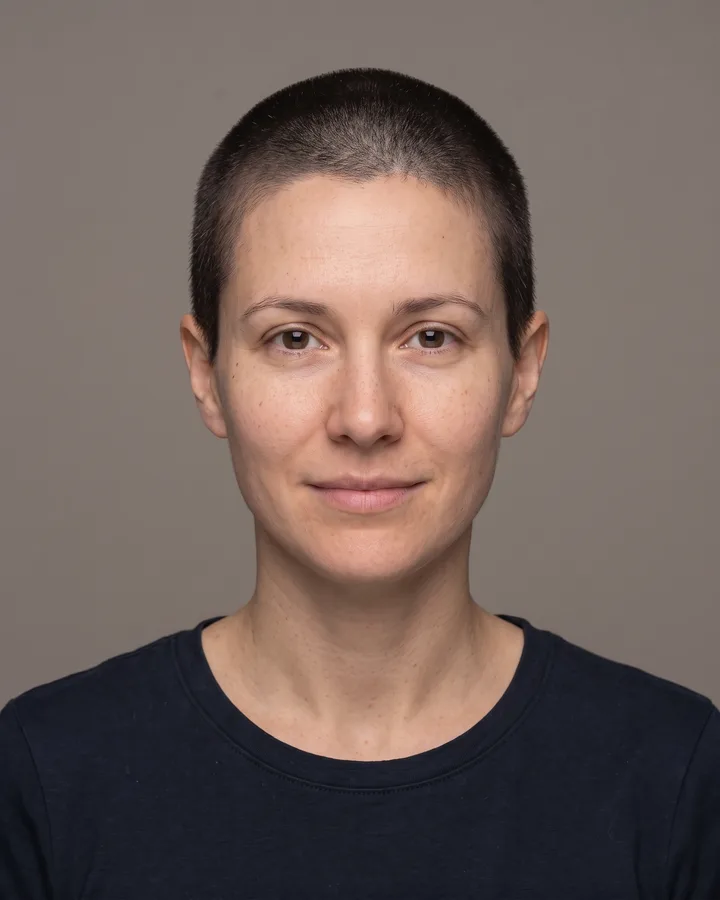
A buzz cut is the cheapest haircut to regret: one pass with the clippers and months of growing it back.
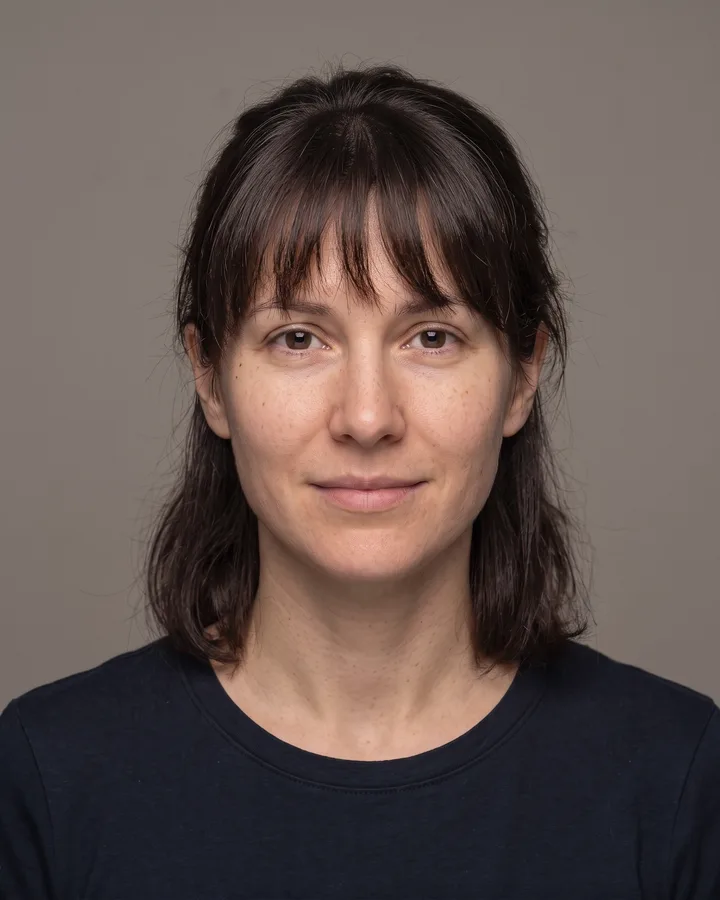
Bangs change the whole balance of a face: they shorten the forehead, frame the eyes and decide how much of your cheekbones stay visible.
The credit quote is shown before you generate, and the edit keeps everything outside the request untouched.