How it works
Upload one photo. The model performs the requested edit and leaves everything else alone.
AI photo skill
Age filters are usually a novelty that turns one face into a stranger.
Choose a look
Upload a front-facing selfie with even light and no filter.
Choose the stage you want to preview, then generate it.
Repeat for the other stages and compare the three results together.
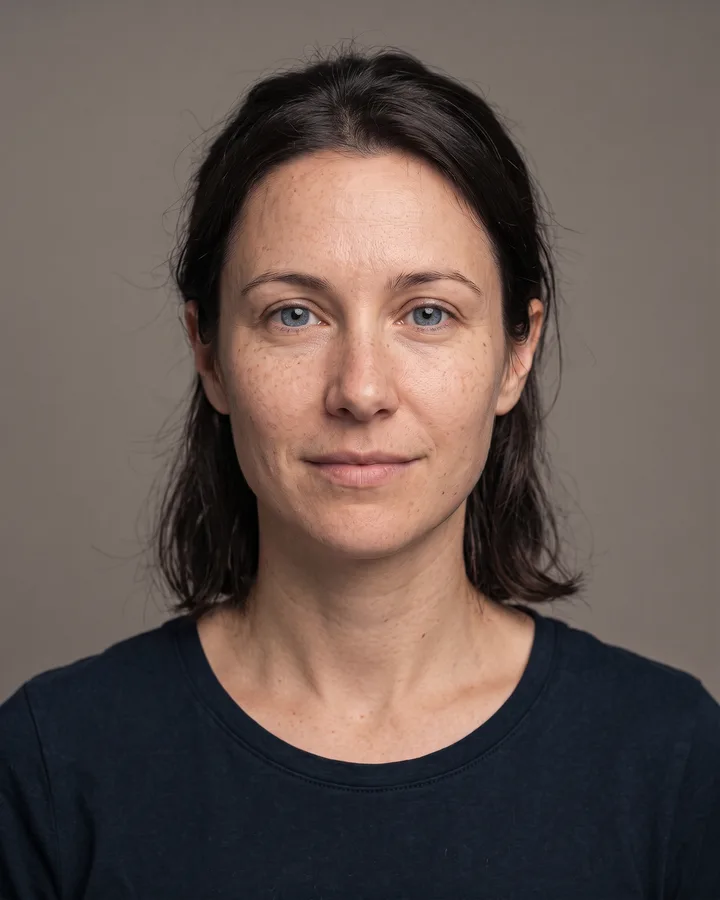
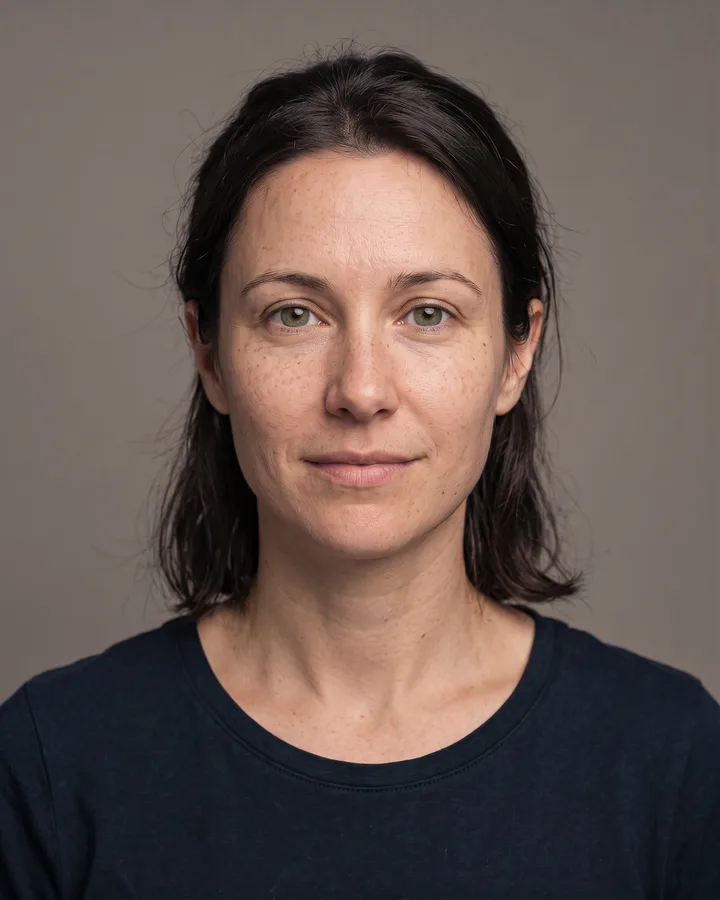
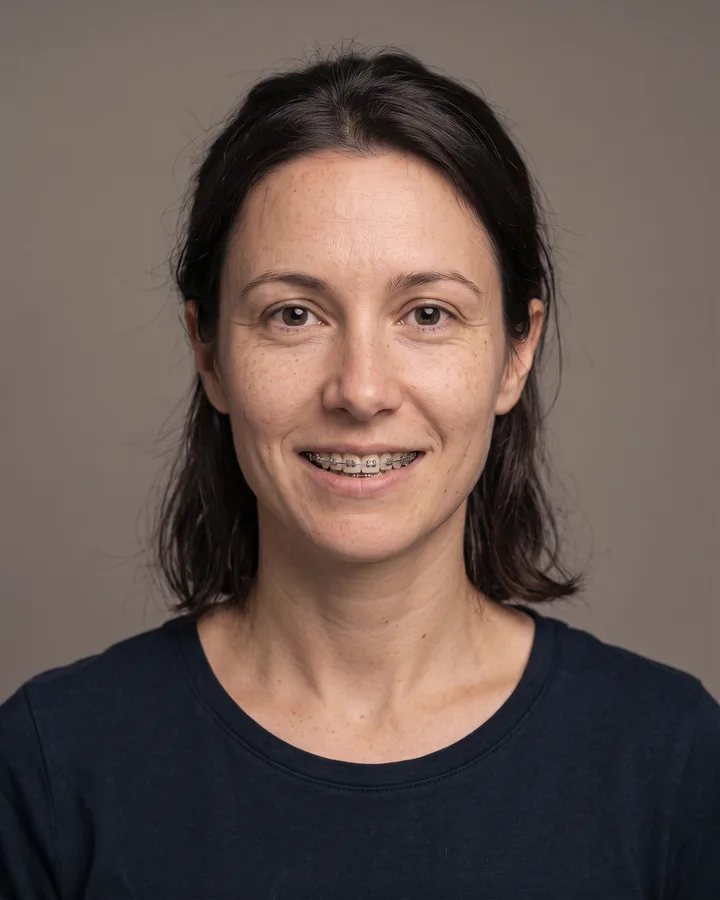
Age filters are usually a novelty that turns one face into a stranger. This one keeps your identity, expression, eye color and hairstyle, and changes only the signs of ageing: skin texture, lines, hair thickness and the neck.
You can preview three stages — around 50, 70 and 90 — from the same photo. Comparing them side by side is the honest way to see how ageing might read on your own face rather than on a generic model.
Upload one photo. The model performs the requested edit and leaves everything else alone.
A sharp, front-facing photo with even light. One person or one pet, no collage.
Confirm the identity is unchanged, the edit matches the request and no extra people or text appear.
Use your own photo, or a photo of an adult who has agreed. This is a visual preview, not a health or longevity assessment.
No. It is an artistic preview of common ageing signs, not a medical or genetic forecast. Sun exposure, habits and genetics matter far more than any filter can show.
Yes. The prompt explicitly preserves identity, ethnicity, face shape and body weight. Only the ageing cues are added.
This page ships three reviewed stages: around 50, around 70 and around 90. Pick the closest stage rather than expecting an exact birthday.
Only with that person’s consent. Do not upload photos of public figures or of people who have not agreed to the edit.
Three more reviewed skills that work well next to this one.
The credit quote is shown before you generate, and the edit keeps everything outside the request untouched.