How it works
Upload one photo. The model performs the requested edit and leaves everything else alone.
AI photo skill
Eye color is the smallest edit with the largest effect on a portrait.
Choose a look
Upload a close portrait with both eyes visible and evenly lit.
Generate each shade you want to compare.
Review the iris edge and catchlight, then keep the result that looks natural.
Eye color is the smallest edit with the largest effect on a portrait. This skill changes only the iris and keeps the eye shape, pupil, lashes and gaze, so you can compare four shades without turning the photo into a cosmetic advert.
Generate green, blue, hazel and gray from the same source image, then look at each result next to your natural color. The comparison is the point: a shade that works on one skin tone can look flat on another.
Upload one photo. The model performs the requested edit and leaves everything else alone.
A sharp, front-facing photo with even light. One person or one pet, no collage.
Confirm the identity is unchanged, the edit matches the request and no extra people or text appear.
Use your own photo, or a photo of an adult who has agreed. Eye-color edits must not be used to misrepresent another person.
Four reviewed shades: green, blue, hazel and gray. Each is generated separately from the same photo so the comparison is fair.
No. The model preserves eye shape, pupil size, eyelids, lashes and gaze. Only the iris color changes.
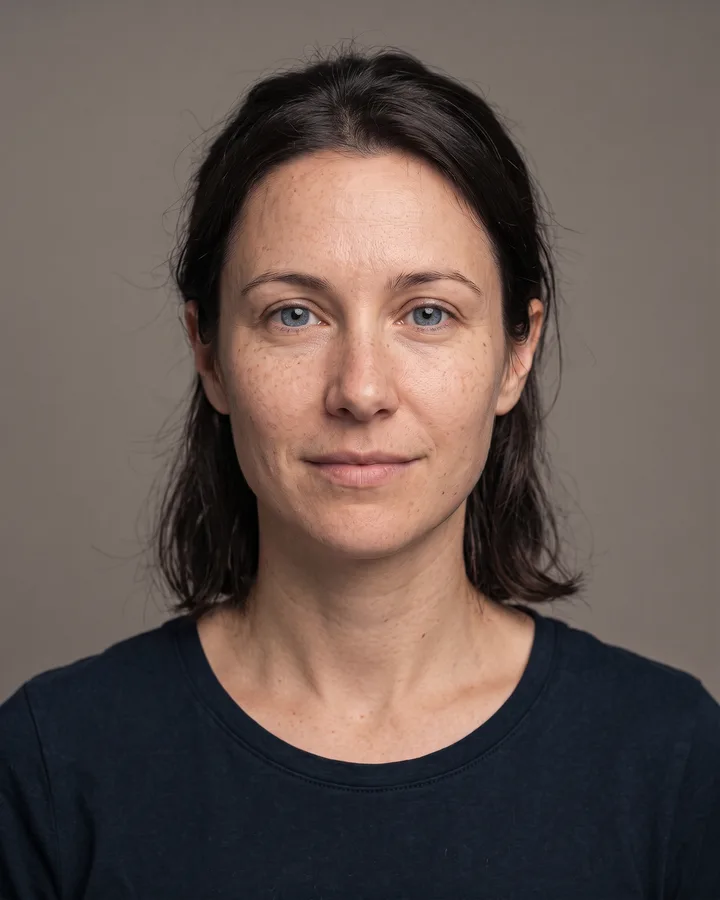
The preview image is a reference result. Your own photo, lighting and natural eye color determine how strongly the new shade reads, especially on very dark irises.
Yes, for your own photo or a photo of an adult who has agreed. Do not use it to impersonate a public figure or to alter someone else’s photo without consent.
Three more reviewed skills that work well next to this one.
The credit quote is shown before you generate, and the edit keeps everything outside the request untouched.