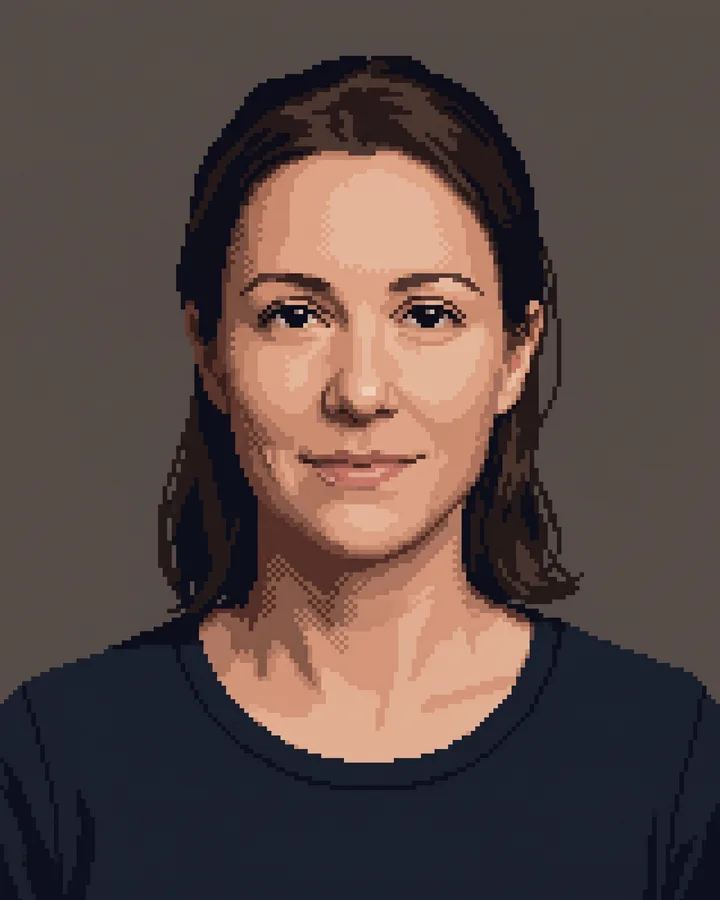
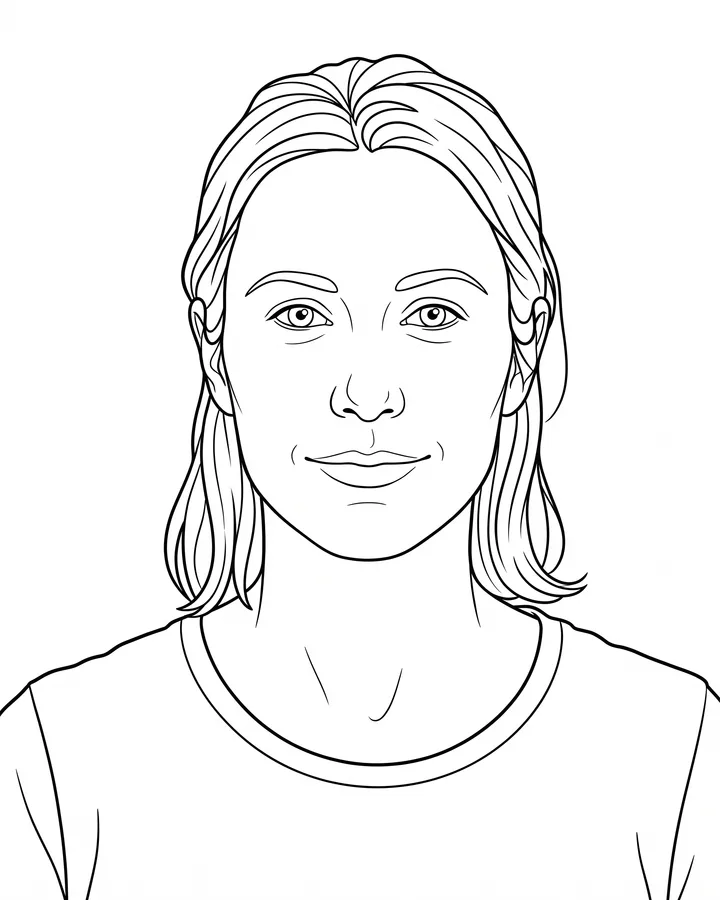
How it works
Upload one photo. The model performs the requested edit and leaves everything else alone.
AI photo skill
Line art is judged by its strokes, not by how much detail it keeps.
Upload a photo with a clear subject and strong shapes.
The model redraws it as continuous line art without shading.
Check the line confidence at full size, then save the clean version.
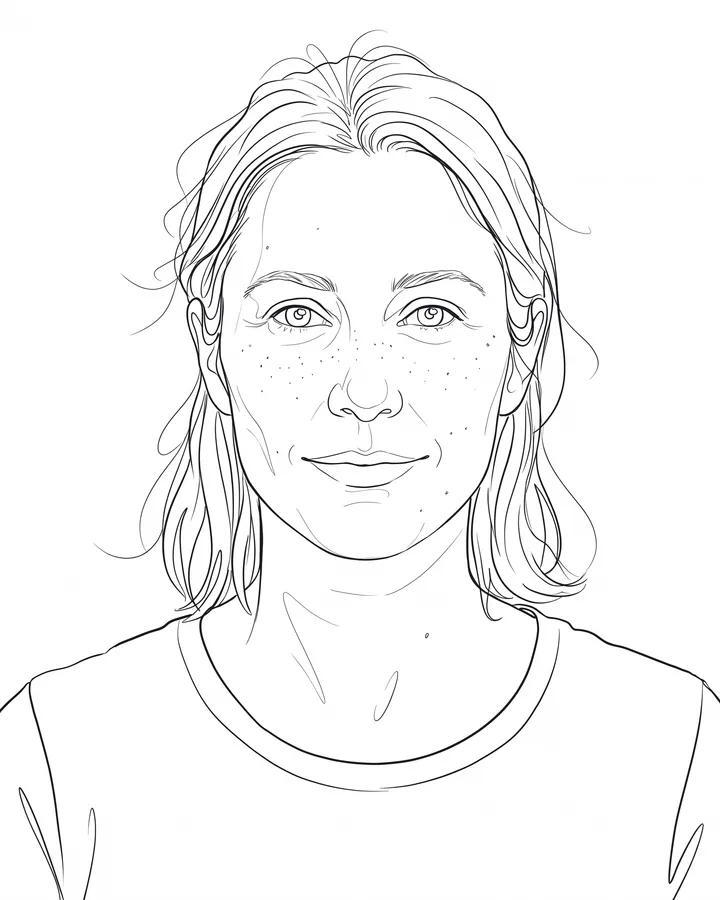
Line art is judged by its strokes, not by how much detail it keeps. This skill redraws the photo with confident continuous lines, varied weight and no shading, so the result looks drawn rather than traced.
The pose, proportions and recognizable features stay. Backgrounds are reduced to a few essential lines or removed entirely, which makes the output suitable for tattoos, prints, logos and editorial illustration references.
Upload one photo. The model performs the requested edit and leaves everything else alone.
A sharp, front-facing photo with even light. One person or one pet, no collage.
Confirm the identity is unchanged, the edit matches the request and no extra people or text appear.
Use a photo you have the right to edit. Do not create line art of public figures or of people who have not agreed.
No. Line art keeps a drawing aesthetic with varied stroke weight; a coloring page is built for filling in with closed shapes and generous white space.
You can bring it to an artist as a reference. A tattoo artist will redraw it for skin, placement and scale, because a photo-derived line drawing is rarely ready to stencil as-is.
Backgrounds are simplified to a few lines or removed. That is deliberate: extra lines make the subject harder to read.
Yes. Strong silhouettes and clear edges convert best. Very dark or very busy photos lose line definition.
Three more reviewed skills that work well next to this one.
The credit quote is shown before you generate, and the edit keeps everything outside the request untouched.