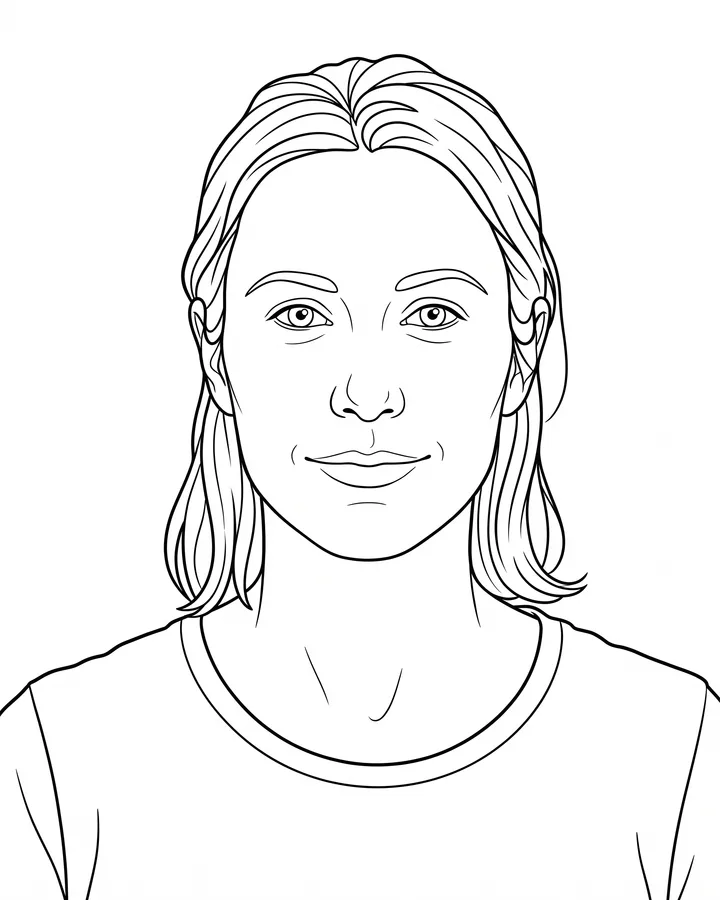
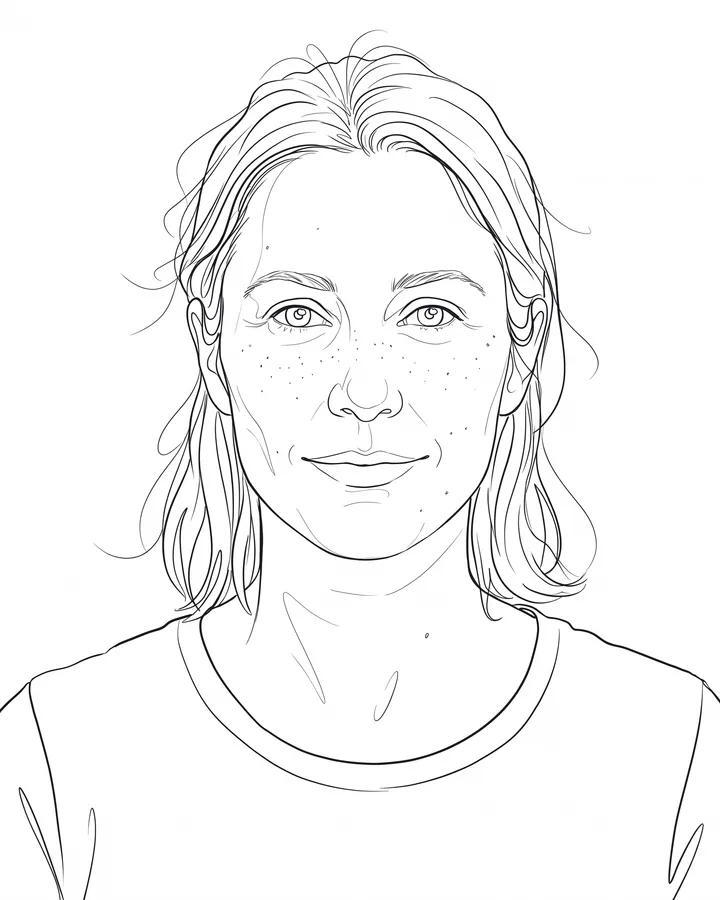
How it works
Upload one photo. The model performs the requested edit and leaves everything else alone.
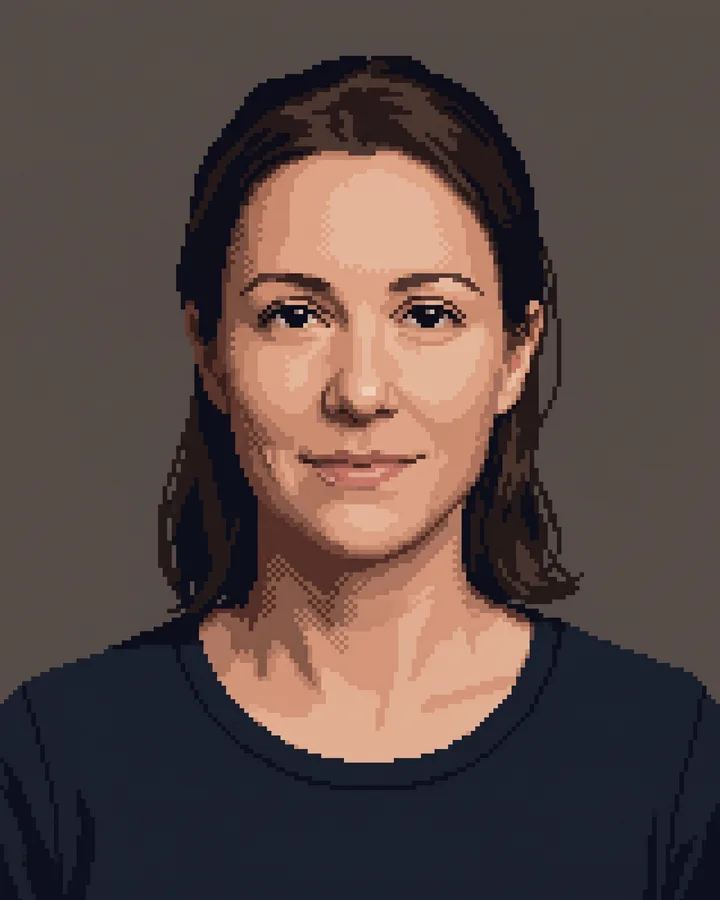
AI photo skill
A good pixel-art conversion is not a photo with a grid on top.
Choose a look
Upload a photo with a clear subject and a simple background.
Choose 8, 16 or 32-bit and generate the conversion.
Review the silhouette at small size, then save the version that stays readable.
A good pixel-art conversion is not a photo with a grid on top. It is a deliberate reduction: a small palette, readable clusters and a silhouette that still works when the image is only 64 pixels wide.
This skill keeps your pose, composition and clothing colors, then rebuilds the image at three densities. Use 8-bit for icons and avatars, 16-bit for game scenes and 32-bit when you need more detail in a larger sprite.
Upload one photo. The model performs the requested edit and leaves everything else alone.
A sharp, front-facing photo with even light. One person or one pet, no collage.
Confirm the identity is unchanged, the edit matches the request and no extra people or text appear.
Use a photo you have the right to edit. Do not upload photos of public figures or of people who have not agreed.
8-bit uses a very small palette and large pixels, 16-bit balances detail and readability, and 32-bit keeps more shading for larger images. The subject and composition stay the same.
You can use it in your own project, but check the license of the source photo and the model terms before publishing. The output is a derived image, not a new original artwork.
Pixel art reduces information by design. At 8-bit a face becomes a few clusters; that is the style working, not a failure. Use 32-bit if you need a readable face.
Yes. Simple, centered subjects convert best. Busy backgrounds turn into noise at low resolutions, so crop first when possible.
Three more reviewed skills that work well next to this one.
The credit quote is shown before you generate, and the edit keeps everything outside the request untouched.