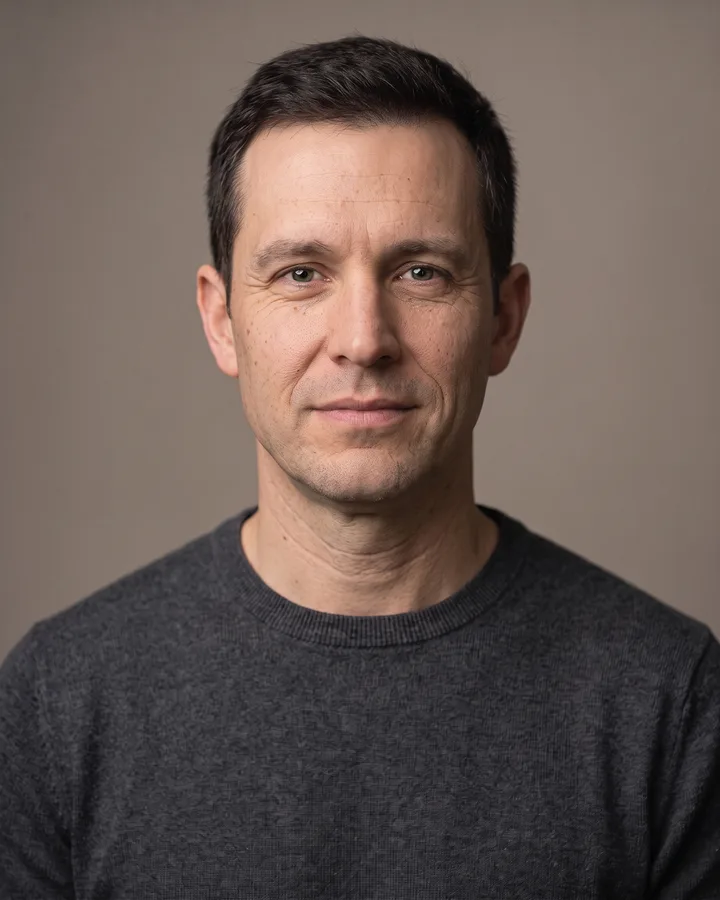
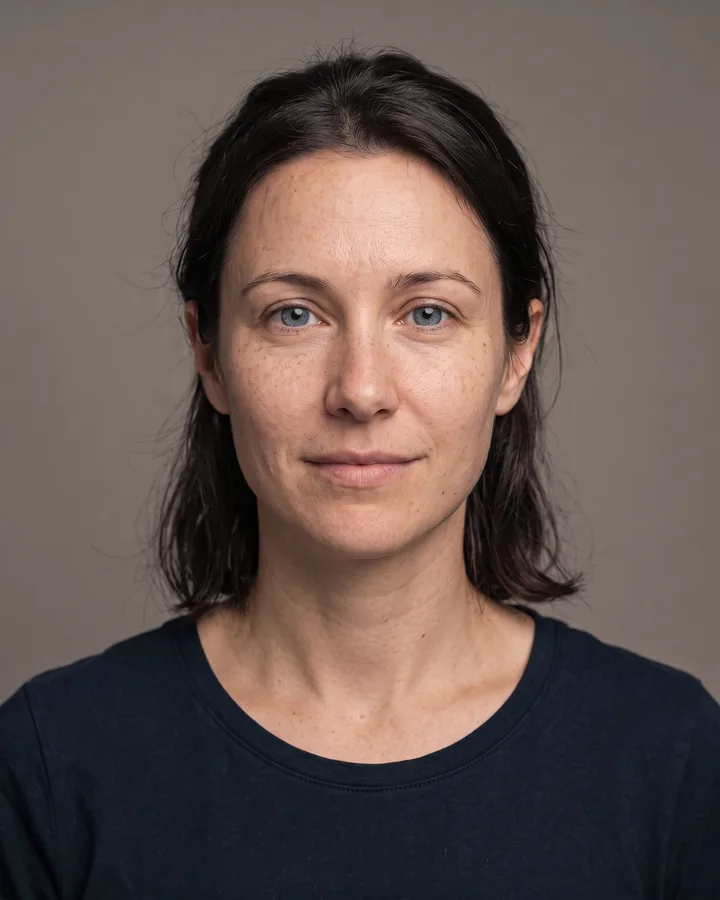
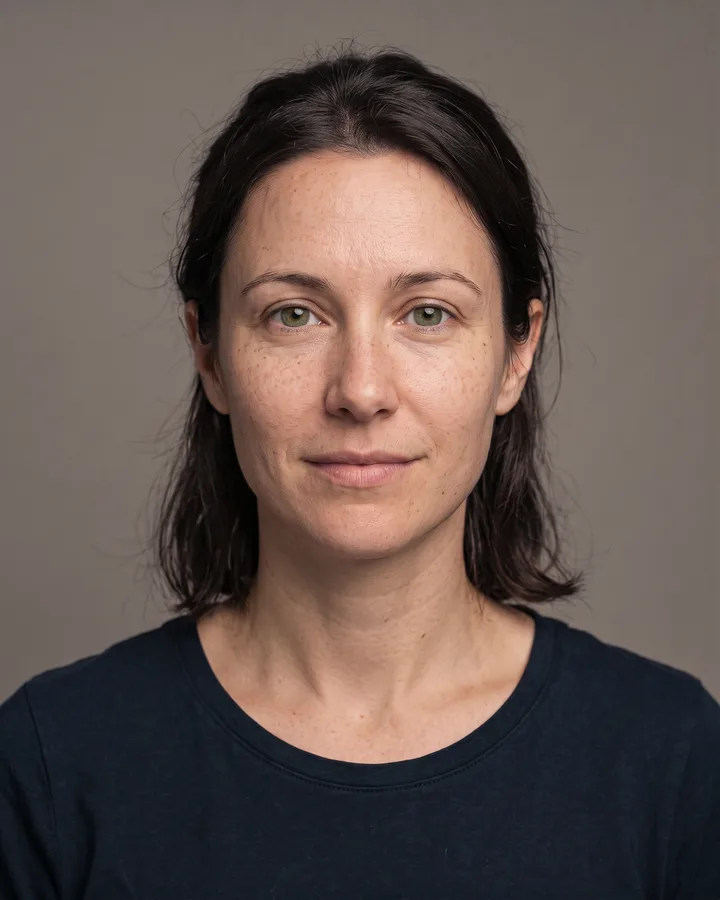
How it works
Upload one photo. The model performs the requested edit and leaves everything else alone.

AI photo skill
Color grading is what separates a snapshot from a film still.
The model rebuilds the contrast curve and colour balance to give the photo a cinematic grade with deeper shadows and softer highlights.
Skin tones are kept natural and matched to the original face, so identity, expression, hair and clothing stay unchanged.
Framing, background, props and any text already in the shot remain exactly as they were, with nothing added or removed.
Color grading is what separates a snapshot from a film still. This skill reads the light and skin tones in your photo, then rebuilds the palette around a warm, high-contrast cinematic look: deep shadows, controlled highlights, and a clean neutral base under the face. It works from a single portrait, no layered presets, no manual curves.
Use it when a portrait looks flat, mixed light or dull. The model keeps your subject's face, expression, hair and clothing exactly as they are, and only changes the colour response: contrast curve, split tone and saturation. Background detail stays where it is. For an image grader that behaves the same way every time, that consistency is the point.
Upload one photo. The model performs the requested edit and leaves everything else alone.
A sharp, front-facing photo with even light. One person or one pet, no collage.
Confirm the identity is unchanged, the edit matches the request and no extra people or text appear.
Use only your own photo or a photo of an adult who has given consent, and never grade an image to impersonate someone else.
It changes colour only: contrast, shadow depth, highlight roll-off, saturation and overall colour balance. Composition, background and the subject's features stay as they are.
No. The face, its proportions and the expression are preserved, so the person stays recognisable. Only the colour response changes.
Yes, because the grade is built around the light already in the frame instead of replacing it. Very noisy or heavily blurred photos may come back with less even results.
You can use the graded photo wherever you hold the rights to the original picture. Keep in mind that the output is one fixed look, so it will not match every frame in a set.
Three more reviewed skills that work well next to this one.
The credit quote is shown before you generate, and the edit keeps everything outside the request untouched.