
How it works
Upload one photo. The model performs the requested edit and leaves everything else alone.
AI photo skill
Most photos people have of themselves stop at the shoulders or the waist.
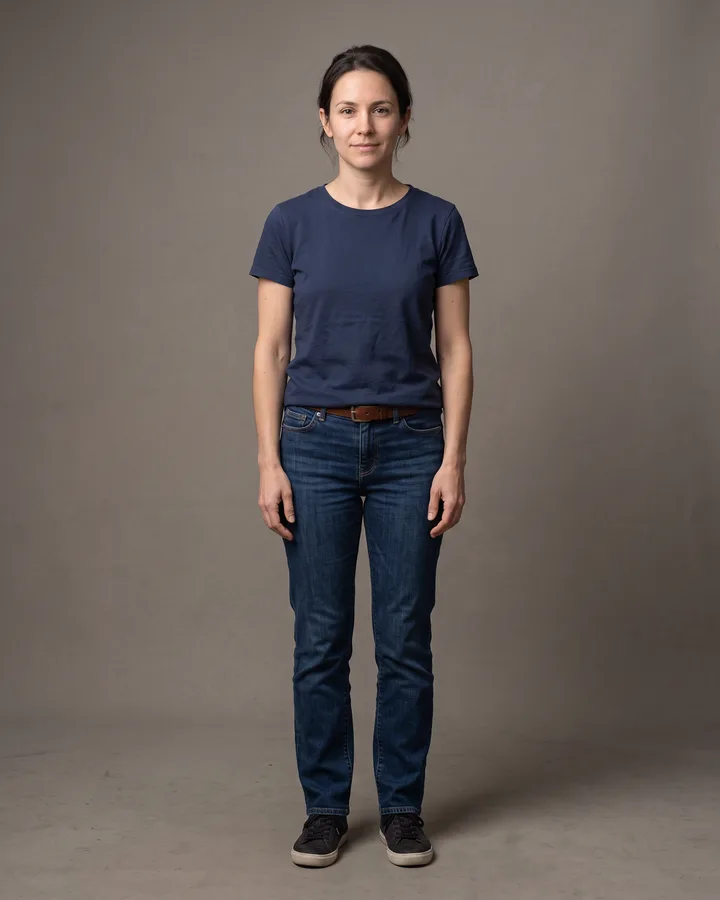
The model extends the frame below the waist and adds the legs, feet and ground that the crop removed.
The face, hair, skin tone, clothing, upper-body pose and background of the original stay exactly as they are.
Light direction, camera angle, scale and colour are carried into the new area so the seam is not visible.
Most photos people have of themselves stop at the shoulders or the waist. A headshot shows the face clearly, a half-body shot shows the outfit, and neither shows how the person stands. This skill takes the picture you already have and extends it downward so the frame ends below the feet.
The result is a single photo of the same person, standing, with the same face, hair and clothing as the original. Nothing is redrawn: the model continues the body, the legs and the ground beneath them in the direction the original photo already implies, so the new area matches the light and the angle of the shot.
Upload one photo. The model performs the requested edit and leaves everything else alone.
A sharp, front-facing photo with even light. One person or one pet, no collage.
Confirm the identity is unchanged, the edit matches the request and no extra people or text appear.
Use your own photo, or a photo of an adult who has given consent, and never upload someone else's image to create a person who did not pose for it.
Yes. A clear headshot works, though a half-body photo with visible clothing gives the model more to continue from.
No. Facial identity is preserved, and the edit is limited to the area below the original crop.
The existing background is continued into the new area, and no new text or logos are added.
Then there is little to extend, so the result stays close to the picture you uploaded.
Three more reviewed skills that work well next to this one.

A good pixel-art conversion is not a photo with a grid on top.
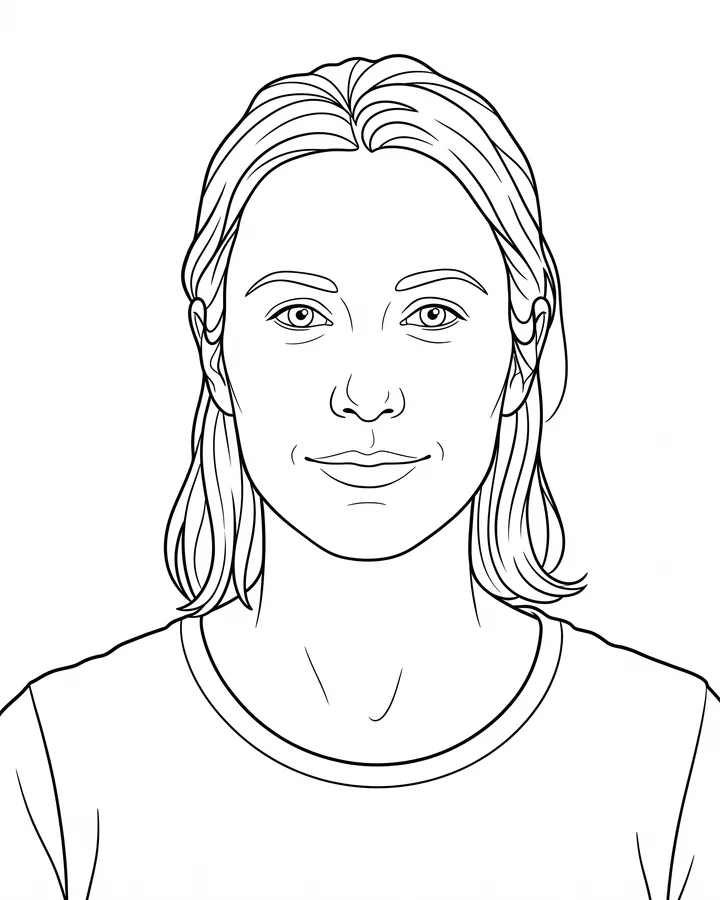
A printable coloring page needs closed shapes, consistent line weight and enough white space to actually color inside.
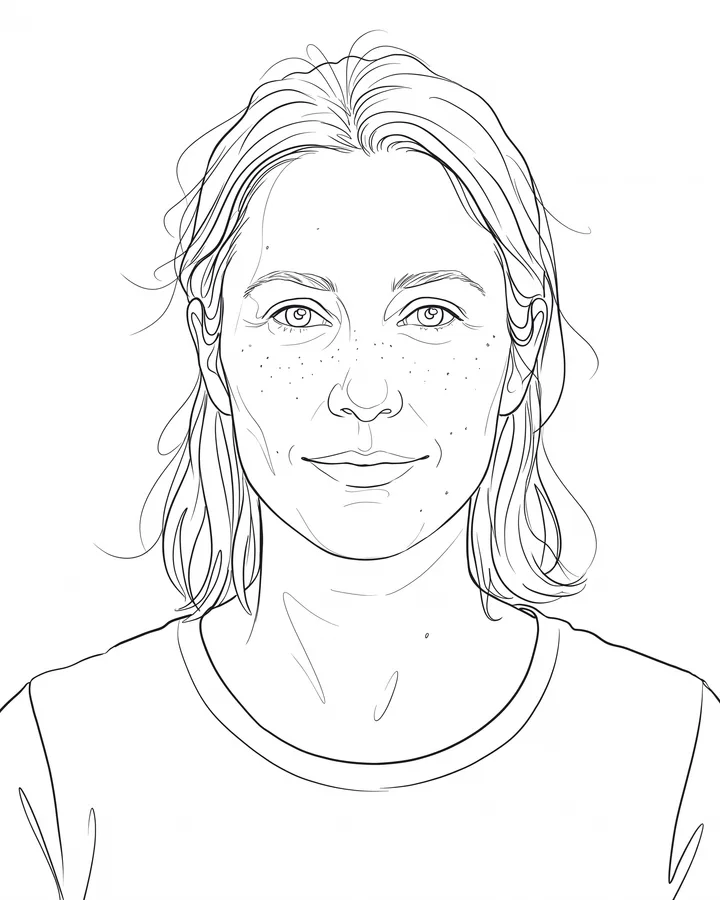
Line art is judged by its strokes, not by how much detail it keeps.
The credit quote is shown before you generate, and the edit keeps everything outside the request untouched.