
How it works
Upload one photo. The model performs the requested edit and leaves everything else alone.
AI photo skill
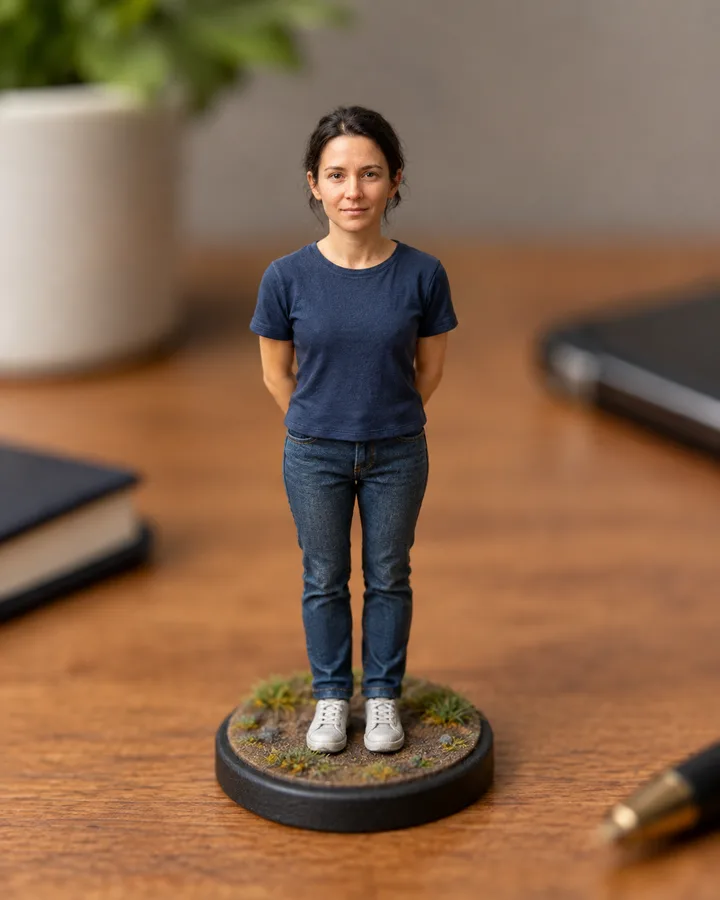
This skill turns a photo of a person into a miniature-style scene: the subject reads as a small figure inside a model world, with shallow focus across the top and bottom of the frame.
The model rescales the person and surroundings into a miniature diorama, adding tilt-shift blur above and below the subject while keeping the face, expression, and skin tone unchanged.
Clothing, hair, and pose stay as photographed; only scale, depth of field, and small environmental details are rebuilt.
Background structure is simplified into model-like surfaces, but the framing and your original lighting direction remain.
This skill turns a photo of a person into a miniature-style scene: the subject reads as a small figure inside a model world, with shallow focus across the top and bottom of the frame. It works from one clear portrait or full-body shot and keeps the original pose, clothing, and background shapes.
Expect a tilt-shift look rather than cartoon shading: edges stay photographic, skin keeps its texture, and the scene gains a tabletop scale. Faces are the priority, so the edit avoids smoothing features into plastic. If the source is blurry or cropped at the shoulders, results stay close to what the camera captured.
Upload one photo. The model performs the requested edit and leaves everything else alone.
A sharp, front-facing photo with even light. One person or one pet, no collage.
Confirm the identity is unchanged, the edit matches the request and no extra people or text appear.
Use your own photo or a photo of an adult who has given consent; do not create miniature edits to impersonate or misrepresent anyone.
It is a style edit that makes a normal photo look like a small-scale model, usually with tilt-shift blur and a tabletop sense of scale.
Yes. The prompt keeps facial identity as a fixed constraint, so features, expression, and skin tone should remain recognizable.
A sharp, well-lit portrait or full-body shot with the subject clearly separated from the background. Very blurry or heavily cropped photos give weaker results.
The skill is built for a single person, so extra people are left out of the edit. Crop to one subject for the cleanest result.
Three more reviewed skills that work well next to this one.

A good pixel-art conversion is not a photo with a grid on top.
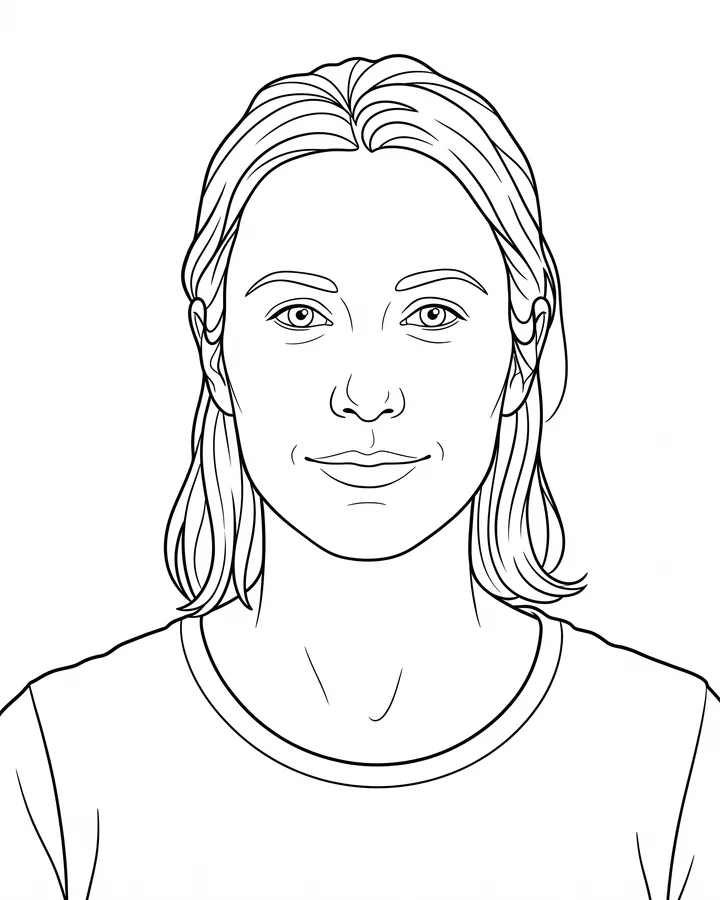
A printable coloring page needs closed shapes, consistent line weight and enough white space to actually color inside.
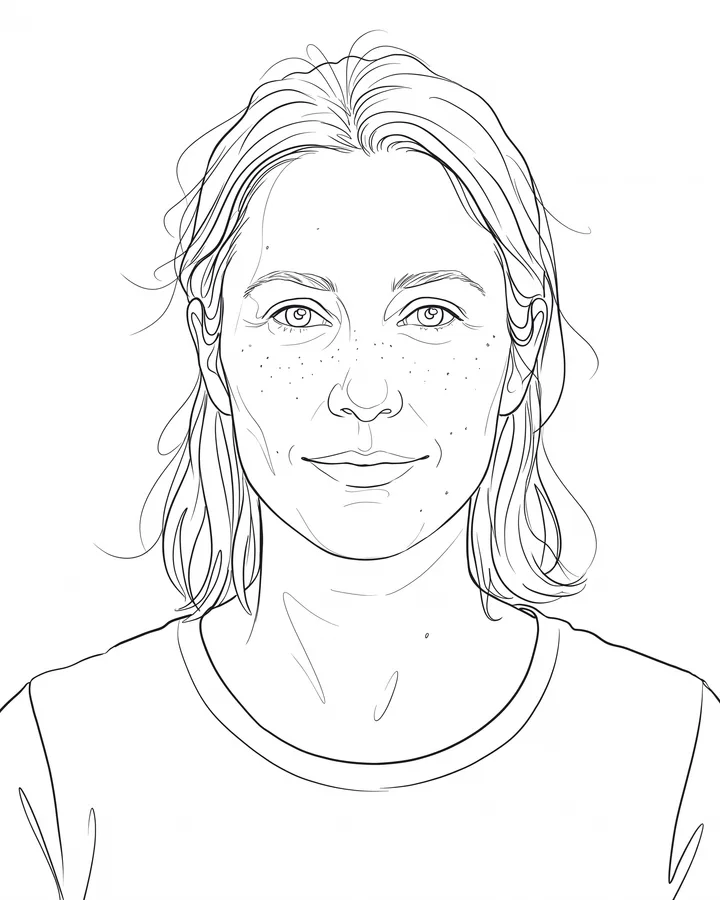
Line art is judged by its strokes, not by how much detail it keeps.
The credit quote is shown before you generate, and the edit keeps everything outside the request untouched.