
How it works
Upload one photo. The model performs the requested edit and leaves everything else alone.
AI photo skill
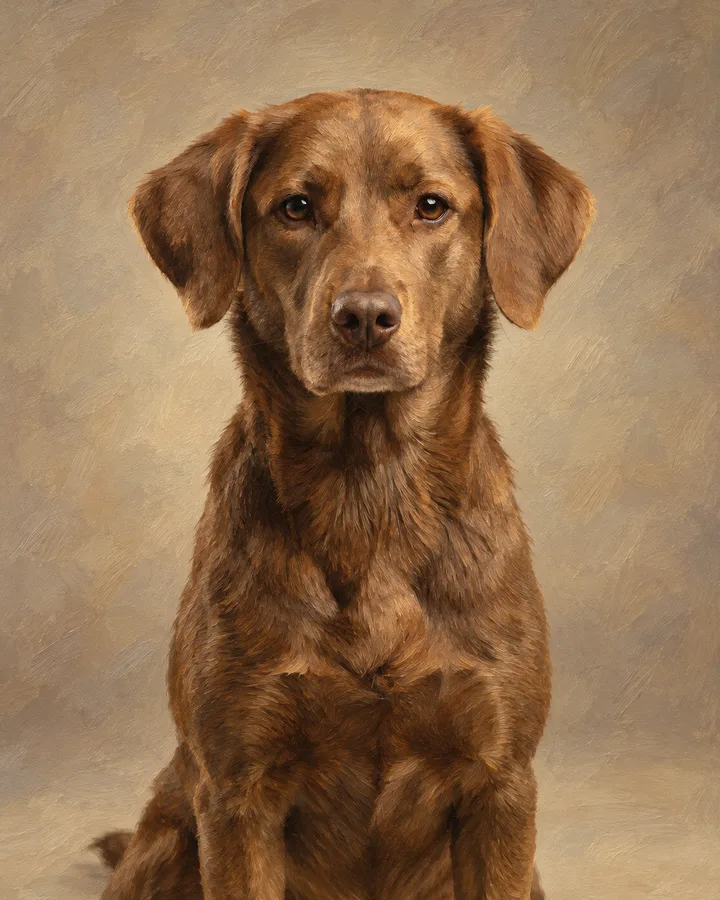
This skill turns one photo of your pet into a painted portrait.
The model repaints the coat as visible brushstrokes and softens the background into a plain wash.
The shape of the head, the eyes, the nose and every marking stay exactly where they are in your photo.
Nothing else is added: no props, no collars that were not there, no second animal.
This skill turns one photo of your pet into a painted portrait. The model reads the shape of the muzzle, the ears, the eyes and the coat pattern, then rebuilds them as brushwork while keeping the animal recognisable. You upload, the page runs a single fixed edit, and the result comes back without any style menu to fight with.
It works best on a clear, evenly lit photo where the whole head is visible and nothing covers the face. Fur markings, eye colour and the tilt of the head are carried across, so a spotted dog stays spotted and a one-eared cat keeps that ear. Busy backgrounds get simplified, and anything you did not ask for stays where it was.
Upload one photo. The model performs the requested edit and leaves everything else alone.
A sharp, front-facing photo with even light. One person or one pet, no collage.
Confirm the identity is unchanged, the edit matches the request and no extra people or text appear.
Only upload a photo of your own pet or one you have an adult owner's consent to use, and never use the result to impersonate a person or someone else's animal.
A sharp, well-lit shot where your pet's head fills a good part of the frame. Blurry or very dark photos make fur detail hard to keep.
Yes. Facial structure, eye colour and coat markings are preserved, which is what makes the animal recognisable. The change is in the rendering, not the identity.
One animal per photo works best, since the edit is built around a single face. A second animal in the frame may come out unevenly rendered.
No. The skill applies one fixed portrait treatment, so there is nothing to configure. Uploading the photo is the whole input.
Three more reviewed skills that work well next to this one.

A good pixel-art conversion is not a photo with a grid on top.
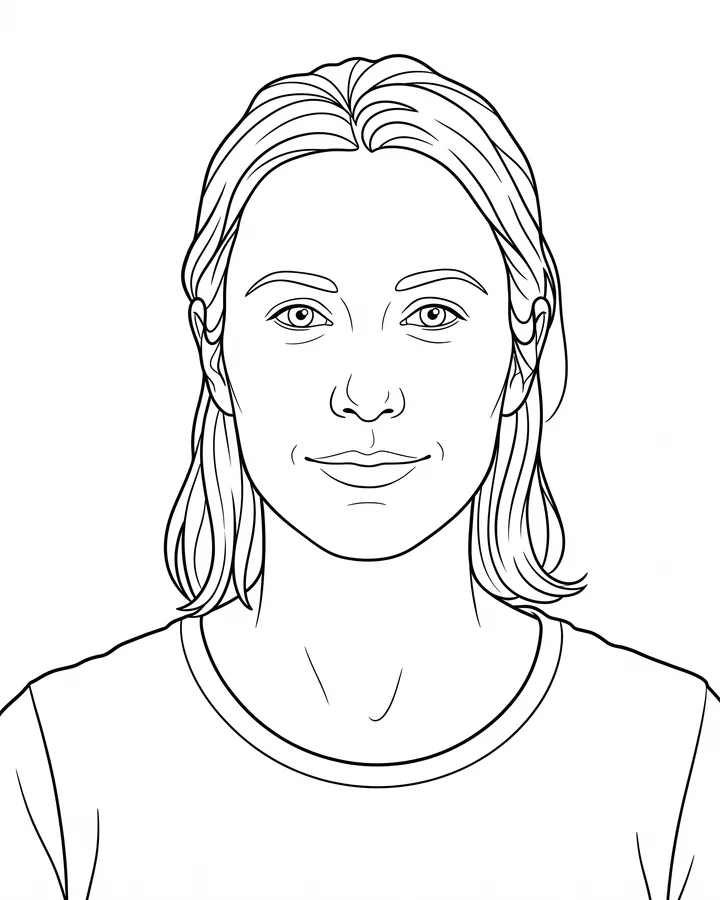
A printable coloring page needs closed shapes, consistent line weight and enough white space to actually color inside.
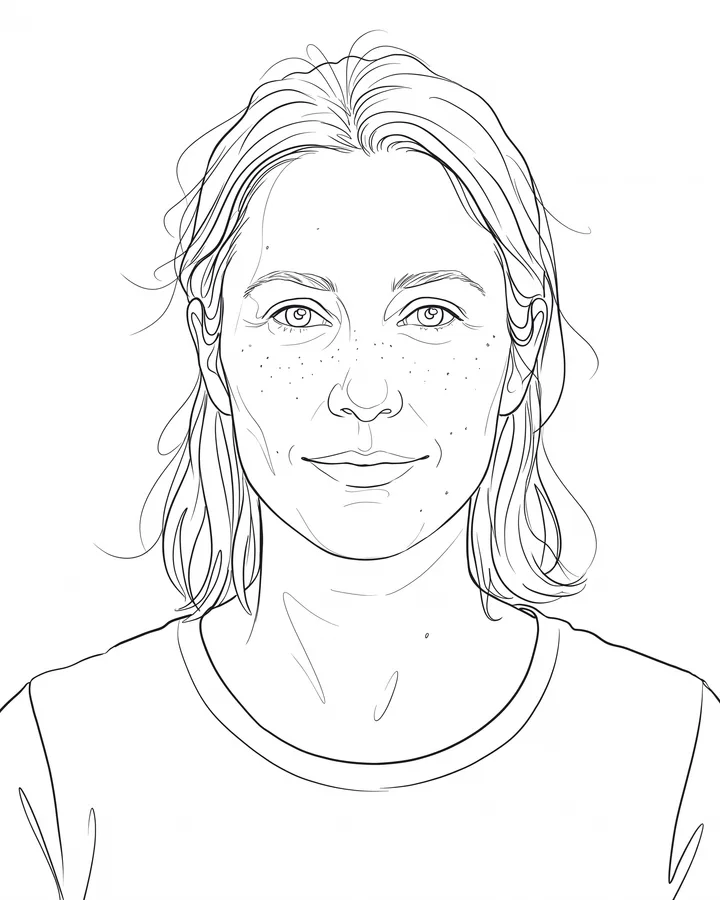
Line art is judged by its strokes, not by how much detail it keeps.
The credit quote is shown before you generate, and the edit keeps everything outside the request untouched.