How it works
Upload one photo. The model performs the requested edit and leaves everything else alone.
AI photo skill
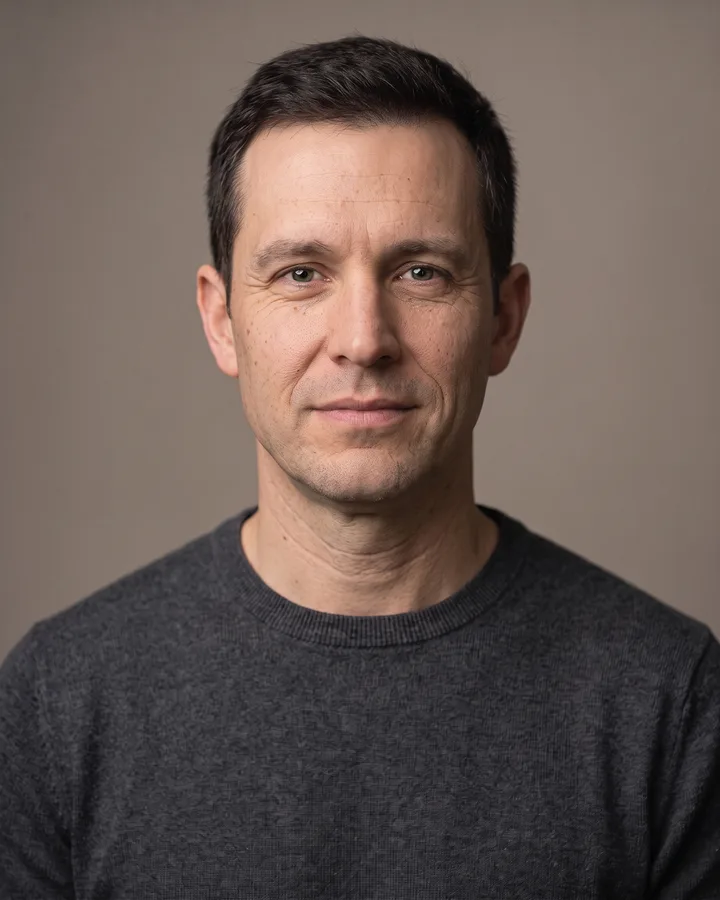
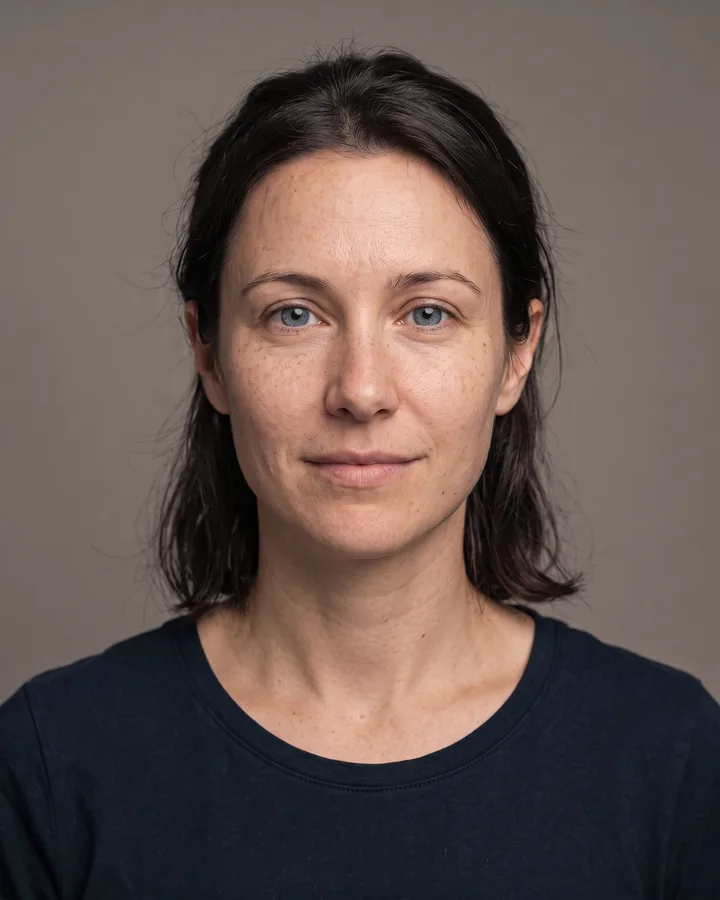
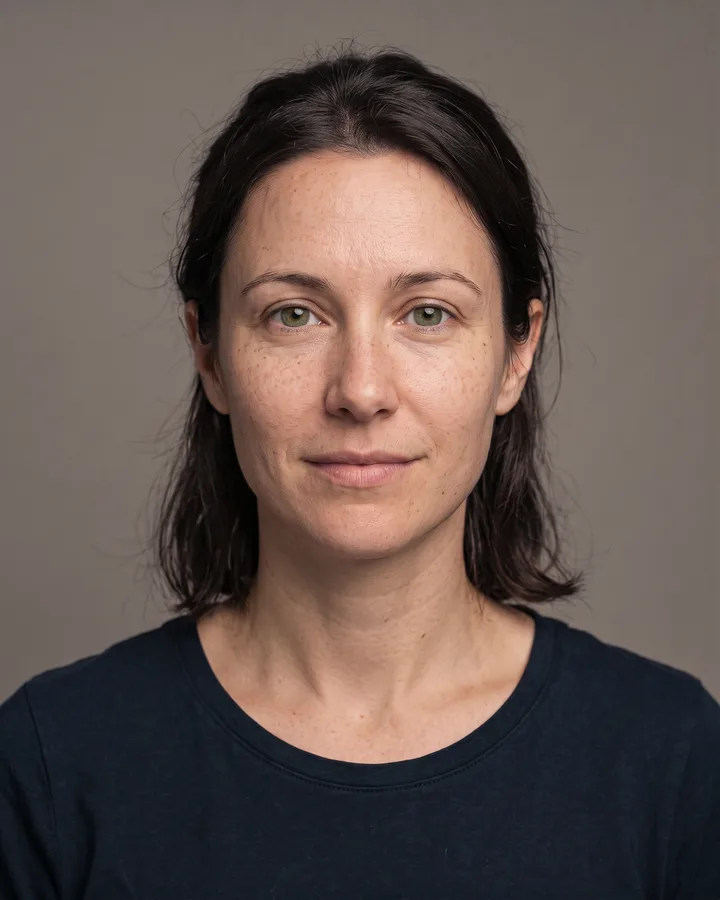
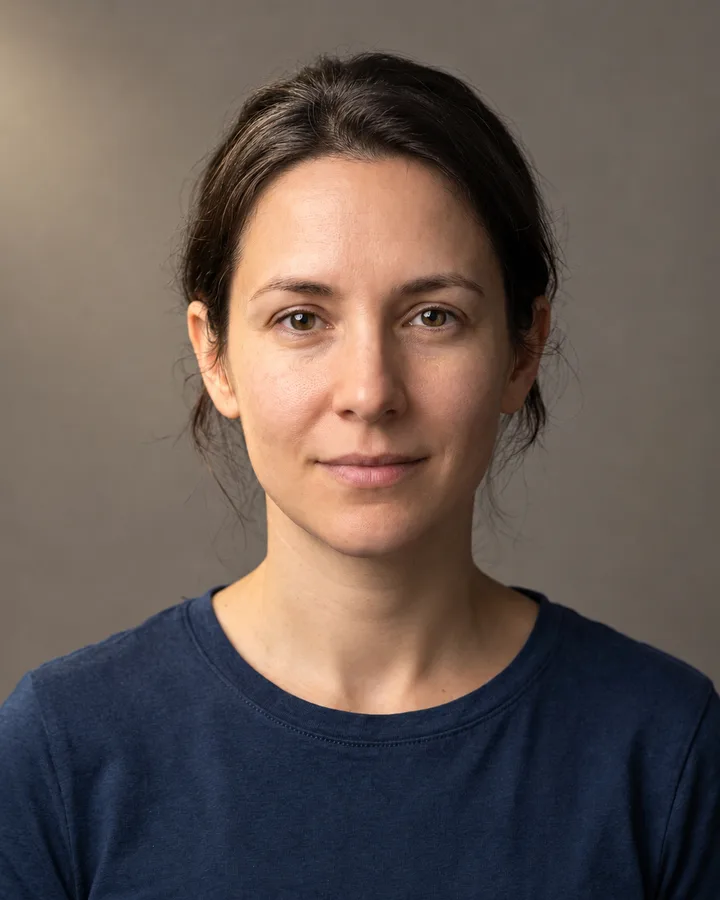
This skill takes one photo of a person and re-renders the light on the scene.
The model reads the geometry of the face and body, places the new light source in the scene and works out how it falls across skin, hair and clothing.
Shadows, highlights and colour temperature change together, so the lighting reads as consistent instead of painted on afterwards.
Facial identity, expression, pose, framing, background objects and clothing stay exactly as they were in the original photo.
This skill takes one photo of a person and re-renders the light on the scene. The face, the pose, the clothes and the background stay where they are; only the direction, softness and colour temperature of the light change, plus the shadows it casts. It is useful when a shot was taken under flat indoor light and needs a stronger shape, or when a bright window behind the subject left the face too dark.
Upload a portrait, run the skill and download the result. Nothing else is added to the frame: no props, no background switch, no new people. The edit is a single fixed relight, so the same photo always comes back with the same light. If the outcome looks off, try a shot where the face is evenly exposed and clearly visible before you run it again.
Upload one photo. The model performs the requested edit and leaves everything else alone.
A sharp, front-facing photo with even light. One person or one pet, no collage.
Confirm the identity is unchanged, the edit matches the request and no extra people or text appear.
Only upload a photo of yourself or of an adult who has given you permission, and never use the result to impersonate someone.
It changes the lighting only: direction, softness, colour temperature and the shadows that come with it. The person, the background and the framing stay as they are.
Yes. Keeping facial identity is part of the request, so features, expression and skin tone are preserved. A strong change of light does move shadows on the face, which can make a familiar photo read slightly differently.
Portraits where the face is clearly visible and reasonably exposed work best. Shots that are very dark, or blurred by motion, give the model little to work with.
No. Text, logos, extra people and new props are explicitly excluded, and hands stay as they were photographed.
Three more reviewed skills that work well next to this one.
The credit quote is shown before you generate, and the edit keeps everything outside the request untouched.