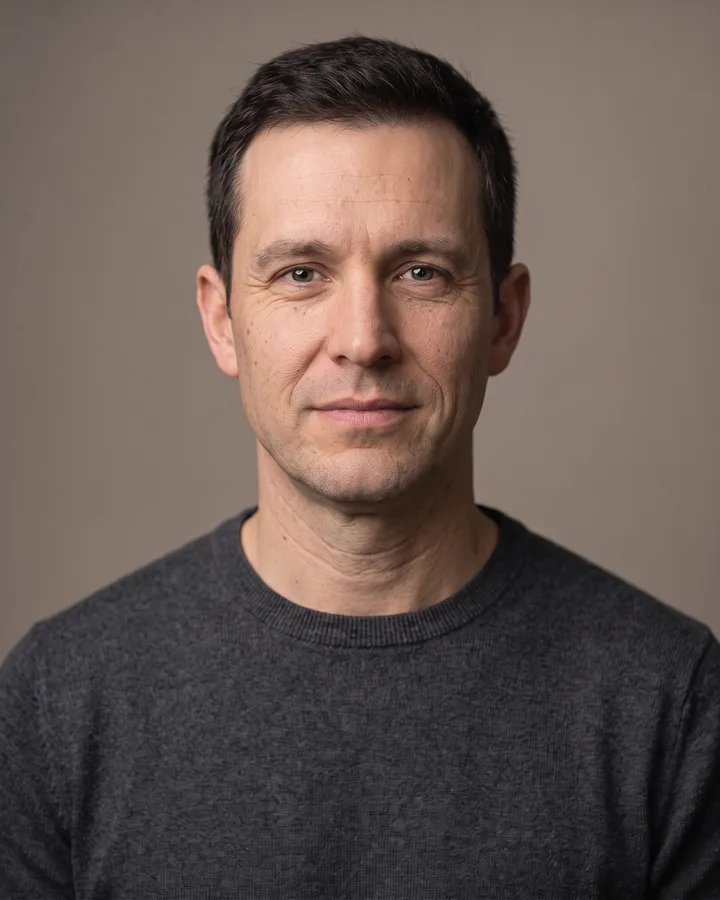
How it works
Upload one photo. The model performs the requested edit and leaves everything else alone.
AI photo skill
Most skin retouching fails in one of two directions: it removes the blemish and the person’s texture with it, or it leaves the redness untouched.
Upload a well-lit portrait without a heavy beauty filter.
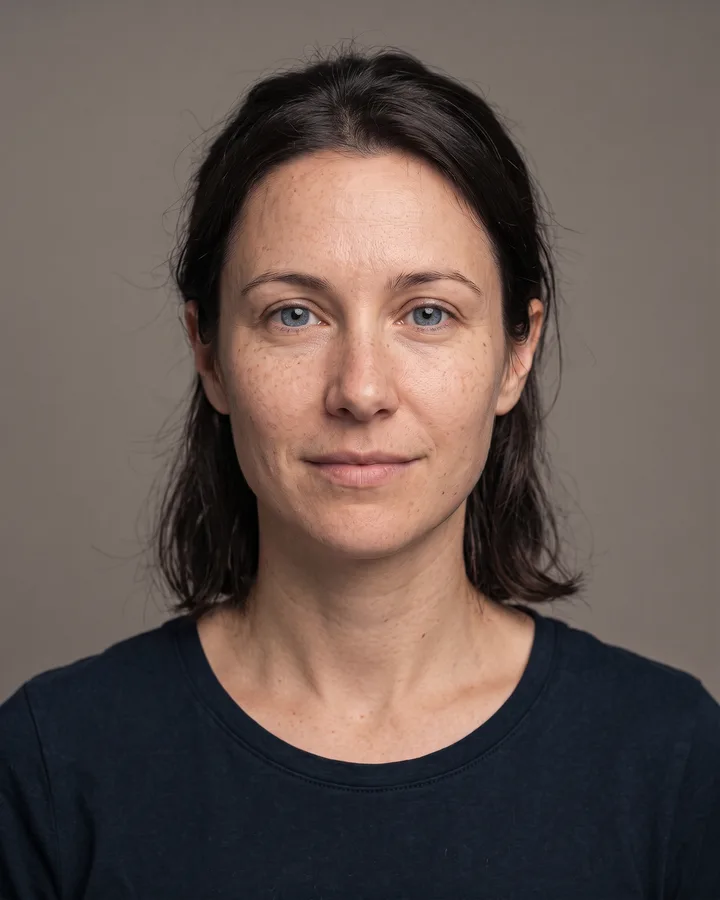
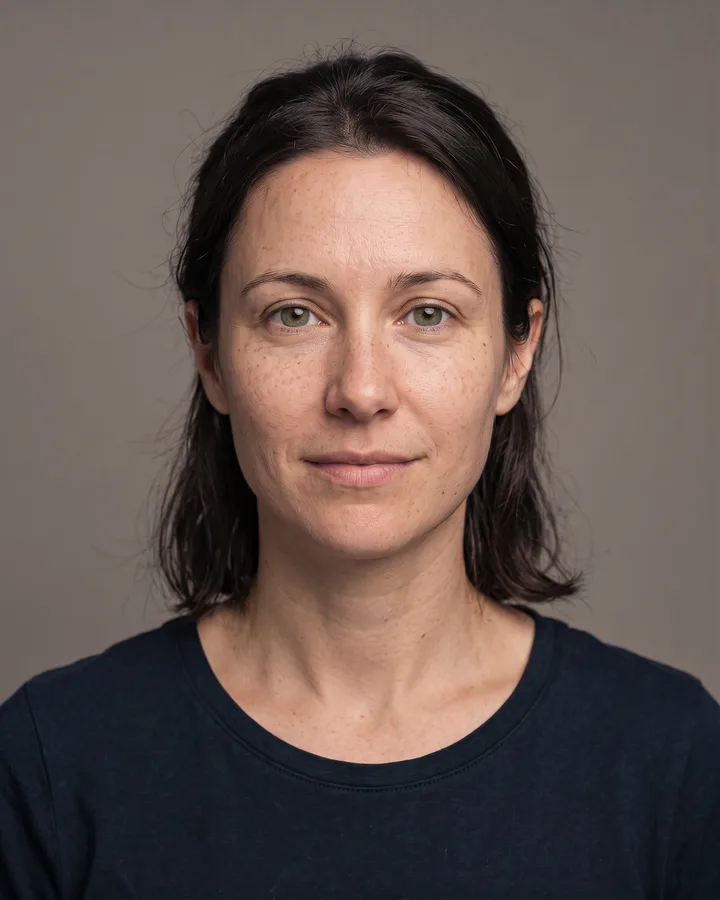
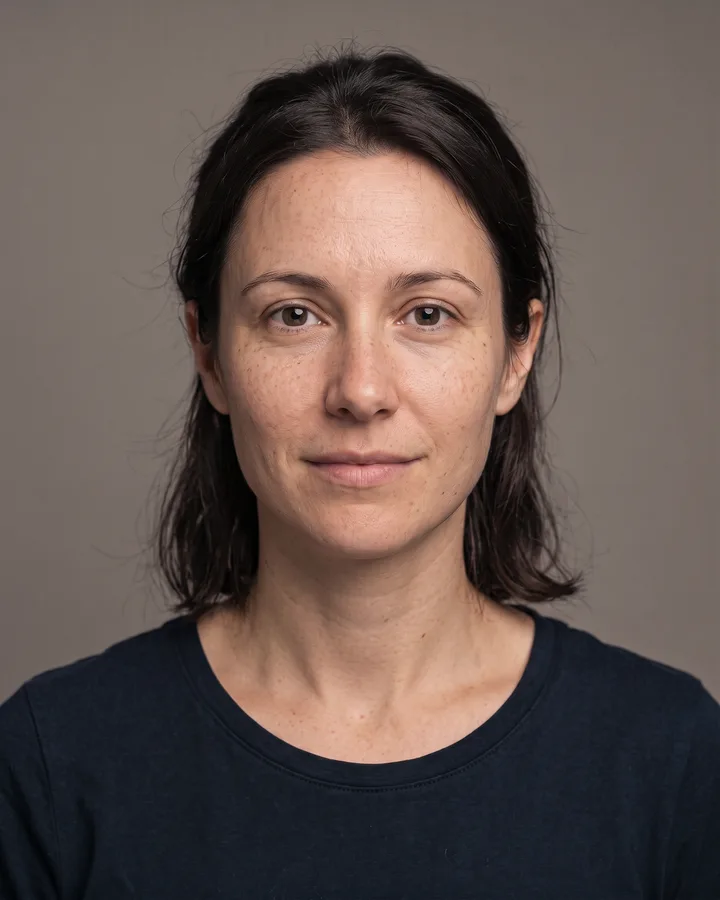
The model evens redness and blemishes while preserving skin texture.
Zoom in to compare pores and freckles, then save the result.
Most skin retouching fails in one of two directions: it removes the blemish and the person’s texture with it, or it leaves the redness untouched. This skill evens out blemishes and shadows while keeping pores, freckles and moles where they belong.
Identity, age, face shape and lighting are preserved. The goal is a clean portrait that still reads as a photograph of a real person, not a smoothed avatar.
Upload one photo. The model performs the requested edit and leaves everything else alone.
A sharp, front-facing photo with even light. One person or one pet, no collage.
Confirm the identity is unchanged, the edit matches the request and no extra people or text appear.
Use your own photo, or a photo of an adult who has agreed. Do not retouch someone else’s photo to misrepresent them.
No. Freckles and moles are treated as identity features and preserved. The retouch targets temporary redness and blemishes.
The prompt explicitly preserves pore texture and avoids the plastic look. Very heavy blemishes may still need a second pass or manual retouching.
It is tuned for human skin. Product and pet photos are better served by the background, lighting and upscale skills.
No. It is a visual retouch, not dermatology. Persistent skin concerns should be discussed with a clinician.
Three more reviewed skills that work well next to this one.
The credit quote is shown before you generate, and the edit keeps everything outside the request untouched.