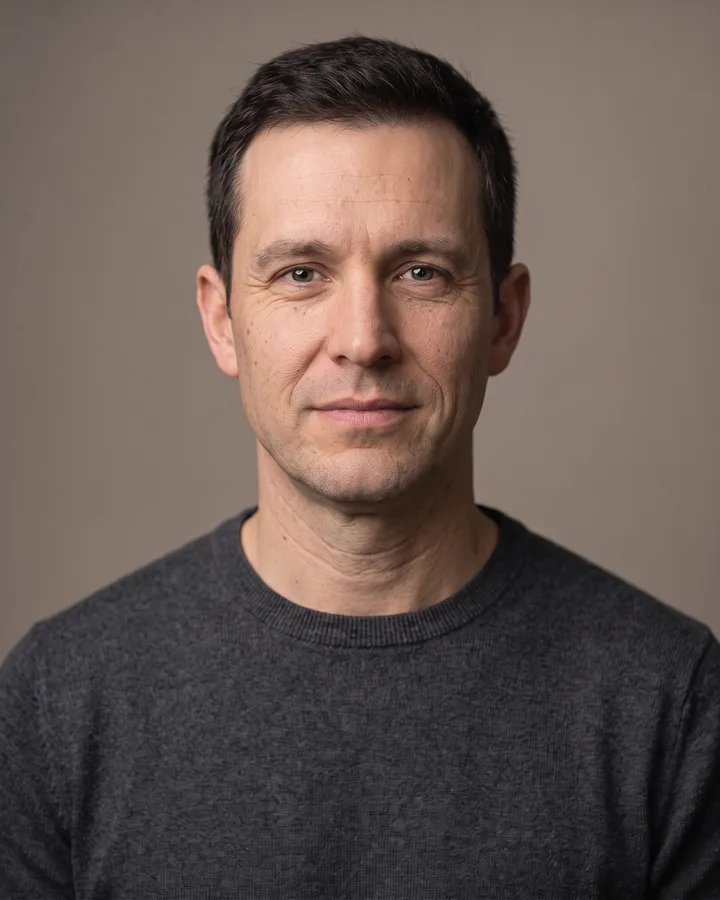
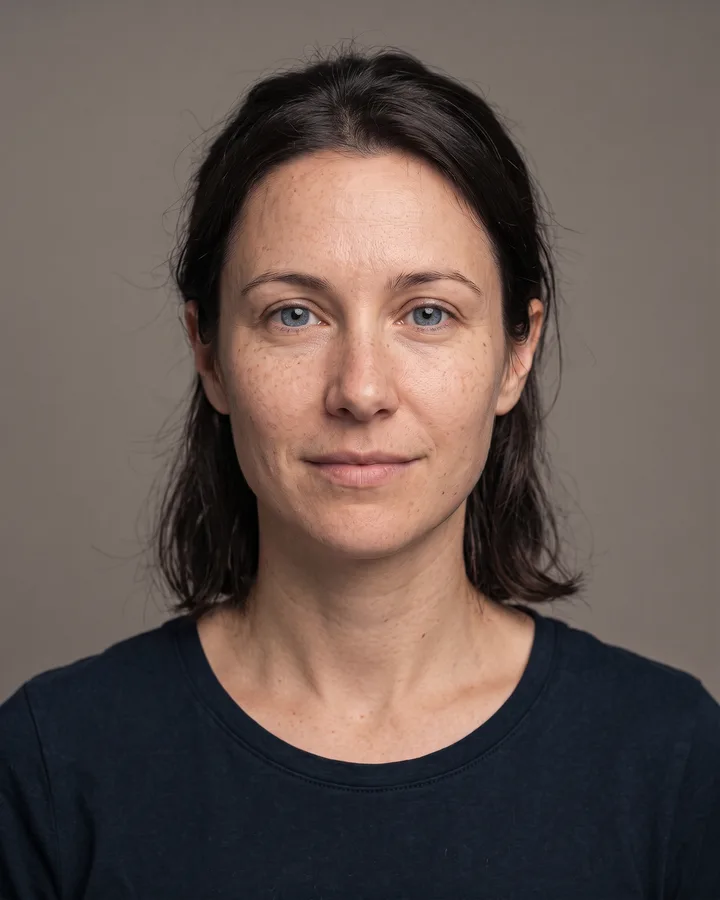
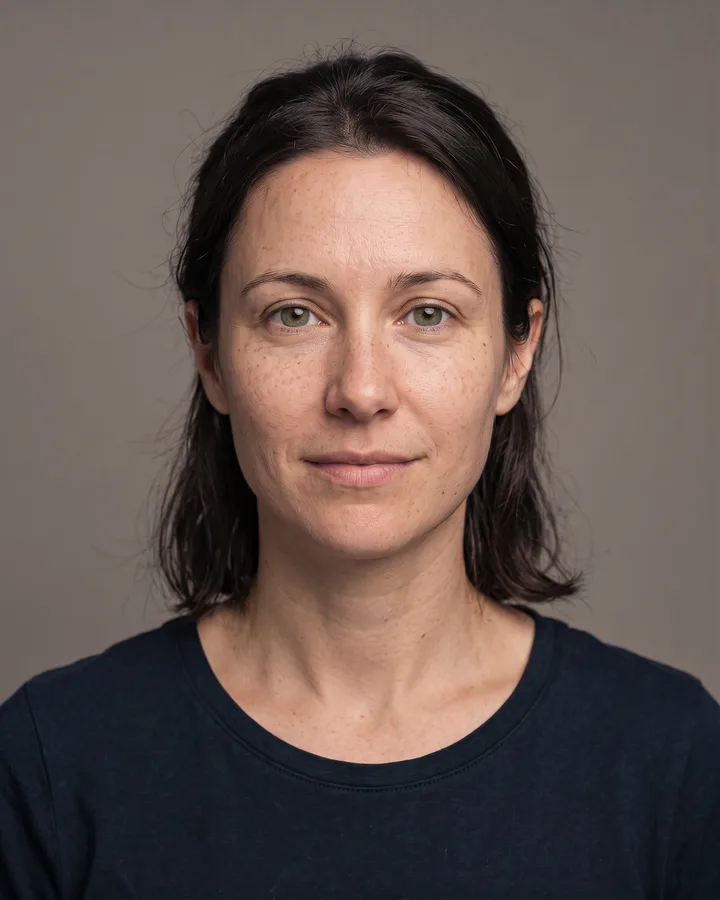
How it works
Upload one photo. The model performs the requested edit and leaves everything else alone.
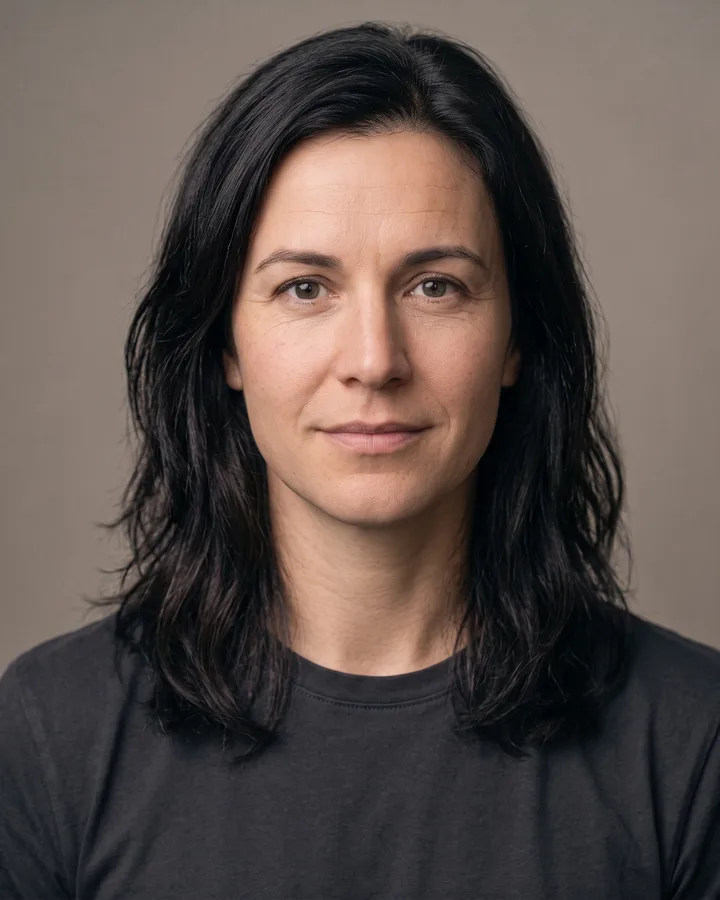
AI photo skill
The best gender-swap edits keep the person recognizable.
Upload a clear portrait of yourself with a neutral expression.
The model adjusts hair and facial structure while preserving your identity.
Review the result and keep it only if it still reads as you.
The best gender-swap edits keep the person recognizable. This skill changes hair, facial structure and grooming just enough to read as a different gender presentation, while keeping your age, ethnicity, eye color and expression intact.
It is designed for your own photo. Using it on someone else without consent — or on a public figure — is not allowed, because the result can be used to misrepresent a real person.
Upload one photo. The model performs the requested edit and leaves everything else alone.
A sharp, front-facing photo with even light. One person or one pet, no collage.
Confirm the identity is unchanged, the edit matches the request and no extra people or text appear.
Your own photo only, or a photo of an adult who has agreed. Never use the result to mock, out, or misrepresent someone.
Yes. Identity, age, ethnicity, eye color and expression are preserved. The change is in presentation, not in who the person is.
No. Public figures are not supported. The filter is for your own photo or a photo of an adult who has explicitly agreed.
The tool is a visual preview, not a statement about identity. We keep the language neutral and ask users not to use results to mock or misrepresent anyone.
The clothing style is preserved. The model may adjust the fit or styling slightly so the presentation reads consistently, but it does not invent a new outfit.
Three more reviewed skills that work well next to this one.
The credit quote is shown before you generate, and the edit keeps everything outside the request untouched.