How it works
Upload one photo. The model performs the requested edit and leaves everything else alone.

AI photo skill
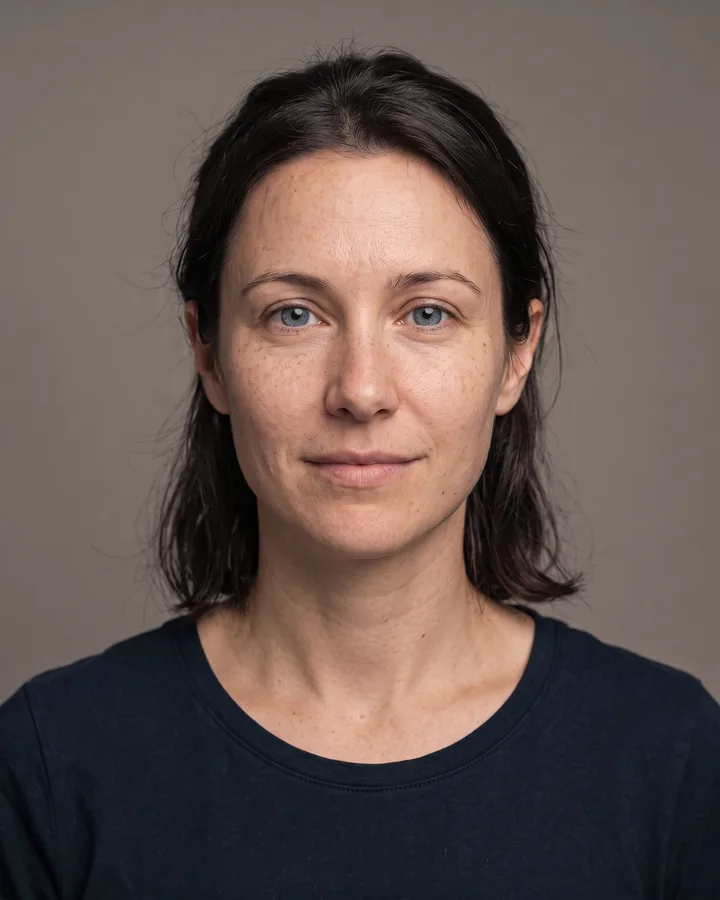
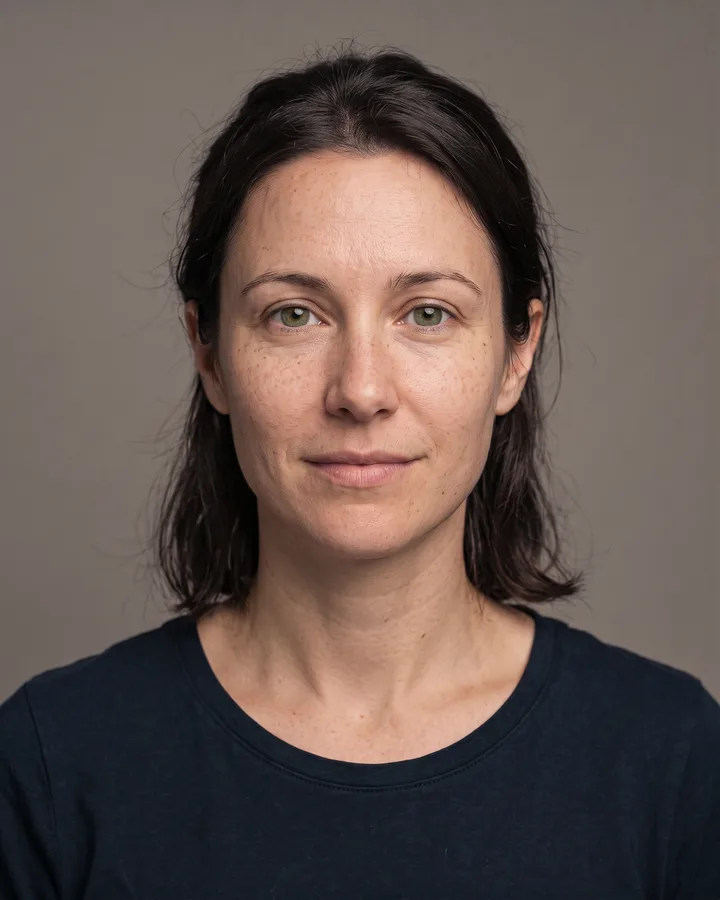
This skill adds a single nose piercing to a portrait you upload.
The model adds a small metal stud to one nostril and adjusts its shine to match the light already in your photo.
Skin around the jewelry gets a soft shadow so the piercing sits on the surface instead of floating.
Your facial features, expression, hair, clothing, background and framing stay exactly as they were.
This skill adds a single nose piercing to a portrait you upload. The model places one small metal stud on a nostril, matches the metal to the light in the frame and shades the skin where the jewelry sits. Nothing else in the picture is regenerated, so the edit stays close to the original.
Use it to preview how a piercing might look before you commit, or to test a photo for a character design. The result is a still image, not an interactive preview, and it keeps your skin tone, expression and framing unchanged. Upload a clear, front-facing photo for the cleanest placement.
Upload one photo. The model performs the requested edit and leaves everything else alone.
A sharp, front-facing photo with even light. One person or one pet, no collage.
Confirm the identity is unchanged, the edit matches the request and no extra people or text appear.
Use your own photo, or a photo of an adult who has given you permission; this skill must not be used to impersonate anyone.
No. It only adds the piercing and the shading on the skin around it; the rest of your face stays as it is.
A sharp, front-facing shot with even light. Very angled poses or hair covering the nose can make placement harder.
The edit is fixed: one small stud on a single nostril at a constant size.
Only your own photo or one of an adult who has given consent. The skill cannot be used to impersonate anyone.
Three more reviewed skills that work well next to this one.
The credit quote is shown before you generate, and the edit keeps everything outside the request untouched.