
How it works
Upload one photo. The model performs the requested edit and leaves everything else alone.
AI photo skill
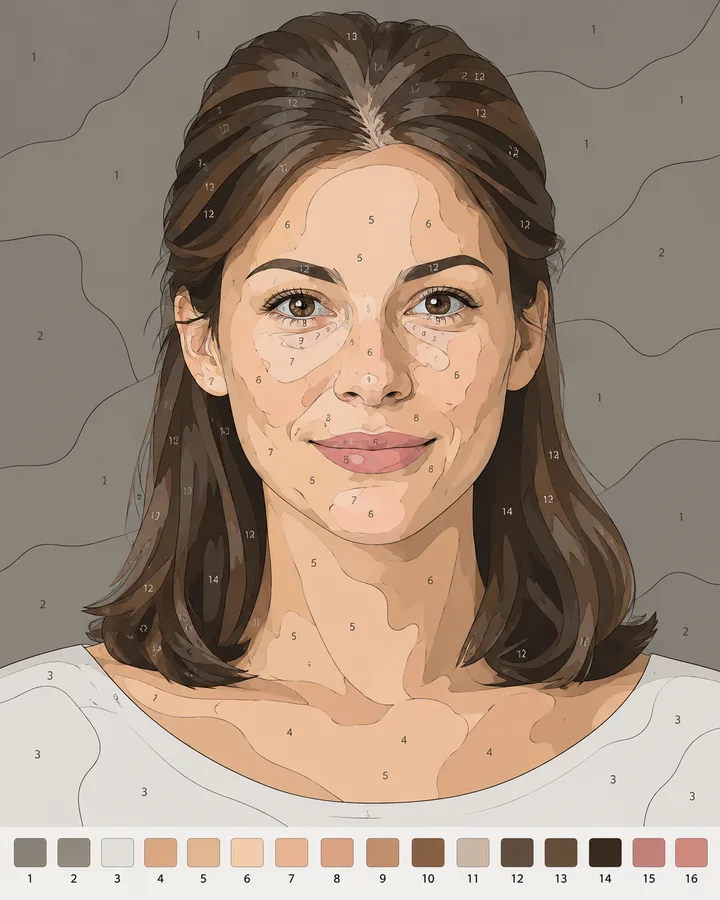
A paint-by-numbers canvas is a photo reduced to flat regions, each with a number that points to a colour.
Upload a photo with a clear subject and uncluttered background.
The model simplifies it into flat numbered regions and builds a matching palette strip.
Print the template, mix the colours and paint by number.
A paint-by-numbers canvas is a photo reduced to flat regions, each with a number that points to a colour. This skill builds that template from your own photo, so you can paint a personal image instead of choosing from a shop shelf.
The result keeps the composition and the recognisable shapes of the source, then simplifies the detail into regions that are actually paintable. A numbered palette strip along the bottom ties every region to its colour.
Upload one photo. The model performs the requested edit and leaves everything else alone.
A sharp, front-facing photo with even light. One person or one pet, no collage.
Confirm the identity is unchanged, the edit matches the request and no extra people or text appear.
Use a photo you own or have permission to turn into artwork, and do not reproduce a copyrighted illustration or a recognisable brand logo.
Yes. Regions are flattened and outlined so each one takes a single colour. Very fine detail is simplified on purpose to keep the canvas paint able by hand.
A clear subject with a simple background and strong shapes. Busy scenes with many small objects produce more regions and take longer to paint.
Yes. The numbered strip at the bottom uses the same numbering as the canvas, so each number maps to one colour.
The output is a high-resolution image. Print it at the size you want to paint, and scale the palette strip with it so the numbers stay readable.
Three more reviewed skills that work well next to this one.

A good pixel-art conversion is not a photo with a grid on top.
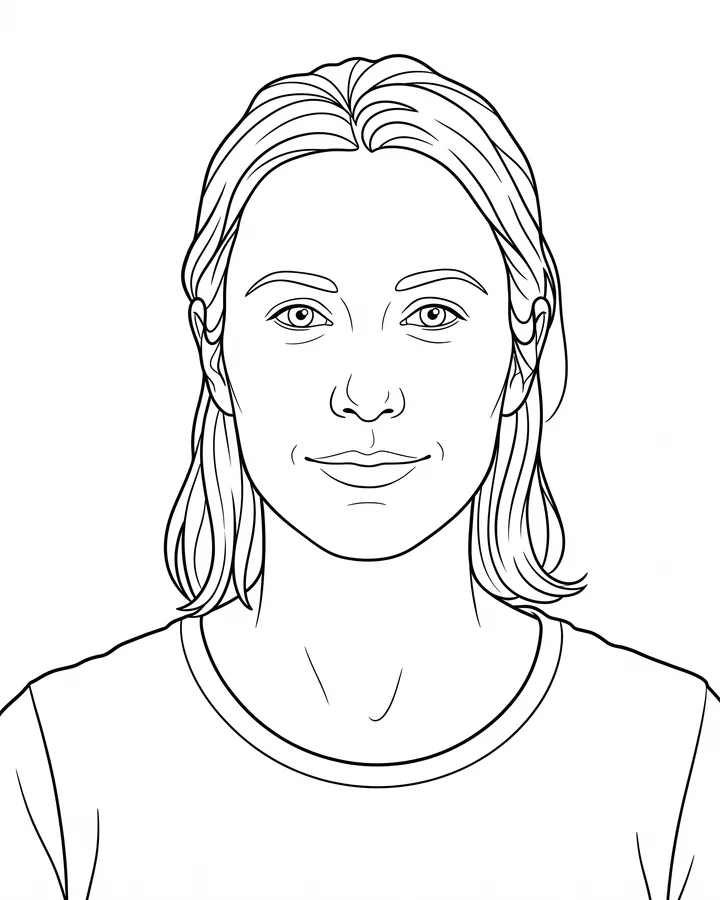
A printable coloring page needs closed shapes, consistent line weight and enough white space to actually color inside.
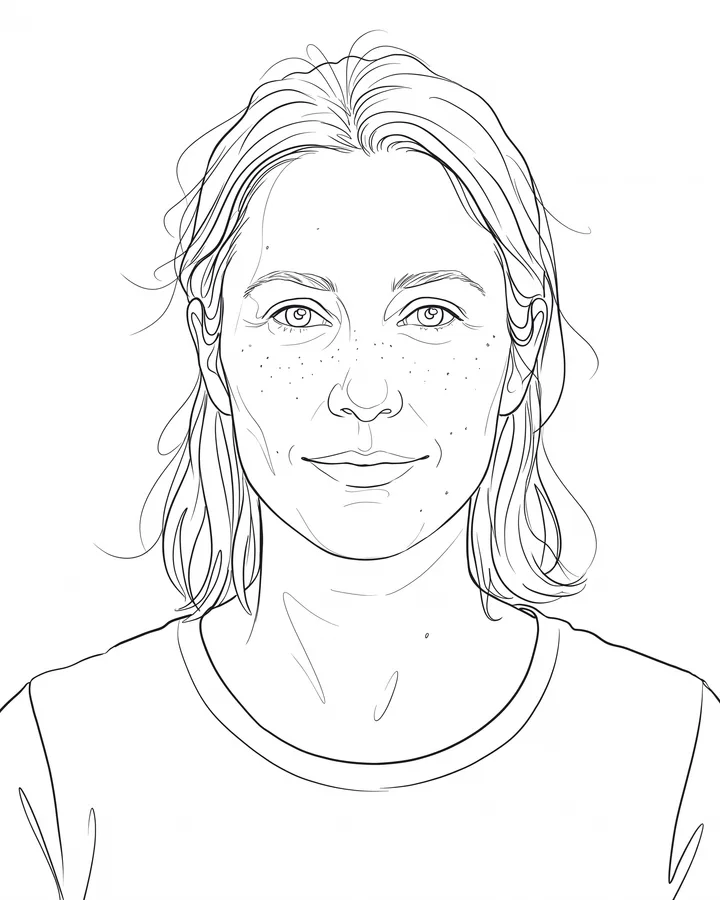
Line art is judged by its strokes, not by how much detail it keeps.
The credit quote is shown before you generate, and the edit keeps everything outside the request untouched.