
How it works
Upload one photo. The model performs the requested edit and leaves everything else alone.
AI photo skill
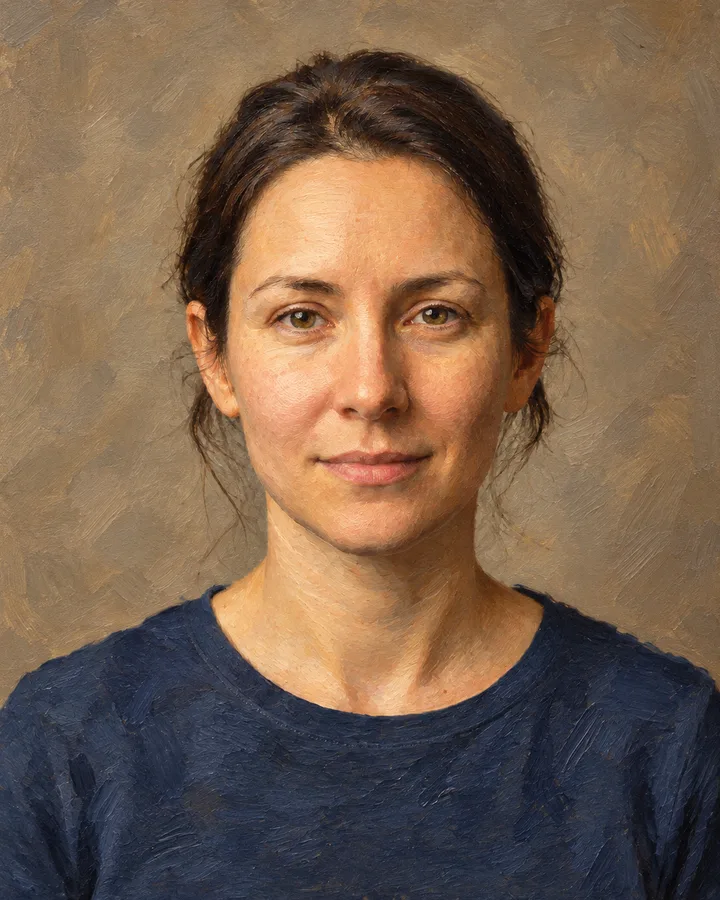
This skill turns a photo of a person into a painting.
The model rebuilds skin, hair, fabric and background as painted surfaces with brushwork, softened contours and a slightly warmer palette.
Facial features, expression, pose, framing and the position of every visible object stay where they are.
Fine detail such as small jewellery, thin straps or background lettering can simplify into paint strokes, while the overall likeness and lighting direction remain intact.
This skill turns a photo of a person into a painting. Upload a portrait and the model repaints skin, hair, clothing and background in a single fixed oil-painting style, with visible brushwork and soft blended edges. The face stays recognisably yours, so the result reads as a portrait of the same person rather than a stranger.
The edit is fixed, so every upload gets the same treatment: one style, one palette, no options to weigh up. Landscapes, pets and group shots are outside what it does best. A clear, well-lit photo of one person at a reasonable resolution gives the cleanest outcome, and you can compare the painting with the original before saving it.
Upload one photo. The model performs the requested edit and leaves everything else alone.
A sharp, front-facing photo with even light. One person or one pet, no collage.
Confirm the identity is unchanged, the edit matches the request and no extra people or text appear.
Use only your own photo or a photo of an adult who has given consent, and never upload someone else's image to imitate or misrepresent them.
Yes. The skill keeps facial structure, expression and pose, so the output reads as the same person rendered in paint. Small details may simplify.
The skill is built for a single subject. With several people in frame the result is unpredictable, so crop to one person first.
A sharp, well-lit portrait where the face is clearly visible and not heavily shadowed. Very small or blurry images lose detail in the repaint.
No. The skill produces a new painted image and leaves your upload untouched, so you keep both versions.
Three more reviewed skills that work well next to this one.

A good pixel-art conversion is not a photo with a grid on top.
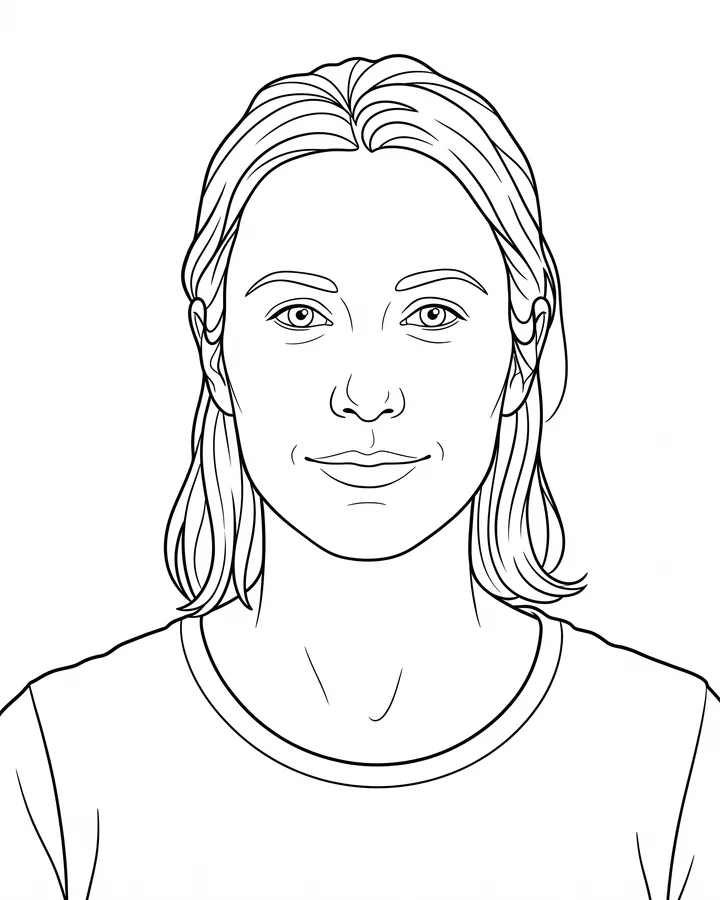
A printable coloring page needs closed shapes, consistent line weight and enough white space to actually color inside.
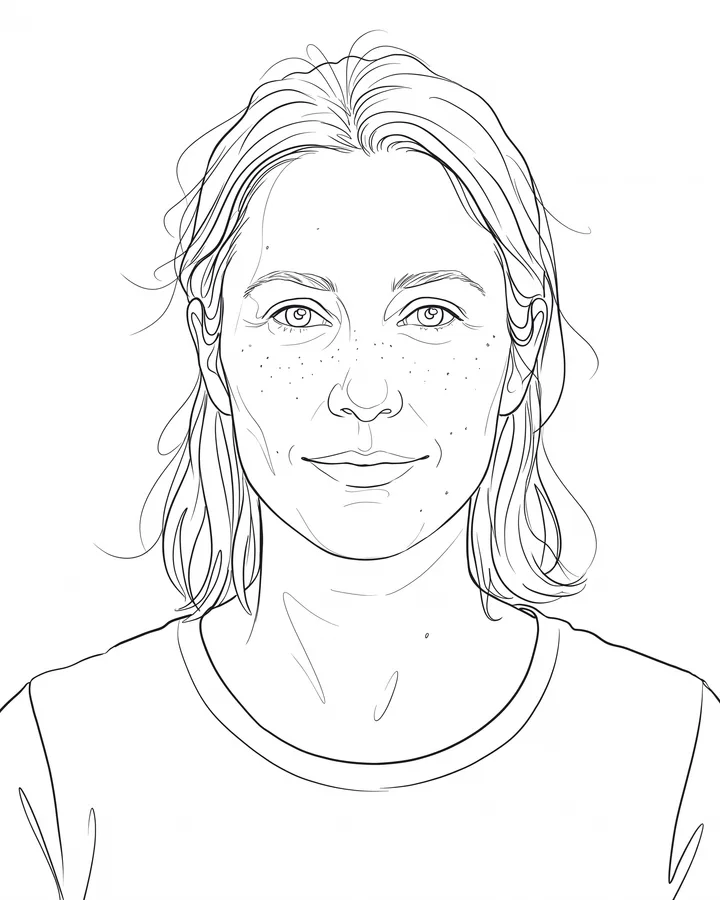
Line art is judged by its strokes, not by how much detail it keeps.
The credit quote is shown before you generate, and the edit keeps everything outside the request untouched.