
How it works
Upload one photo. The model performs the requested edit and leaves everything else alone.
AI photo skill
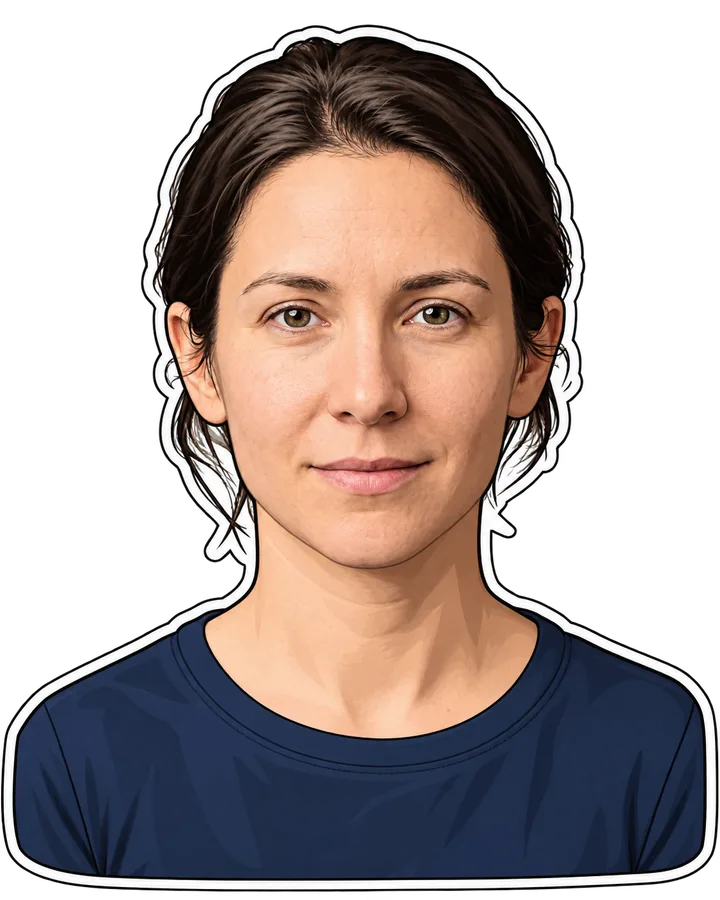
This skill takes a single portrait or full-body photo of a person and rebuilds it as a clean sticker.
The model redraws the person with a thick outer line, flat fill colours and simplified hair, turning the portrait into a sticker shape.
It removes the background and places the figure on transparency, keeping the face, expression and clothing colours of the original photo unchanged.
Everything outside the outline is dropped, so no props, text or second person from the source image appear in the result.
This skill takes a single portrait or full-body photo of a person and rebuilds it as a clean sticker. The model traces a bold outline around the subject, simplifies shading into flat colour areas and cuts the background, so the result looks hand-drawn rather than photographic. Faces stay recognisable because the original features are kept as the reference.
Upload a photo with one person, good light and a clear view of the face. You get a transparent PNG at sticker size that works in chat apps, printed planners or product mock-ups. If you want a different pose or expression, run the same portrait again with a new source image instead of stacking edits.
Upload one photo. The model performs the requested edit and leaves everything else alone.
A sharp, front-facing photo with even light. One person or one pet, no collage.
Confirm the identity is unchanged, the edit matches the request and no extra people or text appear.
Use only your own photo or a photo of an adult who has given consent, and never create stickers that impersonate someone else.
A sharp portrait of one person with even light and the face clearly visible. Busy backgrounds are removed, but a very dark or blurred face limits how much detail the sticker can keep.
Yes. The model uses your photo as the identity reference and keeps your facial features, so the sticker reads as a drawing of you rather than a generic cartoon.
The skill is built for one person per image. Run the photo once per person if you want a set of stickers that you can combine afterwards.
A single sticker image with a transparent background, ready to use in chat apps or design tools. You can generate another version with a different outline weight by resubmitting the same photo.
Three more reviewed skills that work well next to this one.

A good pixel-art conversion is not a photo with a grid on top.
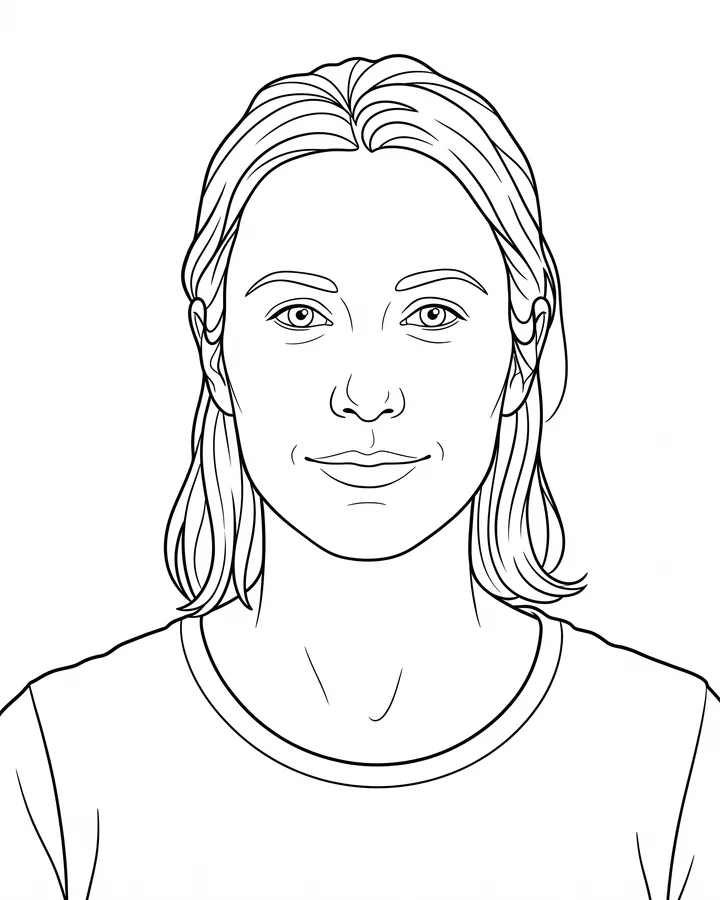
A printable coloring page needs closed shapes, consistent line weight and enough white space to actually color inside.
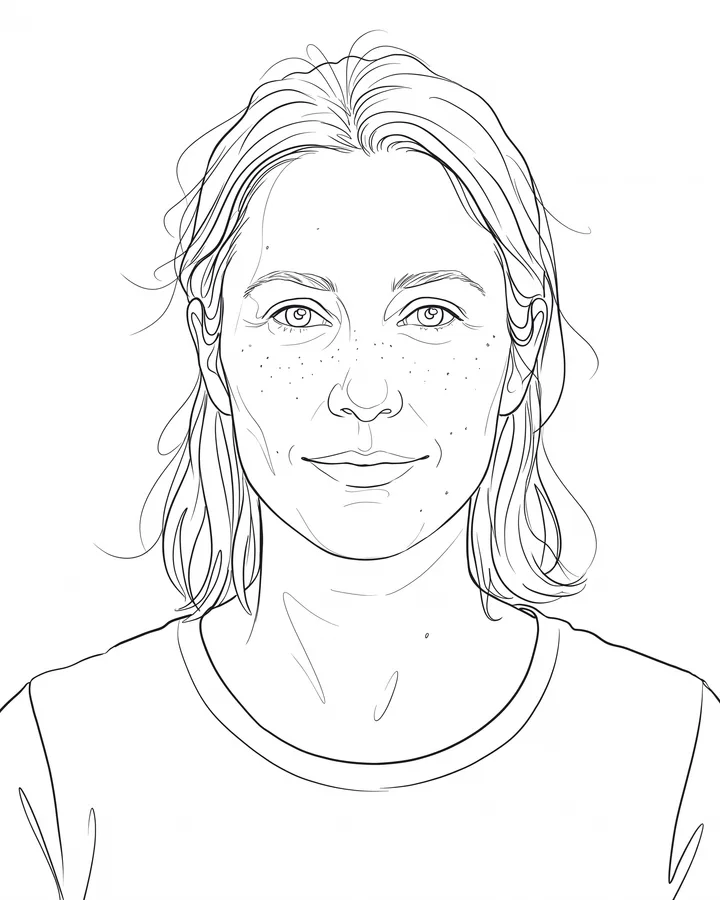
Line art is judged by its strokes, not by how much detail it keeps.
The credit quote is shown before you generate, and the edit keeps everything outside the request untouched.