
How it works
Upload one photo. The model performs the requested edit and leaves everything else alone.
AI photo skill
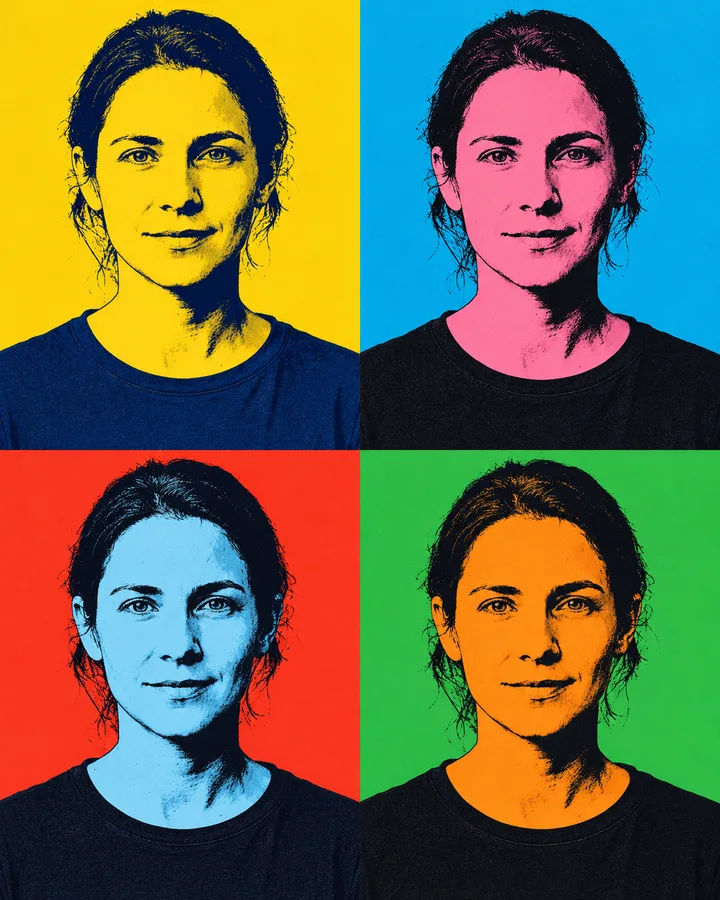
Pop art portrait turns a single photo into a four-panel image built on 1960s silkscreen printing: flat color fields, hard shadows and heavy black outlines.
The skill repeats your portrait four times in one frame and applies flat, saturated color blocks with thick dark outlines to each panel.
Your pose, expression, hairstyle, glasses and clothing stay exactly as they are in the original photo.
The background is reduced to a plain flat tone, and nothing outside the four-panel layout is added or removed.
Pop art portrait turns a single photo into a four-panel image built on 1960s silkscreen printing: flat color fields, hard shadows and heavy black outlines. The skill repeats your face four times across one canvas, and each panel gets its own saturated color combination. It is meant for people who want a recognizable, graphic version of a photo rather than a soft, realistic retouch.
Upload a portrait where your face is clear and evenly lit. The result keeps your expression, hair, glasses and clothing intact, so the person in the artwork is still you. Expect a poster-like look with limited detail and strong edges; small textures and skin tones are deliberately simplified. If the original is blurry or dark, the panels will inherit that.
Upload one photo. The model performs the requested edit and leaves everything else alone.
A sharp, front-facing photo with even light. One person or one pet, no collage.
Confirm the identity is unchanged, the edit matches the request and no extra people or text appear.
Use your own photo, or a photo of an adult who has agreed to it, and do not use the skill to imitate or impersonate someone else.
A sharp, front-facing portrait with even light gives the cleanest panels. Busy backgrounds are flattened, so they matter less than the face.
Yes. The skill keeps your pose and features and only changes color, contrast and outline.
The skill is built for one person, so a group shot will not produce a clean four-panel layout. Use a photo of yourself alone.
No. The edit stays free of text, logos and watermarks, and it adds no extra people or objects.
Three more reviewed skills that work well next to this one.

A good pixel-art conversion is not a photo with a grid on top.
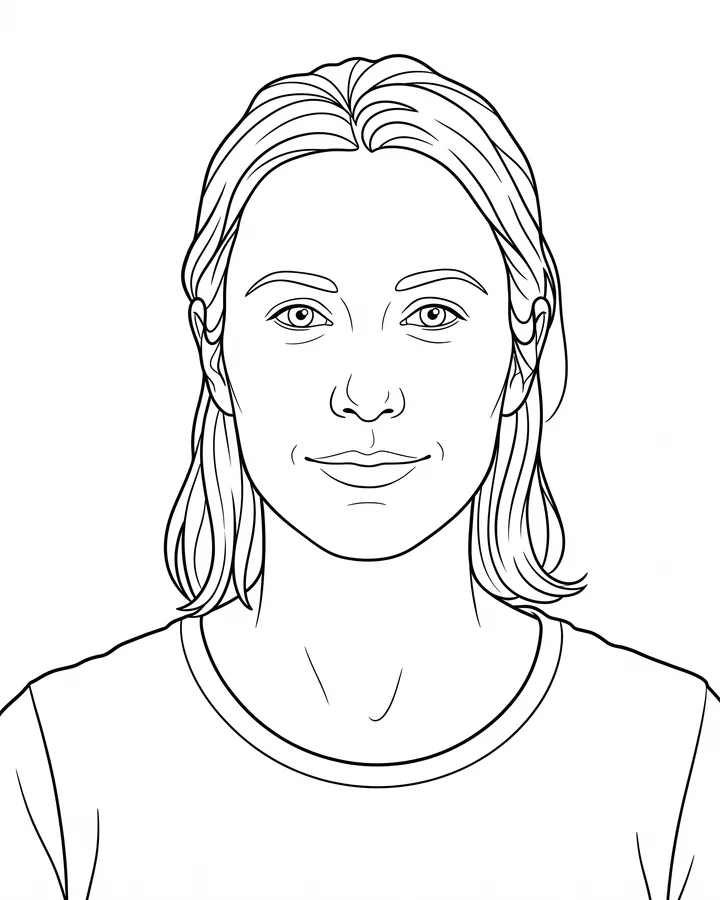
A printable coloring page needs closed shapes, consistent line weight and enough white space to actually color inside.
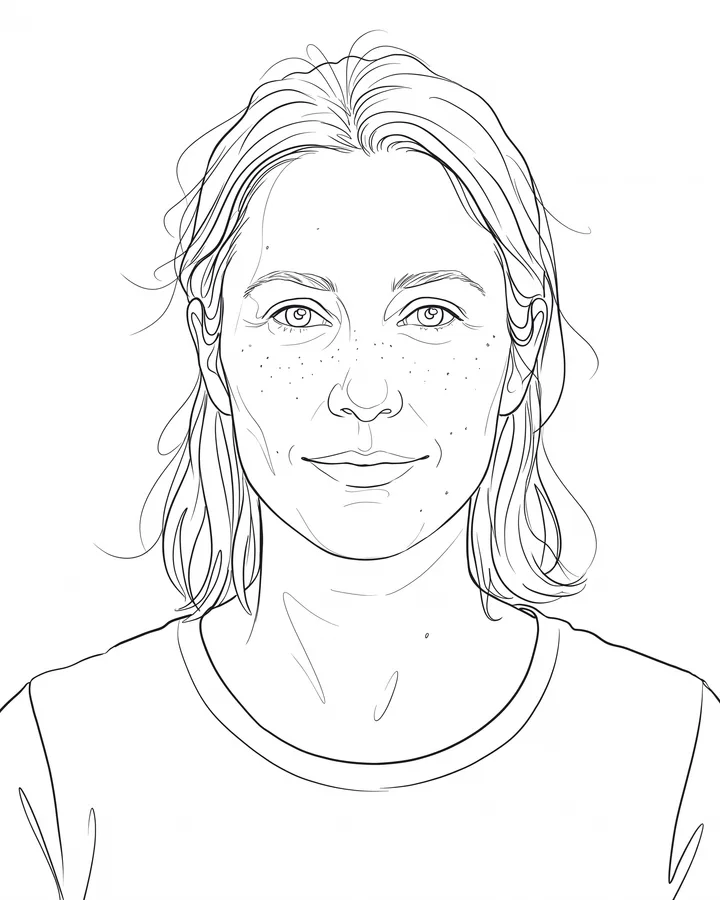
Line art is judged by its strokes, not by how much detail it keeps.
The credit quote is shown before you generate, and the edit keeps everything outside the request untouched.