
How it works
Upload one photo. The model performs the requested edit and leaves everything else alone.
AI photo skill
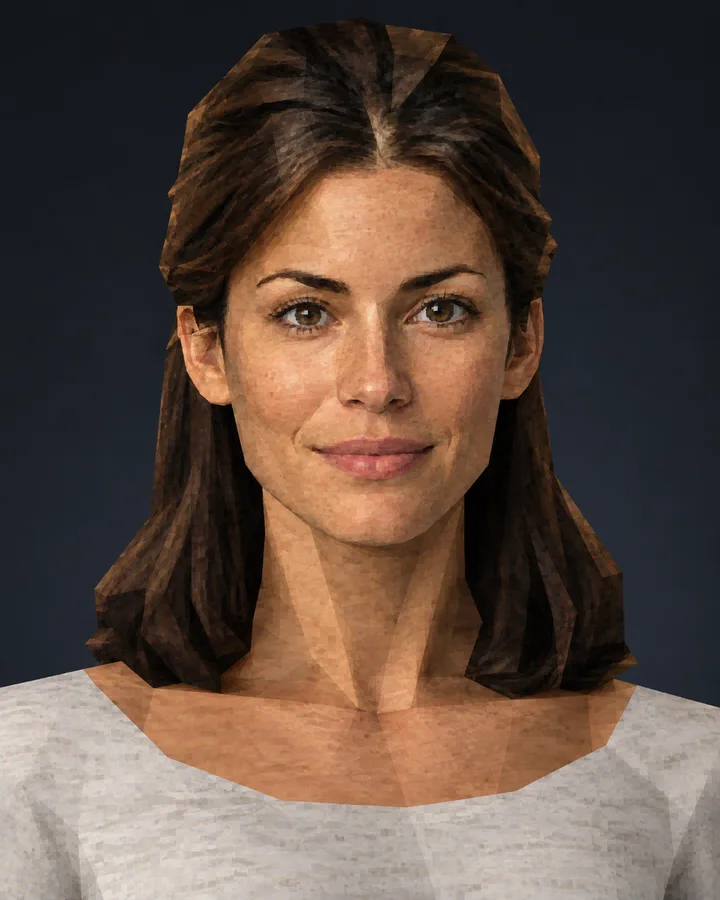
Early-2000s console games had a look you can recognise in a single frame: low polygon counts, slightly muddy textures and hard vertex lighting.
Upload a portrait with your face and shoulders clearly visible.
The model rebuilds it as a low-poly game character with period lighting and textures.
Save the render and post it next to the original for the before-and-after.
Early-2000s console games had a look you can recognise in a single frame: low polygon counts, slightly muddy textures and hard vertex lighting. This filter rebuilds your photo with those constraints instead of adding a grain overlay.
The face, hair colour and clothing stay recognisable, which is the fun of the effect: you, rendered by hardware that had to count every triangle. The background is a simple dark gradient, so nothing competes with the character.
Upload one photo. The model performs the requested edit and leaves everything else alone.
A sharp, front-facing photo with even light. One person or one pet, no collage.
Confirm the identity is unchanged, the edit matches the request and no extra people or text appear.
Only upload photos of yourself or an adult who has consented, and do not use the render to impersonate a real person or a game publisher’s character.
Low polygon geometry, compressed textures, hard vertex lighting and a light dithering pattern — the constraints of that console generation, not just a colour filter.
The face, hair colour and clothing are preserved within the low-poly style, so the character reads as you.
No. The frame is clean: character on a dark gradient with no interface, text or icons.
Yes. The output is a high-resolution image suitable for social profiles and posts. Make sure everyone in the photo is happy to appear.
Three more reviewed skills that work well next to this one.

A good pixel-art conversion is not a photo with a grid on top.
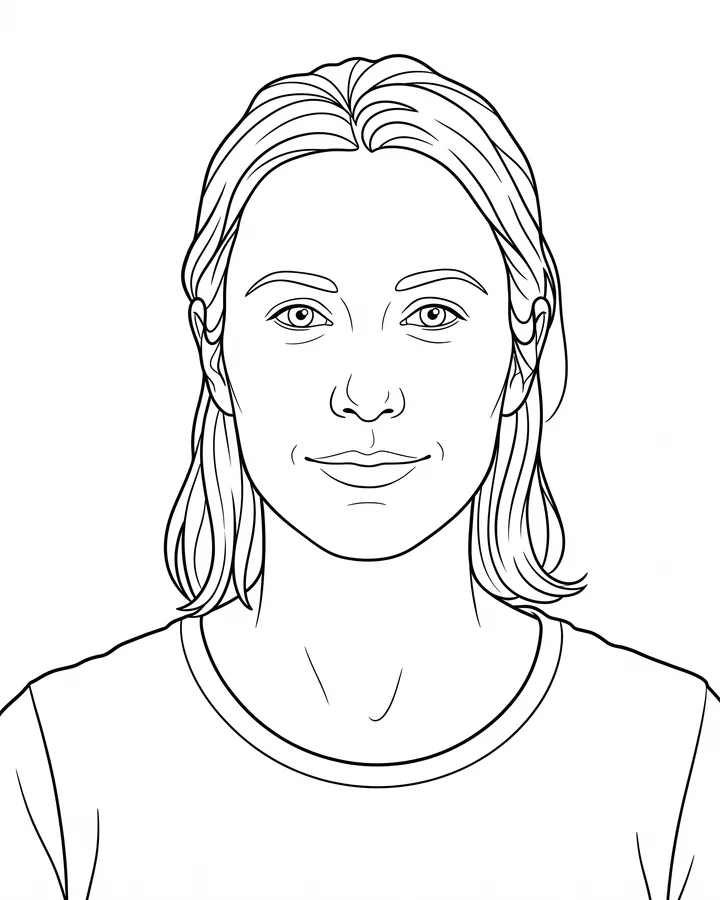
A printable coloring page needs closed shapes, consistent line weight and enough white space to actually color inside.
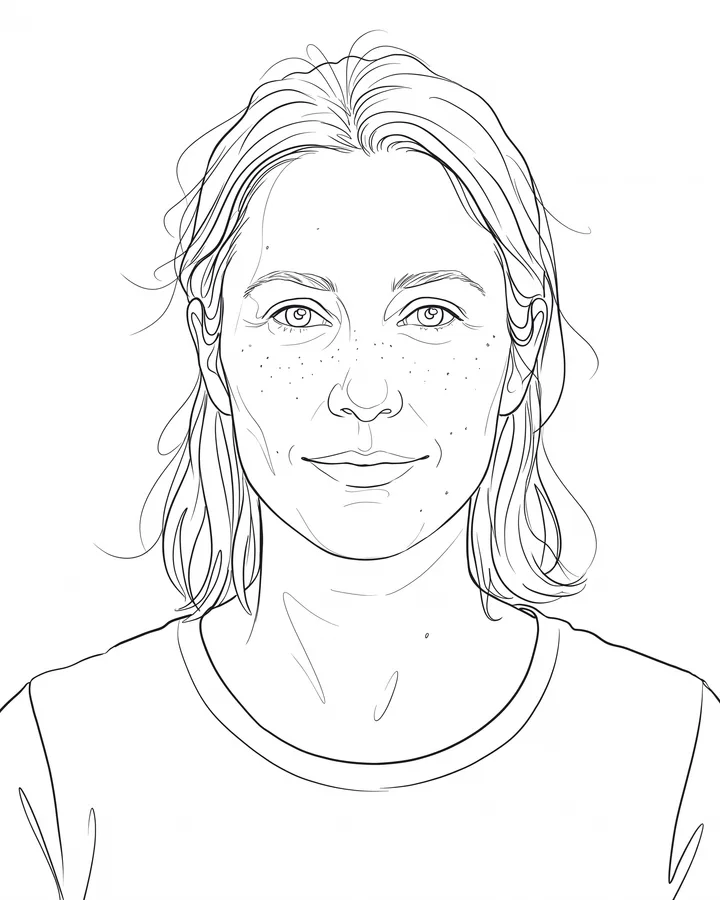
Line art is judged by its strokes, not by how much detail it keeps.
The credit quote is shown before you generate, and the edit keeps everything outside the request untouched.