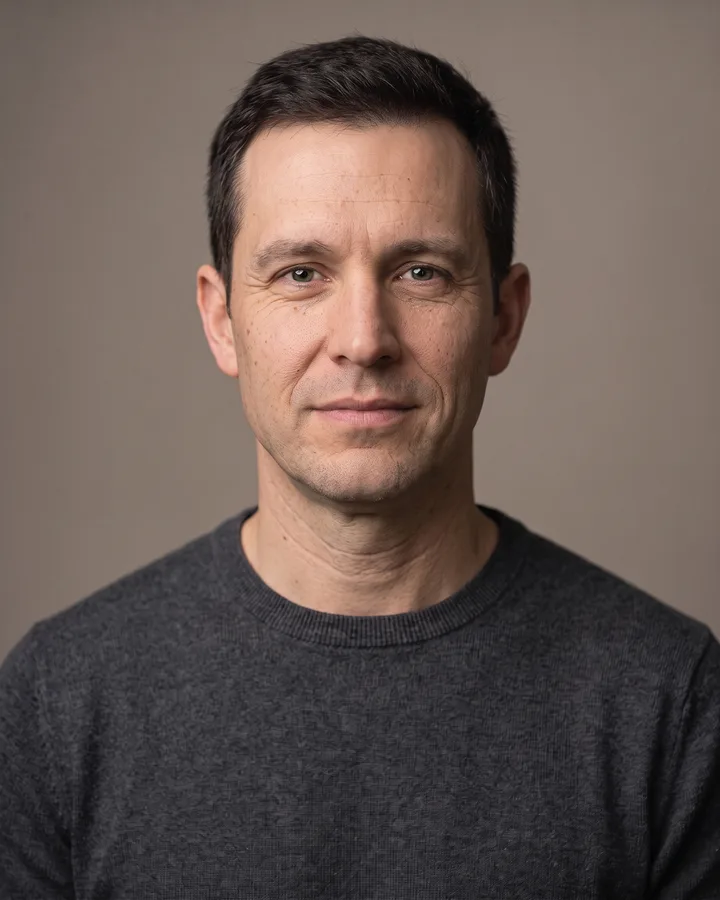
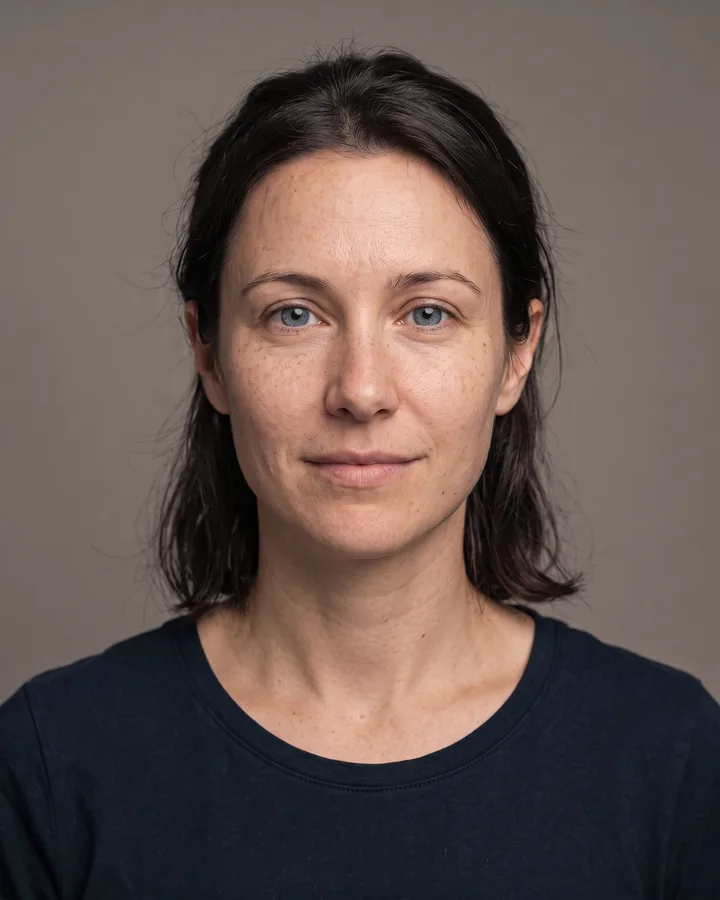
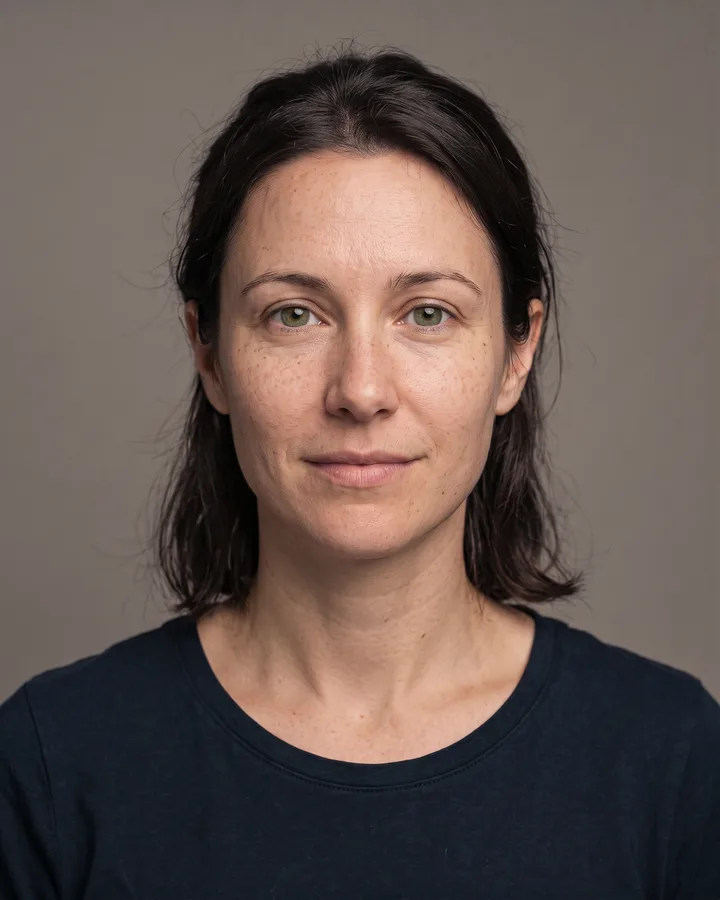
How it works
Upload one photo. The model performs the requested edit and leaves everything else alone.
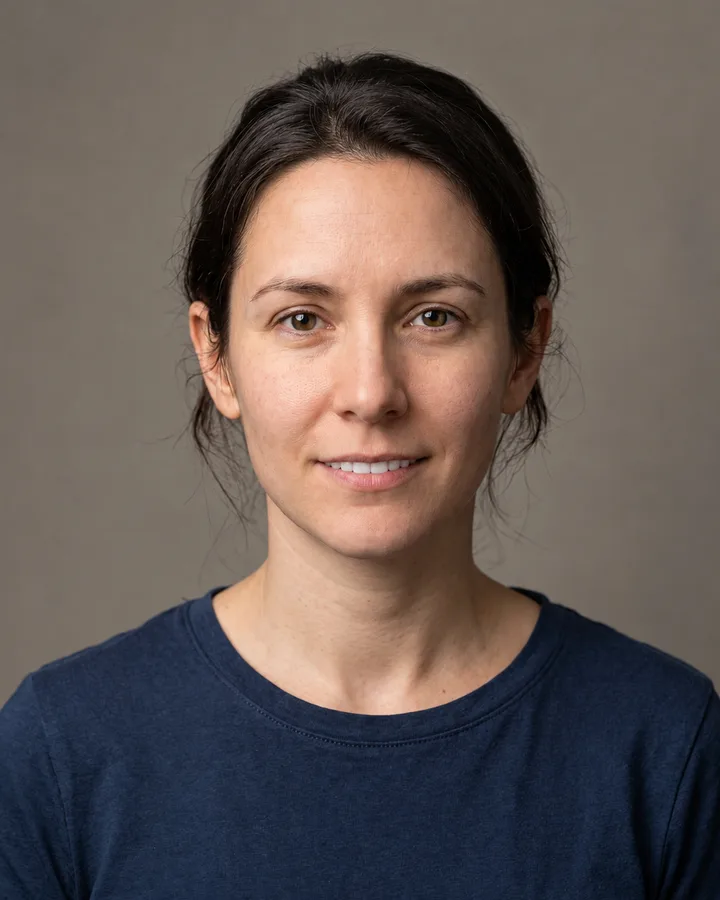
AI photo skill
Studio whitening is expensive and often means a new set of photos.
The model finds the teeth inside the mouth region and raises their brightness while reducing yellow saturation, matching the light already present in the shot.
It leaves the gum line, lips, tongue, skin tone, hair and background exactly as they were, so no grey halo appears around the smile.
Everything outside the tooth area, from identity and expression to grain and framing, stays identical to your upload.
Studio whitening is expensive and often means a new set of photos. This skill handles the same job on the picture you already have: it lifts the shade of your teeth to something that reads clean and natural, without the blue-white look of a filter. Upload a portrait, run the edit and download the result.
The model works on the tooth area only. It does not touch skin texture, lip colour, eye brightness or the background, so the photo still looks like the same shot taken on the same day. That makes it useful for headshots, dating profiles, business portraits and family pictures where a small change is all you need.
Upload one photo. The model performs the requested edit and leaves everything else alone.
A sharp, front-facing photo with even light. One person or one pet, no collage.
Confirm the identity is unchanged, the edit matches the request and no extra people or text appear.
Use only your own photo or a photo of an adult who has given consent, and never use this skill to impersonate anyone or edit another person's image without permission.
No. Only the tooth shade is adjusted; identity, skin, hair, eyes and background remain as in the original photo.
Yes. The model adapts the new shade to the light in the picture, so the result follows the existing colour instead of adding a cold blue tint.
Only visible teeth are lightened. Hidden areas stay untouched and the lip edge is kept intact.
Only with that person's permission. Use your own photo or one of an adult who agreed to the edit.
Three more reviewed skills that work well next to this one.
The credit quote is shown before you generate, and the edit keeps everything outside the request untouched.