
How it works
Upload one photo. The model performs the requested edit and leaves everything else alone.
AI photo skill
A convincing vintage look is more than a sepia overlay.
Choose a look
Upload a photo with visible lighting and a clear subject.
Choose the era you want: 1970s, 1990s or Y2K.
Compare the grain and highlights at full size, then save the version you like.
A convincing vintage look is more than a sepia overlay. Film changes contrast, highlight roll-off, grain structure and the way flash falls off in the corners. This skill rebuilds those behaviours instead of tinting the whole photo one colour.
Three reviewed looks cover the most requested eras: 1970s colour film, 1990s disposable camera and Y2K digital flash. The subject, composition and background stay the same.
Upload one photo. The model performs the requested edit and leaves everything else alone.
A sharp, front-facing photo with even light. One person or one pet, no collage.
Confirm the identity is unchanged, the edit matches the request and no extra people or text appear.
Use a photo you have the right to edit. Do not upload photos of public figures or of people who have not agreed.
The 1990s and Y2K looks include a small timestamp in the corner, because that is part of the camera aesthetic. The 1970s look does not.
No. The grade adds grain, halation and vignetting, not a heavy blur. Sharpness is preserved so faces stay readable.
You can, but check the result against your marketplace image rules. A heavy vintage grade may not meet catalog requirements.
Each era has different film stock, flash behaviour and colour science. The variants reproduce those differences rather than applying one preset with a different tint.
Three more reviewed skills that work well next to this one.
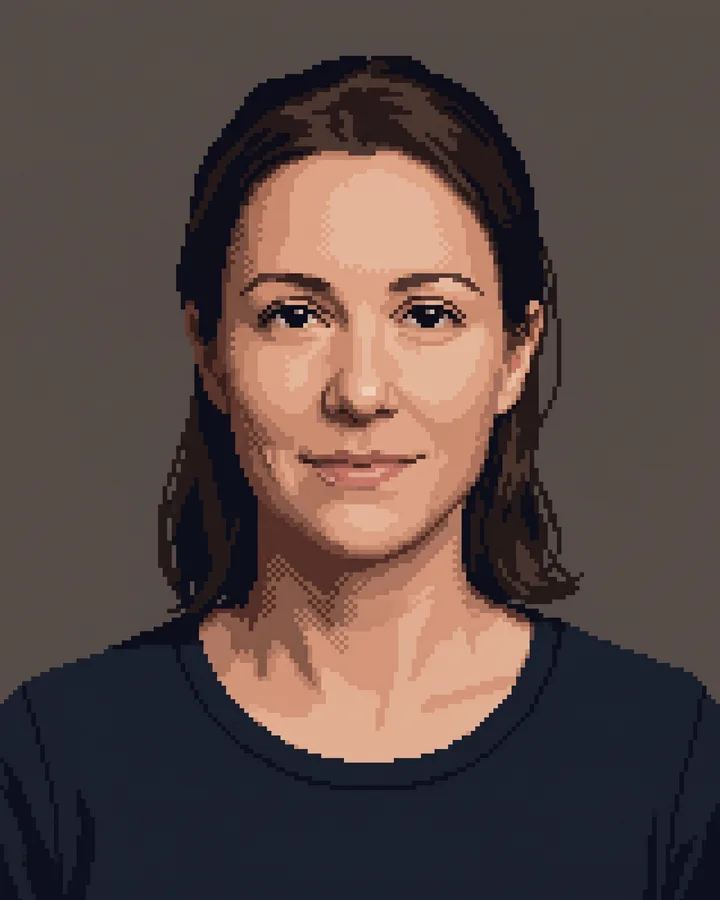
A good pixel-art conversion is not a photo with a grid on top.
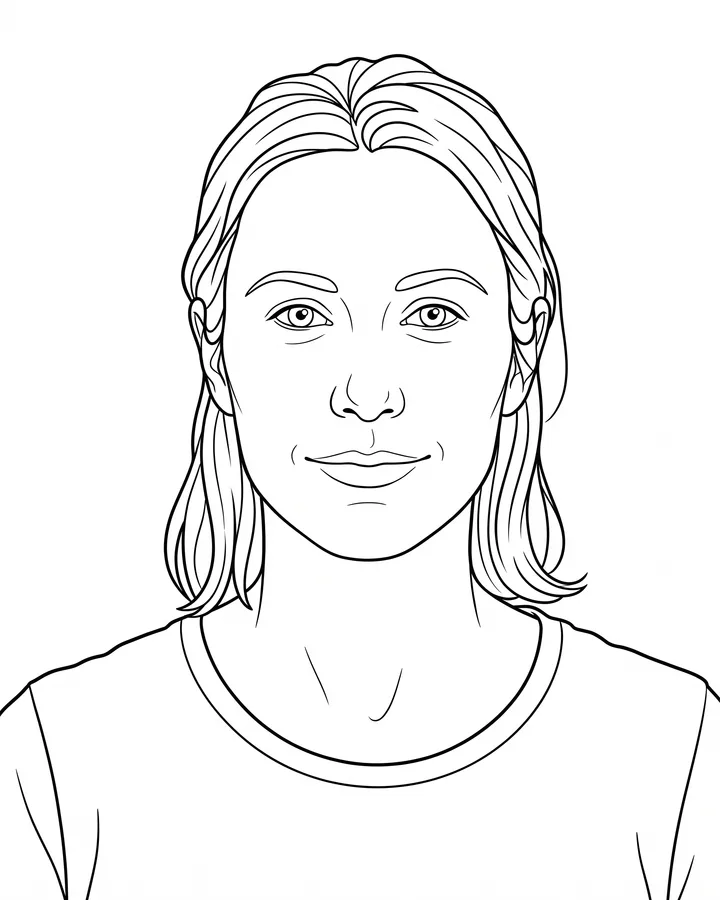
A printable coloring page needs closed shapes, consistent line weight and enough white space to actually color inside.
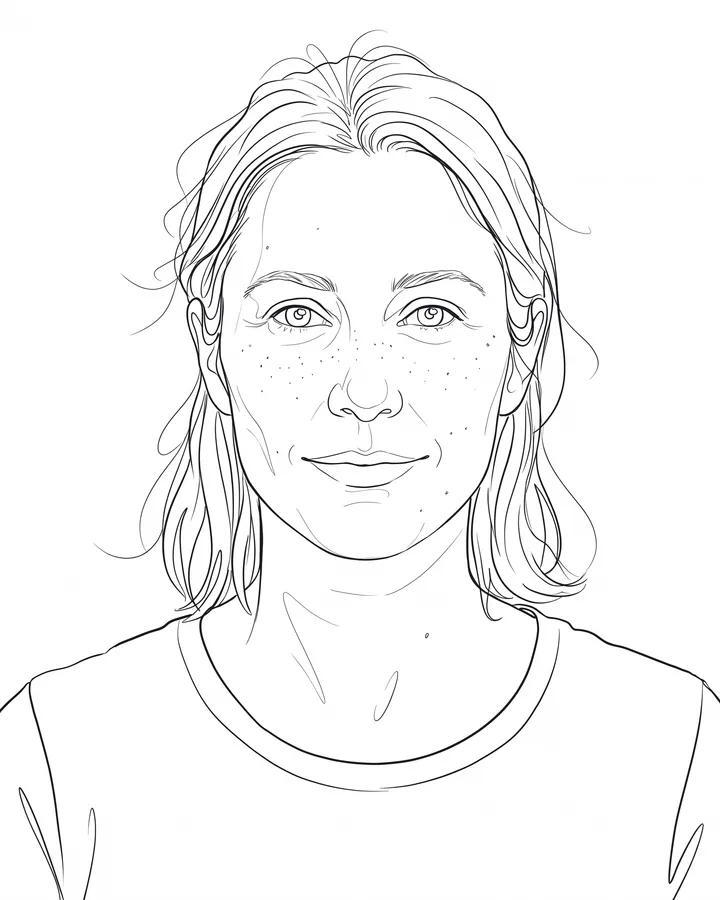
Line art is judged by its strokes, not by how much detail it keeps.
The credit quote is shown before you generate, and the edit keeps everything outside the request untouched.