Skip to content
Yito.ai
PricingSign in
HomeExploreAssets
SolutionsToolsEffects
ModelsPlatforms
FeedbackShare ideas, earn creditsRefer & EarnEarn 25 + 200 credits

Veo 3.1 Fast

This page opens Veo 3.1 Fast. It is not the automatic default. Read the credit quote before Generate.

Preparing the editor. Your inputs will be available shortly.

Loading model availability…

Start from a model, a task, a tool, or a trend

Model pages

  • Kling 3.0
  • Seedance 2.0 Mini
  • Veo 3.1 Fast
  • Wan 2.7
  • Hailuo 3
  • Nano Banana 2
  • Seedream 5 Pro
  • Grok Imagine

Task pages

  • Text to Video
  • Image to Video
  • Video to Video
  • Reference to Video
  • Lip Sync
  • AI Avatar

Image and audio tools

  • Background Remover
  • Object Remover
  • Watermark Remover
  • Image Upscaler
  • Face Swap
  • Video Sound Effects

Trend pages

  • Memes
  • Halloween
  • Charme Dance
  • Video effects
  • Photo skills

Listing workflows

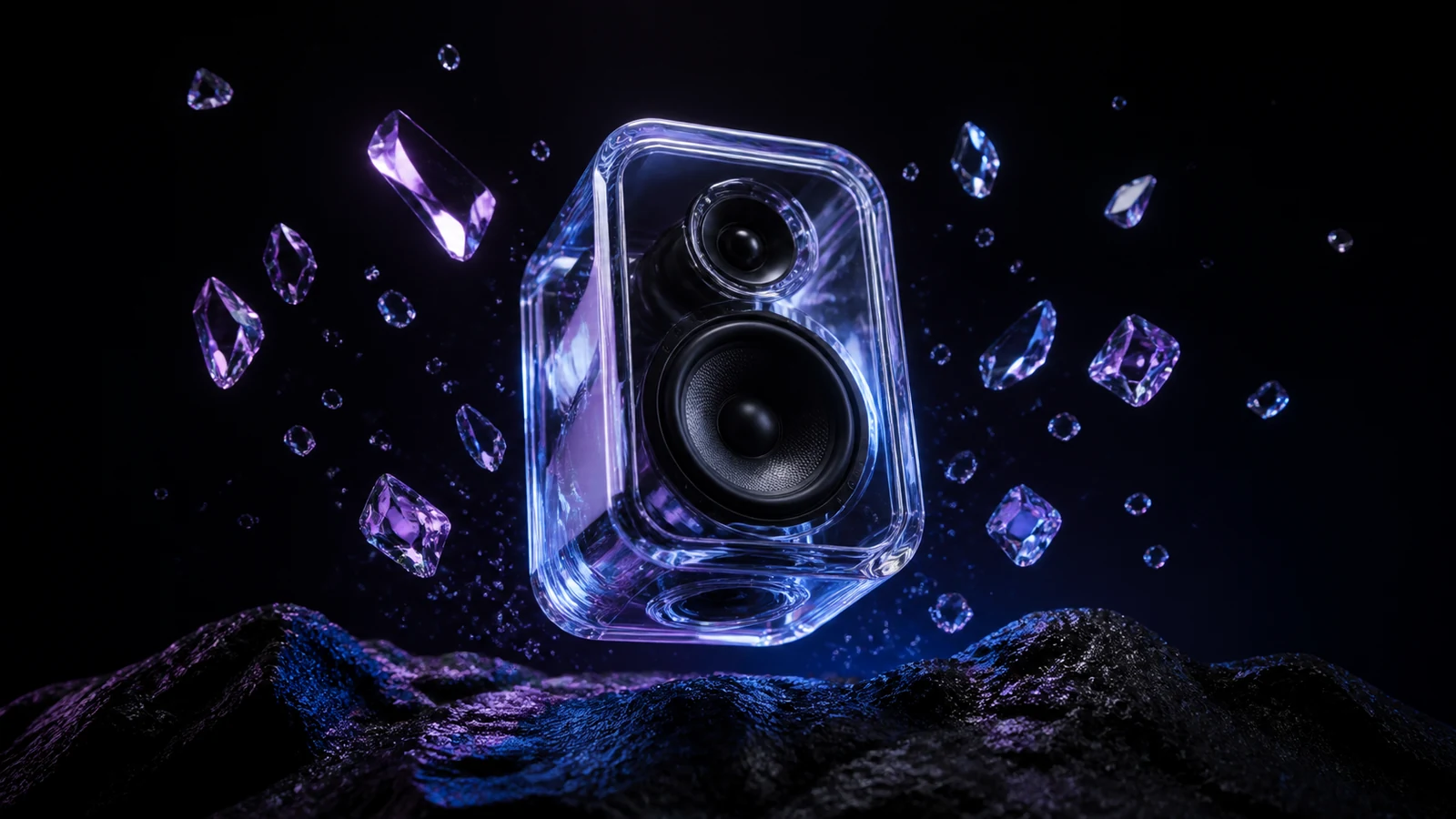
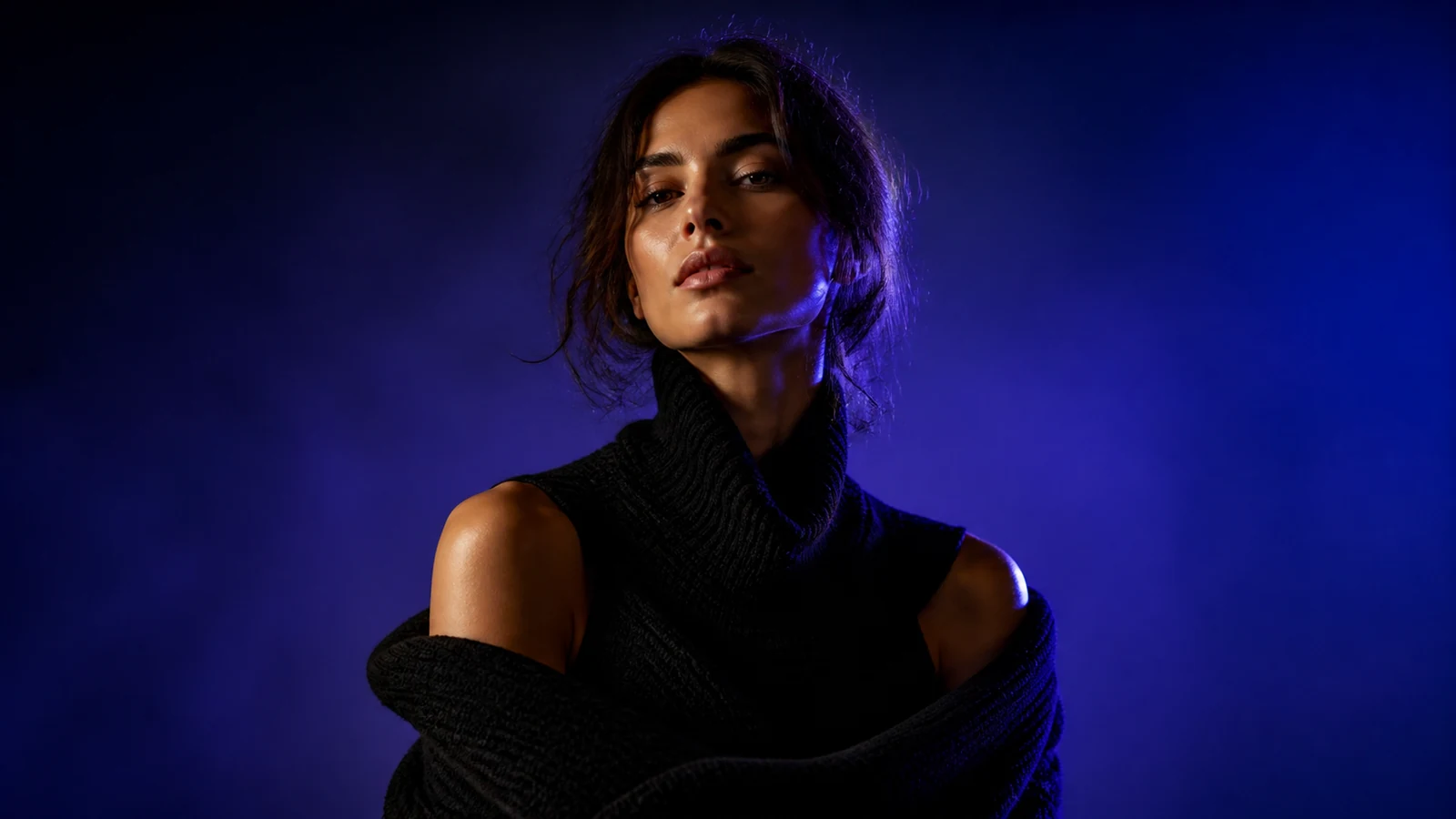
Amber serum bottle on a stone pedestal with botanical shadowsAI Product ShotCreate a catalog-ready product photo from your source image.Editorial image set showing the same amber bottle on white, in two settings and in a handProduct Listing Image SetCreate listing image candidates from your product photo, then review each one.Fashion portrait in sculptural black knit against cobalt lightNano Banana 2 LiteCreate still images when you need a fast extra variation.Transparent speaker floating above rock with crystal fragmentsP-ImageFast, flexible image generation.

Product updates

Three recent changes, including the new Charme Dance AI trend hub.

Workflow guide

Veo 3.1 Fast

Open Google Veo 3.1 Fast directly when you want crisp motion coherence, realistic lighting, and synchronized sound effects or dialogue in fast turnaround runs.

Built for real production workflows

Audio-visual social commercials

Generate video clips with matching ambient sound and motion in one pass for faster editing.

Product & lifestyle B-roll

Create natural studio, outdoor, and architectural footage that blends cleanly into brand edits.

Side-by-side creative benchmarking

Run the exact same prompt on Veo 3.1 Fast, Kling 3.0, and Seedance 2.0 Mini from one studio.

How to generate in 3 steps

  1. Step 1Enter a clear scene prompt describing subject, setting, camera move, and sound cues.
  2. Step 2Select aspect ratio, duration, and resolution and verify the exact credit quote on screen.
  3. Step 3Click Generate to run Veo 3.1 Fast and download the finished clip without watermarks.

Compare related models & workflows

  • Kling 3.0
  • Seedance 2.0 Mini
  • Wan 2.7
  • Text to Video

Questions about this workflow

Does Veo 3.1 Fast stay selected on this page?

Yes. This URL opens the generator locked to the Veo 3.1 Fast model family so the live quote reflects Veo 3.1 Fast directly.

Is yito affiliated with Google or DeepMind?

No. Veo belongs to Google; yito is an independent multi-model studio giving teams unified billing, privacy defaults, and credit quotes.

Pro & Max · Recurring production

Need weekly video volume, team seats, or batch campaigns?

Pro and Max plans give creators, marketers, and multi-brand teams up to 30,000 monthly credits, shared brand workspaces, commercial rights, and a 3-day full refund if paid credits are unused.

Compare Pro & Max plansExplore all models
HomeCreateAssets

Video templates

Start with a complete shot direction, then change the model, duration, framing, and prompt in the live composer.

Browse all effects
Transparent speaker floating above rock with crystal fragmentsProduct motion

Product orbit

A controlled circular camera move for launches and hero shots.

Starter direction: A premium product rotates slowly on a clean studio pedestal, controlled circular dolly, soft rim light, realistic reflections, smooth cinematic motion.

Use template
Athlete in technical outerwear above a misty coastlineCinematic

Coastal dolly

A calm lateral reveal with natural parallax and stable pacing.

Starter direction: A cinematic lateral dolly along a quiet coastline at blue hour, natural parallax, subtle wind, stable horizon, realistic movement.

Use template
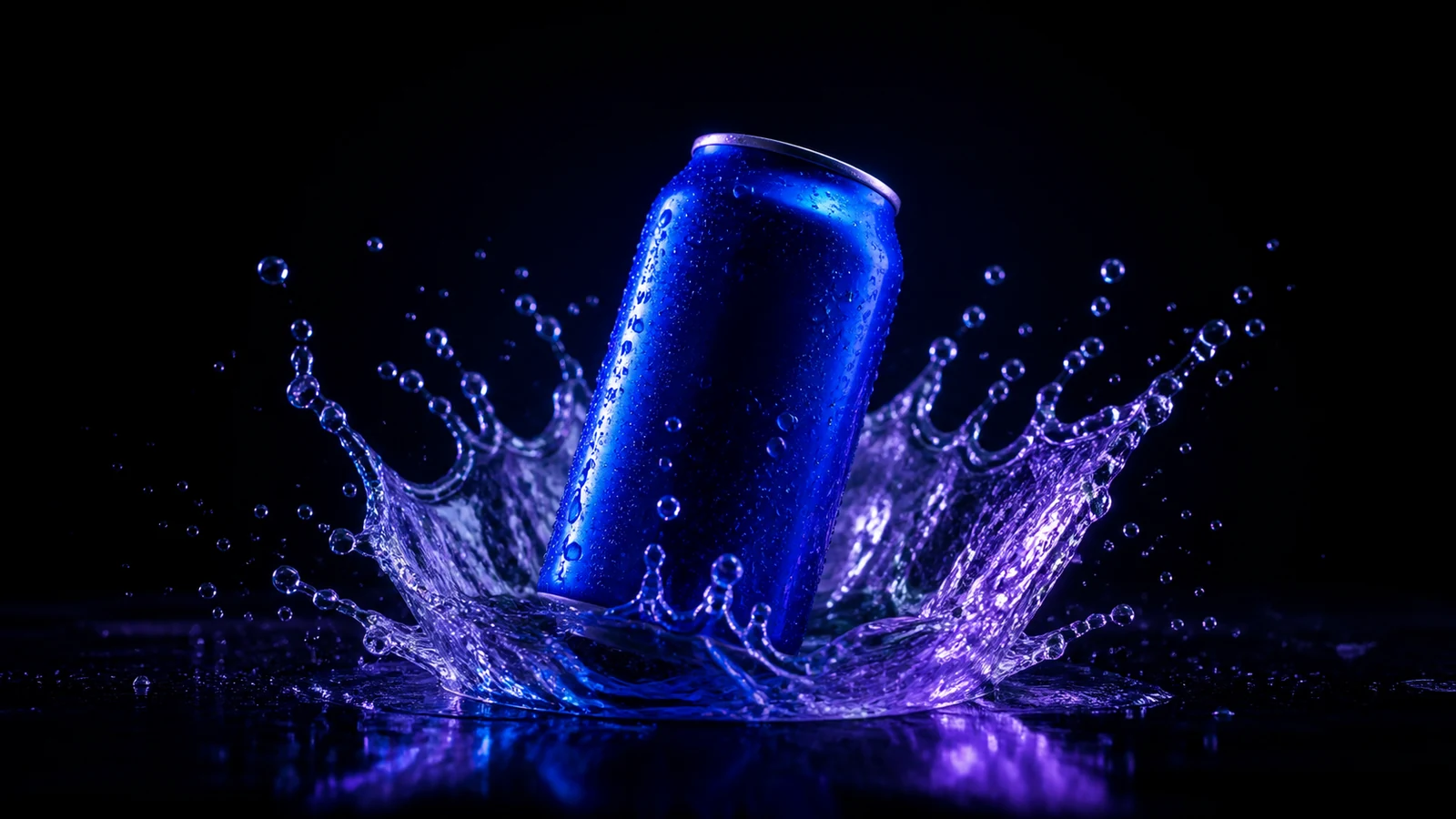
Cobalt beverage can rising through a sculptural water splashBrand reveal

Liquid launch

Glossy fluid motion designed for a short branded reveal.

Starter direction: Glossy translucent liquid ribbons sweep through a dark studio and reveal the subject, macro highlights, elegant brand-film pacing.

Use template
Small dog walking down a violet-lit fashion runwaySocial

Pet runway

A playful vertical concept with a clear subject and camera path.

Starter direction: A confident pet walks down a miniature fashion runway, soft audience bokeh, centered tracking shot, playful editorial lighting, vertical social video.

Use template
Amber serum bottle surrounded by translucent botanical petalsCommerce

Storefront showcase

A product-first sequence for storefronts and paid social.

Starter direction: Show the product in three controlled studio angles with clean transitions, accurate materials, restrained camera movement, premium commerce lighting.

Use template
Presenter in a black suit opening deep violet velvet curtainsUGC ad

Creator pitch

A direct-response creator structure with a hook and payoff.

Starter direction: Open with a surprising product problem, show the creator using the product naturally, demonstrate one concrete benefit, and finish with a concise call to action.

Use template
Browse all effects

Gallery 01 · Generated on yito

One still is a claim. Motion is proof.

Every clip in this room came out of yito’s own video routes with the same locked prompt: a matte black ceramic cup on a dark stone pedestal. Veo 3.1 Fast, Kling 3.0 and Seedance 2.0 Mini are live now.

Veo 3.1 FastLive model
Kling 3.0Live model
Seedance 2.0 MiniLive model

Run provenance

Veo 3.1 Fast
Route: fal · fal-ai/veo3.1/fastGeneration task: a5724467Prompt digest: 121b1fc420d6Generated: 2026-10-19
Kling 3.0
Route: kie · kling-3.0/videoGeneration task: 0298a3bcPrompt digest: 121b1fc420d6Generated: 2026-10-19
Seedance 2.0 Mini
Route: kie · bytedance/seedance-2-miniGeneration task: 2233874aPrompt digest: 121b1fc420d6Generated: 2026-10-19
Generate a product videoCompare video models

Model outputs, not customer work. Availability and pixels can change between runs.

Listing images · Editorial samples

Inspect a product image set before trying your own.

Compare the source with an editorial image set. Open the image workflow, upload your own authorized product photo and review each result before publishing.
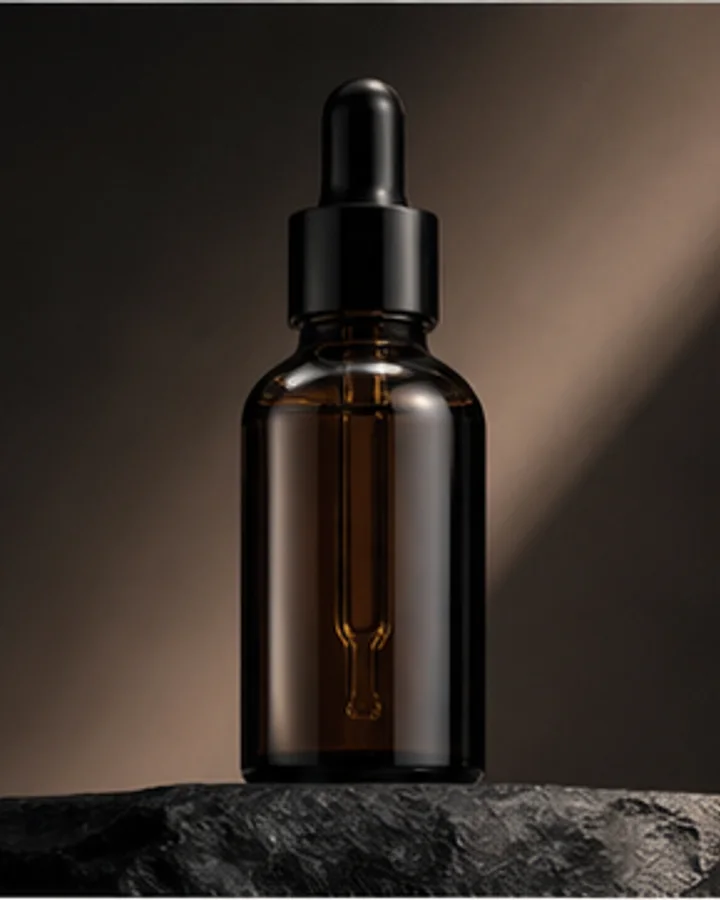
Source image
Amber serum listing workflow · Source image

Your next step

Workflow
Listing images
Before generating
Choose your output count and review the live credit quote in Studio.

Credits and generation time are not published for this editorial sample.

Open listing image workflow

Editorial image set
Amber serum listing workflow · Editorial image set

This editorial layout assembles existing images; it is not an automatic export or a production reliability benchmark. Check glass, reflections and in-hand details on your own product.

These samples are not customer work. Model availability and output quality can change. Review every result before publishing.

Inspect more editorial examples
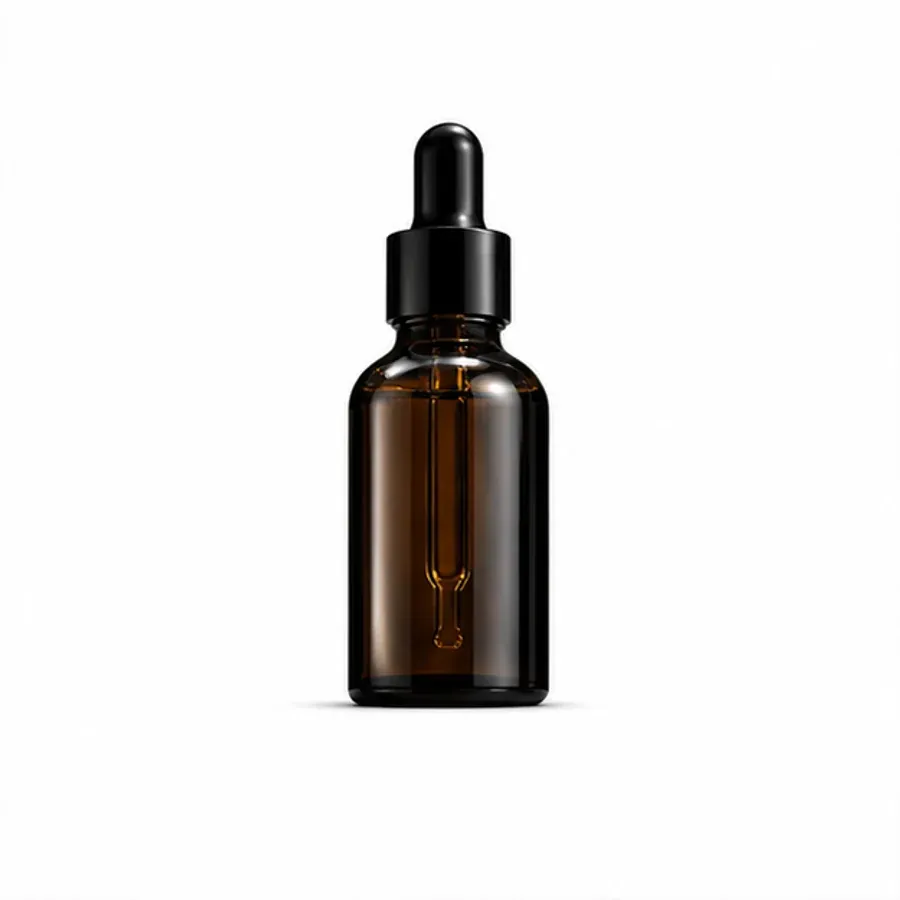
Amber serum listing workflow

Beauty · dropper bottle

Amber serum listing workflow

Controlled Yito editorial sample using an unbranded reference; not customer work.

View complete proof
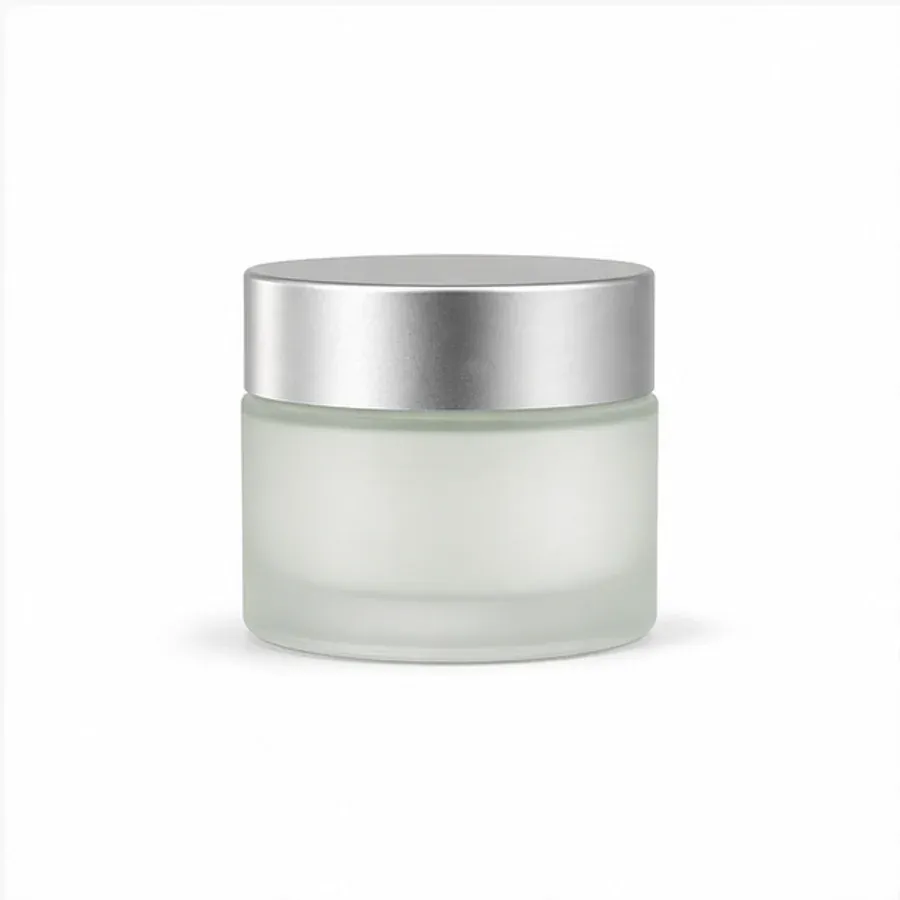
Glass cream listing workflow

Beauty · cosmetic jar

Glass cream listing workflow

Controlled Yito editorial sample using an unbranded reference; not customer work.

View complete proof
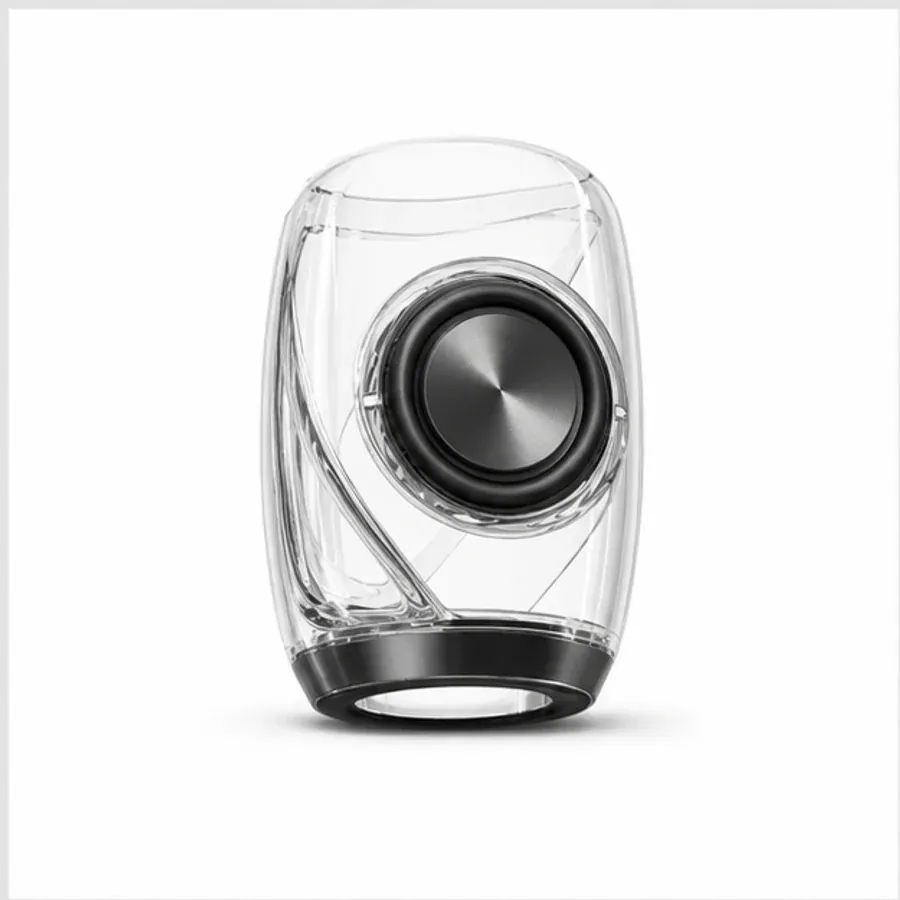
Transparent speaker listing workflow

Electronics · desktop speaker

Transparent speaker listing workflow

Controlled Yito editorial sample using an unbranded reference; not customer work.

View complete proof

Upload an owned product photo

Start with one image you have the right to use. The local checker stays in the browser.

See the credit quote first

Every generation shows the live credit cost before you spend.

Generate a shot or listing set

Create a catalog-ready product photo or a complete listing image set.

Send a private review link

Share one artifact for approval without giving away prompts or billing data.

Popular tools

Explore all tools›
AI Product PhotoListing Image SetShopping Image CheckerObject RemoverMagic EraserAI Background ChangerAI Watermark RemoverVideo UpscalerVideo Background RemoverFace Swap VideoVideo Subtitle RemoverLip Sync AIAI Video ExtenderImage UpscalerBackground RemoverPhoto Face Swap

Models

View all models↗
Seedance 2.0 MiniNewFluid, cohesive multi-shot video outputsKling 3.0CinematicMulti-shot cinematic storytellingVeo 3.1With audioFrame control with native audio-ready generationNano Banana 2NewFaster high-fidelity image generationSeedream 4.5 EditPrecise editsPrecise generation and instruction-led editingVidu Q3 ProProPolished motion for image-led short clipsGrok Imagine Video 1.5ExpressiveExpressive animation for social conceptsP-ImageFastFast, flexible image generation

Explore More AI Features

  • AI Video Generator
  • Text to Video AI
  • Image to Video AI
  • Reference to Video
  • Video to Video AI
  • Photo to Video Avatar
  • AI Video Editor
  • Mimic Motion
  • Face Swap Video
  • Animate a Picture
  • Video Upscaler
  • Motion Control
  • Remove Object from Video
  • AI Video Extender
  • AI Animation Generator
  • AI Voice Generator
  • Lip Sync AI
  • AI Pet Podcast Generator
  • Denoise Video
  • Video Background Remover
  • Video to Anime
  • AI Hug Generator
  • Drunk Dance
  • Earth Zoom In

Questions before you generate

How yito works

Short answers about what you can create, what a generation costs, and what happens when one fails.

What is yito?

yito is an all-in-one browser studio for AI video, image, avatar, audio, and e-commerce visuals. Run production-ready models such as Kling 3.0, Seedance 2.0 Mini, Veo 3.1 Fast, Wan 2.7, Hailuo 3, Nano Banana 2, Seedream 5 Pro, and Grok Imagine from one credit wallet, with an exact credit quote shown before every run.

What can I create in yito?

Text-to-video, image-to-video, reference-to-video, lip sync, talking avatars, video sound effects, AI image generation, photo editing, background/object/watermark removal, upscaling, face swap, plus product shots and listing sets. Every workflow opens in the same studio with one shared credit balance.

Do paid outputs include watermarks or commercial rights? Are you affiliated with model owners?

Paid outputs are delivered without watermarks and are usable for commercial projects under our Terms. Third-party model names belong to their respective owners and are shown for identification only; yito is an independent studio connecting those models under one account.

How do credits and the 3-day refund policy work?

Before every generation, yito shows the exact credit quote for your chosen model, duration, resolution, and output count. If you request a refund within 3 days of a charge and none of its paid credits have been used, that charge is refunded in full; free check-in and referral credits do not count.

What happens if a generation fails? Do I lose credits?

When a generation ends in a qualifying provider or platform failure, the reserved credits are released back to your balance, so a failed attempt does not consume that quote. yito does not re-run a failed task on its own: you start the next generation yourself, and the quote is shown again before it begins.

Are my uploads and results private?

Generation is private by default. Uploads, prompts, and results belong to your account, and a review link shares only the artifact you choose to send, without exposing your prompts or billing data.

Yito.ai© 2026 Yito.ai. All rights reserved.

Models

All modelsVideo modelsImage modelsAvatar modelsAudio modelsHalloween looks 2026

Solutions

PlatformsVideo toolsImage toolsVideo effectsPhoto effectsPhoto skillsCharme dance AIAI product photo generator

Workspace

Brand CampaignsProducts & AssetsProduction HistoryBrand RulesAdvanced OperationsProfileCredits

Legal

PrivacyTermsRefundsCookies

AI & Agent Docs

llms.txtllms-full.txtpricing.mdmodels.md