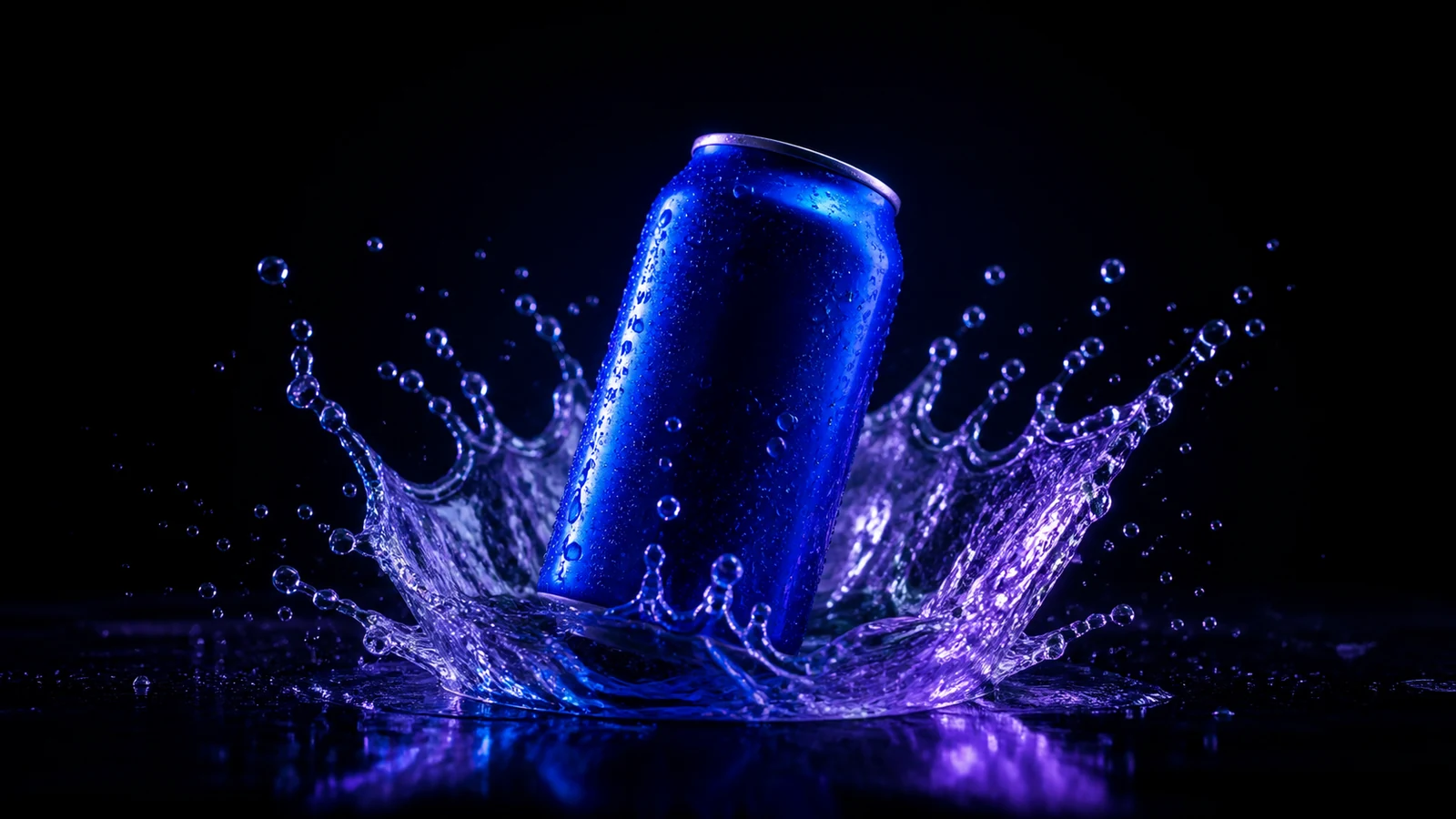
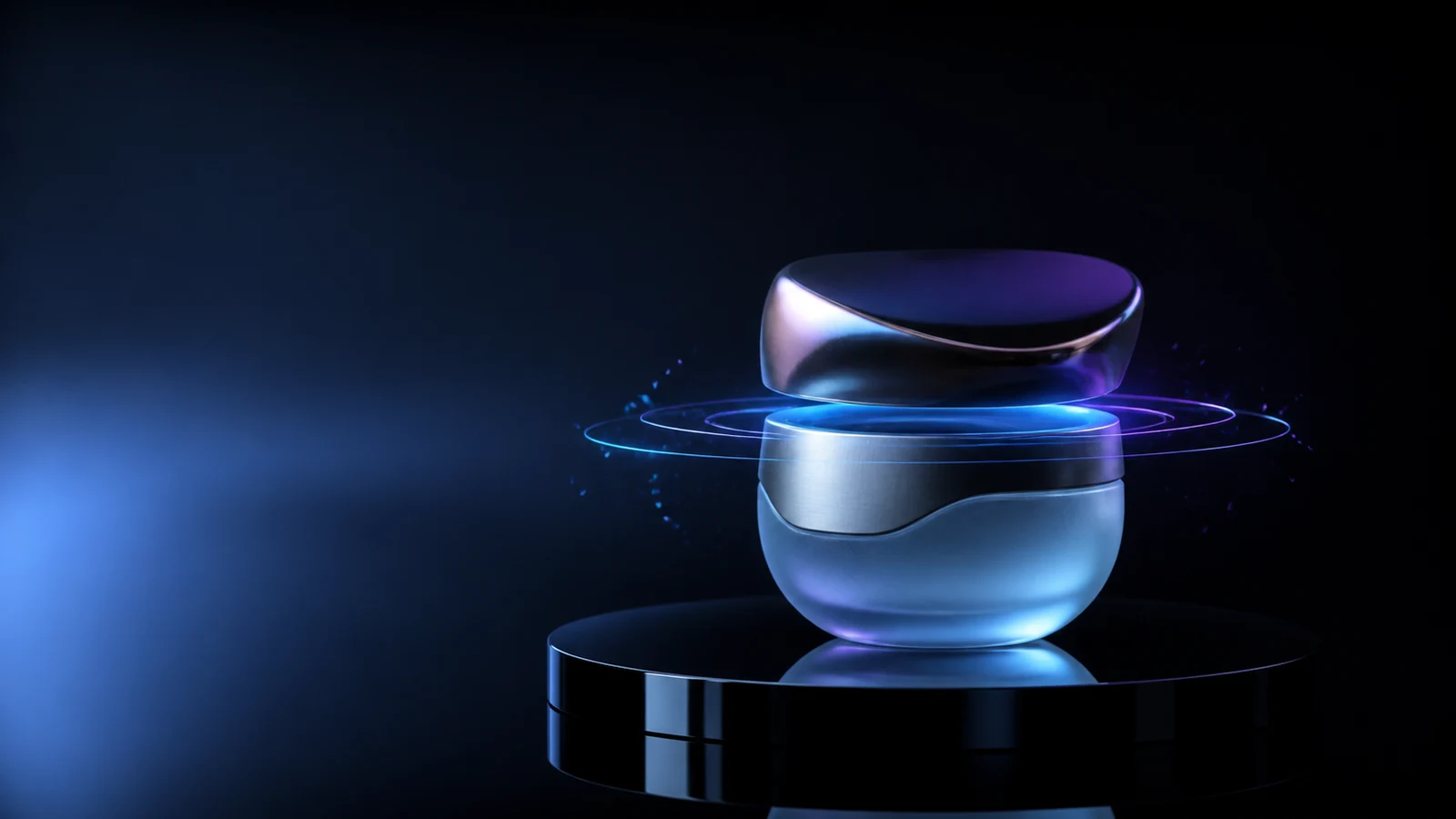
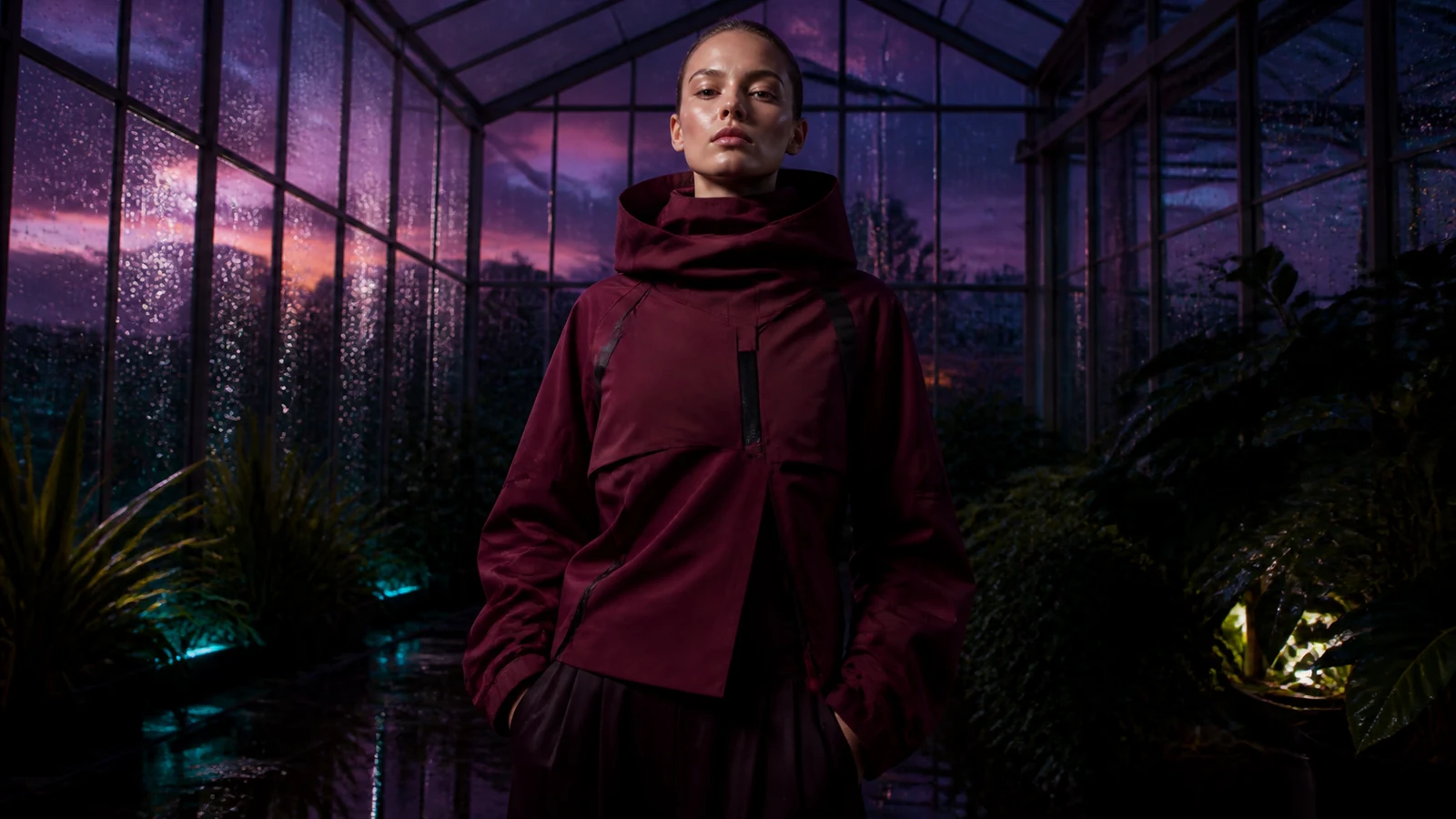
A controlled circular camera move for launches and hero shots.
Starter direction: A premium product rotates slowly on a clean studio pedestal, controlled circular dolly, soft rim light, realistic reflections, smooth cinematic motion.
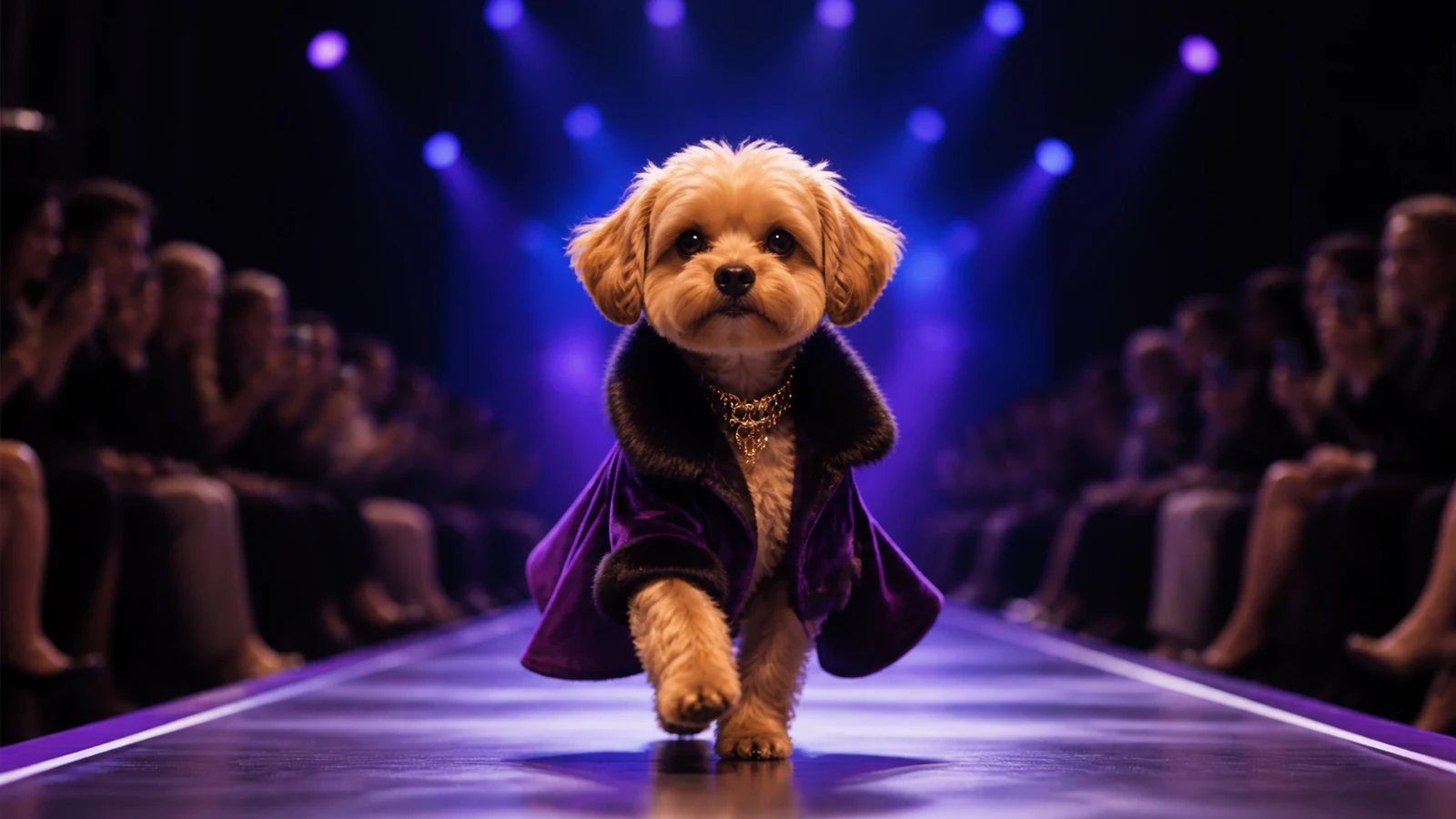
A playful vertical concept with a clear subject and camera path.
Starter direction: A confident pet walks down a miniature fashion runway, soft audience bokeh, centered tracking shot, playful editorial lighting, vertical social video.
A product-first sequence for storefronts and paid social.
Starter direction: Show the product in three controlled studio angles with clean transitions, accurate materials, restrained camera movement, premium commerce lighting.
A direct-response creator structure with a hook and payoff.
Starter direction: Open with a surprising product problem, show the creator using the product naturally, demonstrate one concrete benefit, and finish with a concise call to action.
Rework an existing video clip using reference-guided generation—restyle lighting, shift environments, or produce ad variations without re-shooting raw footage.
Built for real production workflows
Creative ad variations from one shoot
Turn one proven raw clip into seasonal, stylized, or localized variants for paid acquisition testing.
Visual style restyling
Keep the pacing and composition of your reference clip while changing set design, grade, or atmosphere.
Rough cut to polished concept
Use a quick phone capture as motion guidance and render a cleaner commercial aesthetic.
How to generate in 3 steps
Step 1Upload the reference clip you own or are licensed to rework.
Step 2Describe what should change and what must stay consistent, then review the credit quote.
Step 3Press Generate and compare the new clip against your source in your private history.
It opens the reference-video workflow so your source clip guides timing and composition while the prompt directs the new look or environment.
Are my uploaded clips private?
Yes. Uploads and finished videos default to private in your account unless you explicitly share a review link or switch visibility.
Pro & Max · Recurring production
Need weekly video volume, team seats, or batch campaigns?
Pro and Max plans give creators, marketers, and multi-brand teams up to 30,000 monthly credits, shared brand workspaces, commercial rights, and a 3-day full refund if paid credits are unused.
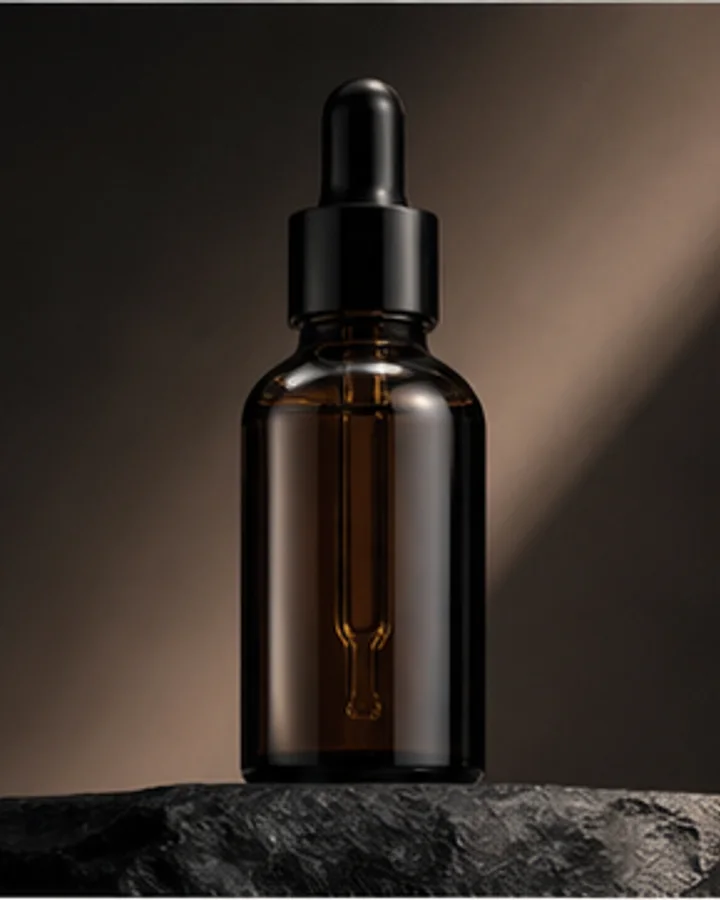
Every clip in this room came out of yito’s own video routes with the same locked prompt: a matte black ceramic cup on a dark stone pedestal. Veo 3.1 Fast, Kling 3.0 and Seedance 2.0 Mini are live now.
Model outputs, not customer work. Availability and pixels can change between runs.
Listing images · Editorial samples
Inspect a product image set before trying your own.
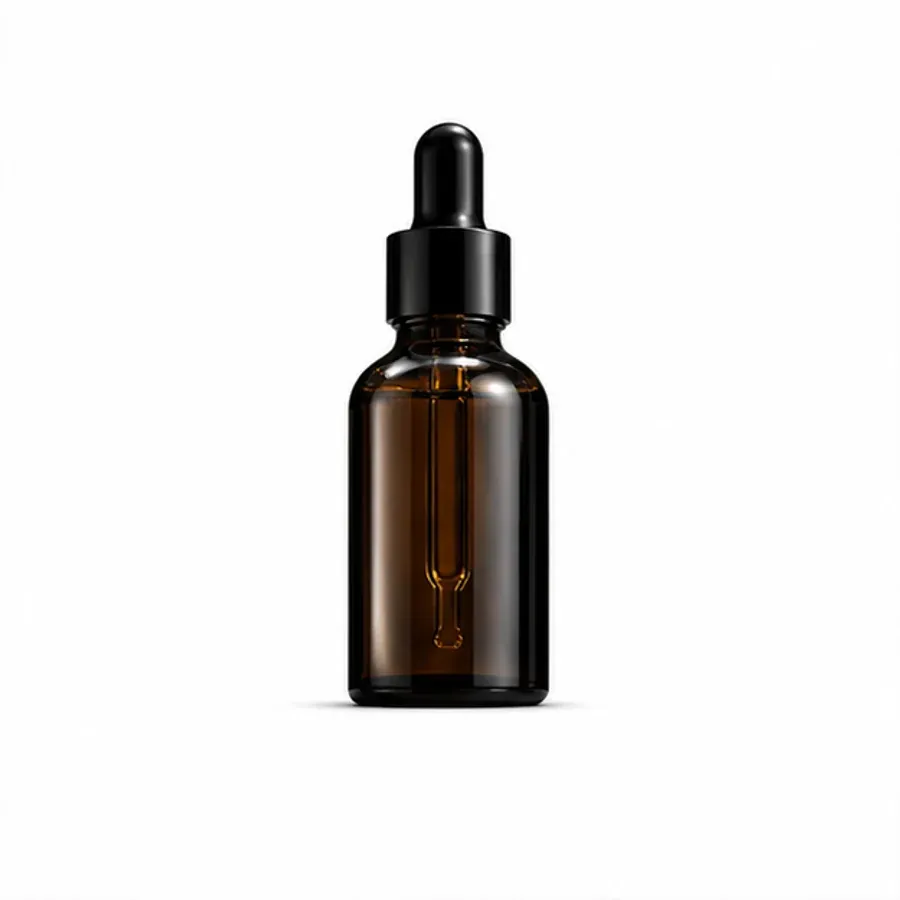
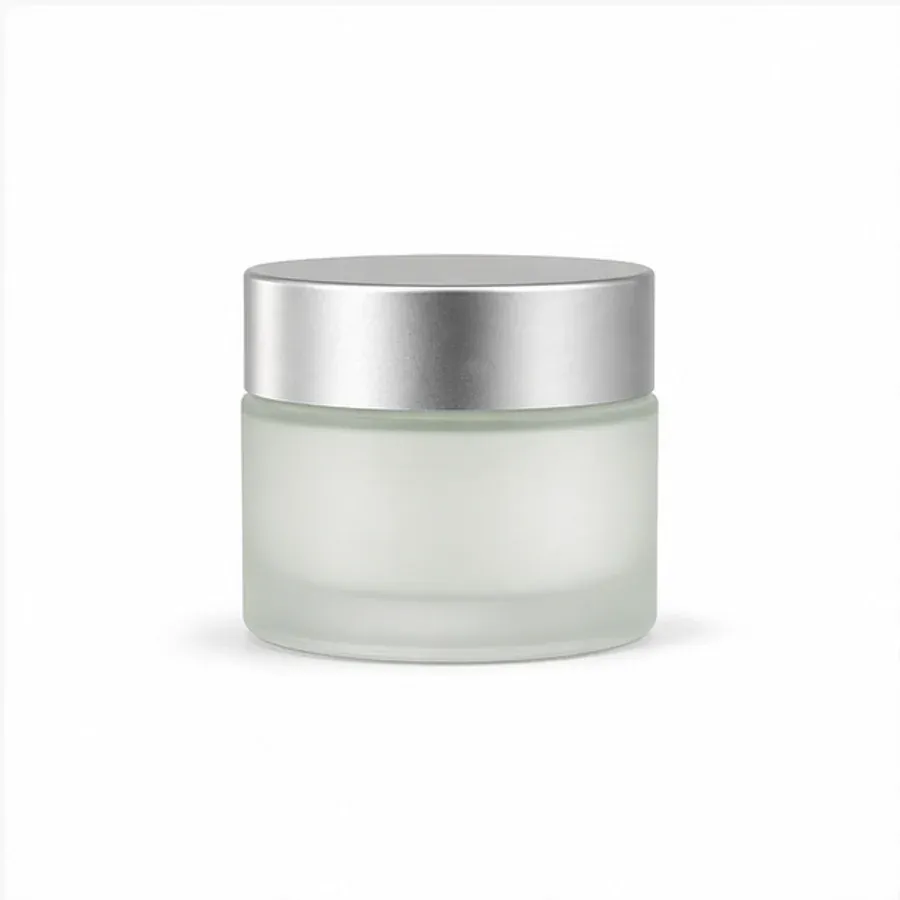
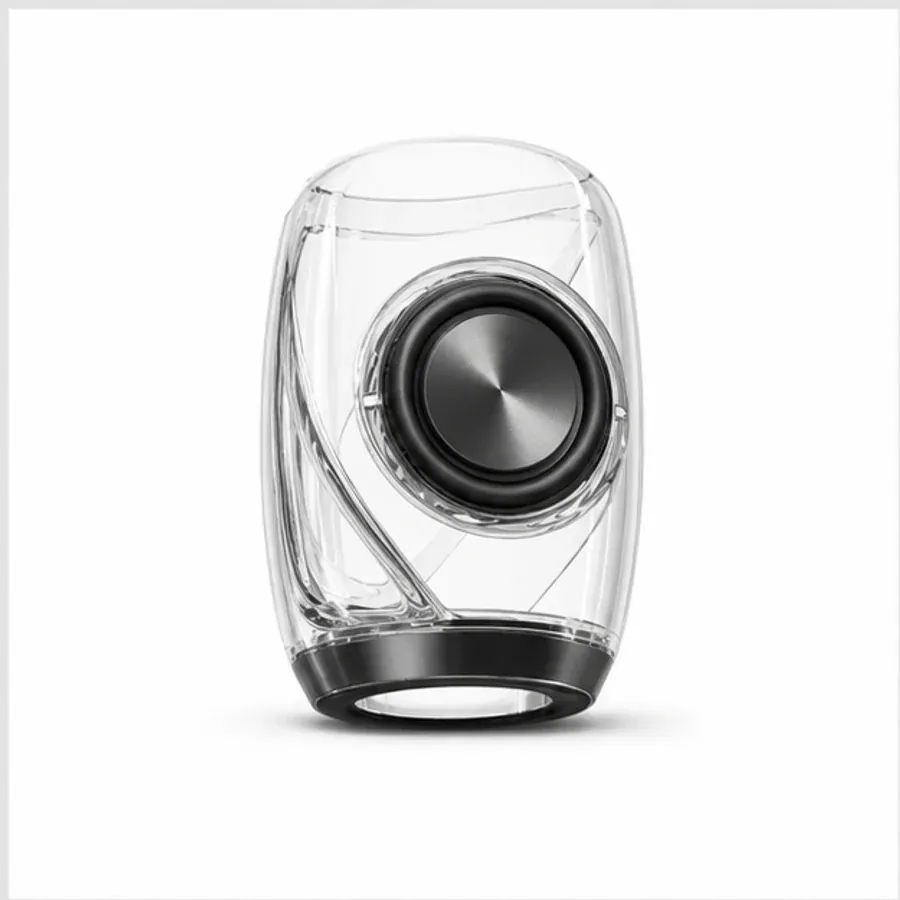
Compare the source with an editorial image set. Open the image workflow, upload your own authorized product photo and review each result before publishing.
Source image
Your next step
Workflow
Listing images
Before generating
Choose your output count and review the live credit quote in Studio.
Credits and generation time are not published for this editorial sample.
This editorial layout assembles existing images; it is not an automatic export or a production reliability benchmark. Check glass, reflections and in-hand details on your own product.
These samples are not customer work. Model availability and output quality can change. Review every result before publishing.
Short answers about what you can create, what a generation costs, and what happens when one fails.
What is yito?
yito is an all-in-one browser studio for AI video, image, avatar, audio, and e-commerce visuals. Run production-ready models such as Kling 3.0, Seedance 2.0 Mini, Veo 3.1 Fast, Wan 2.7, Hailuo 3, Nano Banana 2, Seedream 5 Pro, and Grok Imagine from one credit wallet, with an exact credit quote shown before every run.
What can I create in yito?
Text-to-video, image-to-video, reference-to-video, lip sync, talking avatars, video sound effects, AI image generation, photo editing, background/object/watermark removal, upscaling, face swap, plus product shots and listing sets. Every workflow opens in the same studio with one shared credit balance.
Do paid outputs include watermarks or commercial rights? Are you affiliated with model owners?
Paid outputs are delivered without watermarks and are usable for commercial projects under our Terms. Third-party model names belong to their respective owners and are shown for identification only; yito is an independent studio connecting those models under one account.
How do credits and the 3-day refund policy work?
Before every generation, yito shows the exact credit quote for your chosen model, duration, resolution, and output count. If you request a refund within 3 days of a charge and none of its paid credits have been used, that charge is refunded in full; free check-in and referral credits do not count.
What happens if a generation fails? Do I lose credits?
When a generation ends in a qualifying provider or platform failure, the reserved credits are released back to your balance, so a failed attempt does not consume that quote. yito does not re-run a failed task on its own: you start the next generation yourself, and the quote is shown again before it begins.
Are my uploads and results private?
Generation is private by default. Uploads, prompts, and results belong to your account, and a review link shares only the artifact you choose to send, without exposing your prompts or billing data.



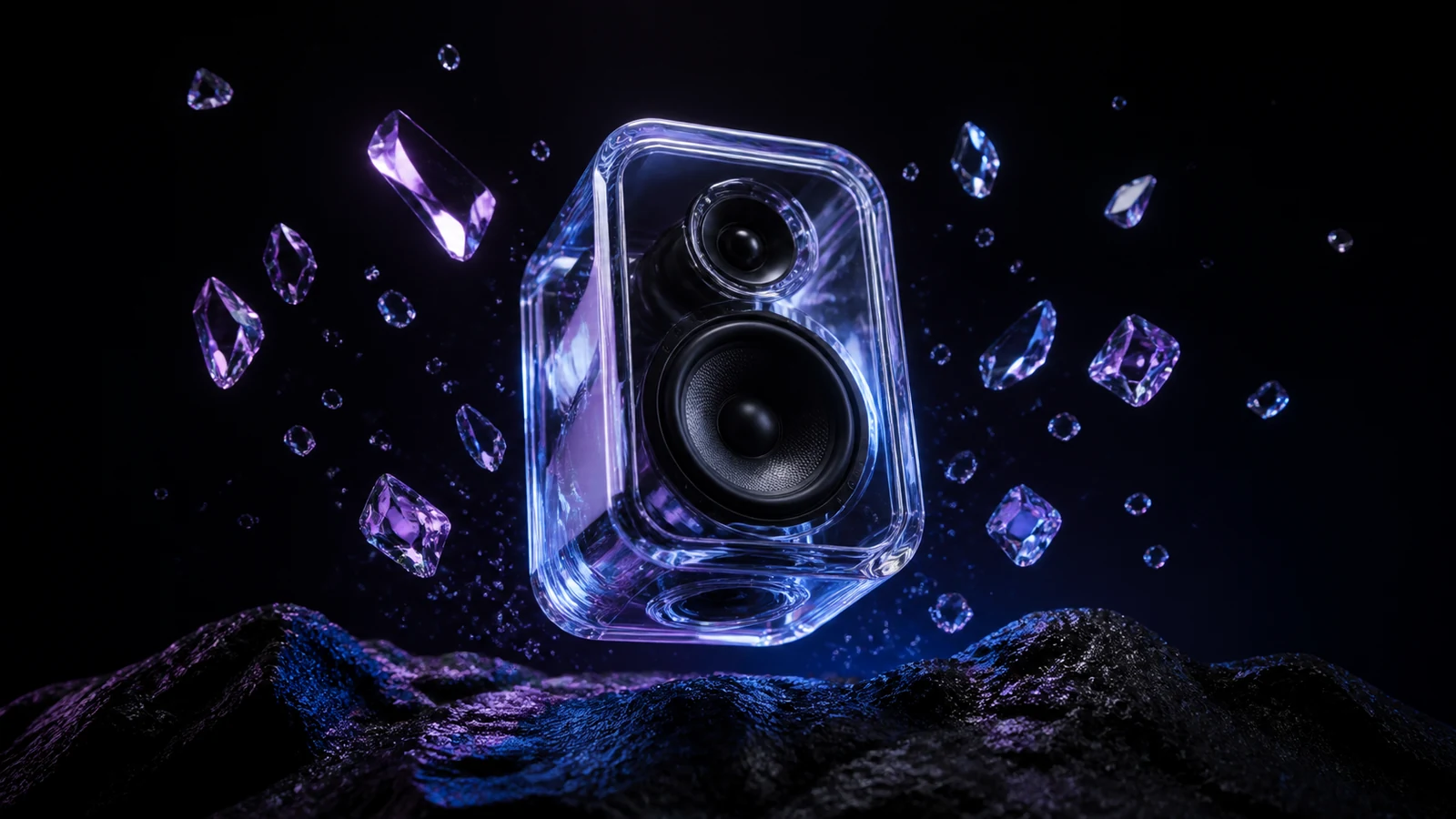 Product motion